
Redesign or Rearrange Your Room Furniture with AI in seconds


Why choose our online furniture arrangement tool?
DecAI makes AI furniture rearrangement simple, fast, and effortless for everyone, helping to improve comfort, traffic flow, and visual harmony with the minimal effort.

Instant preview
Simply upload a photo of your room and get a new furniture layout in less than 30 secs. So, you can preview multiple arrangements in a quite short time, all without moving a thing.

AI automated
Auto read your room’s layout, furniture, traffic flow and existing style, and help to generate an arrangement that feels more open, balanced, and functional, all without manual edits.

Pro-level optimization
Auto follow the room function, human ergonomics and home interior design principles like balance, natural light, and room flow to reorganize your room like a Pro interior designer.

Only furniture moves
DecAI changes where your furniture goes. Your walls, windows, doors, decor, and artwork in your room or office stay exactly the same.
Also keep refining in the smartest way
The first furniture layout is just a starting point. Once it’s generated, you can keep refining your room or office in two ways:
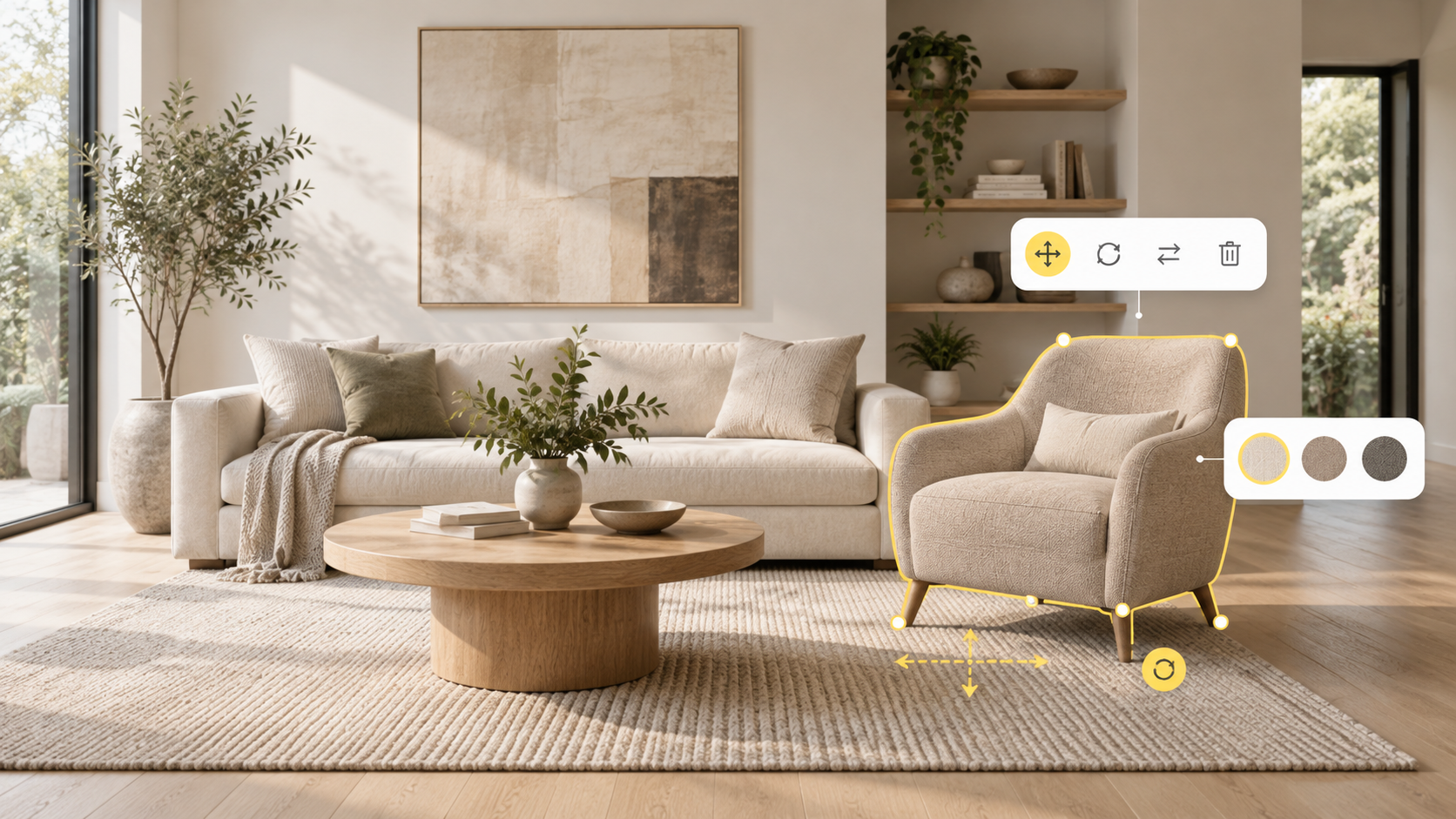
Edit it yourself
Click Edit to adjust furniture, walls, floors, or even design style, all without regenerating the whole room and losing the layout you already like.
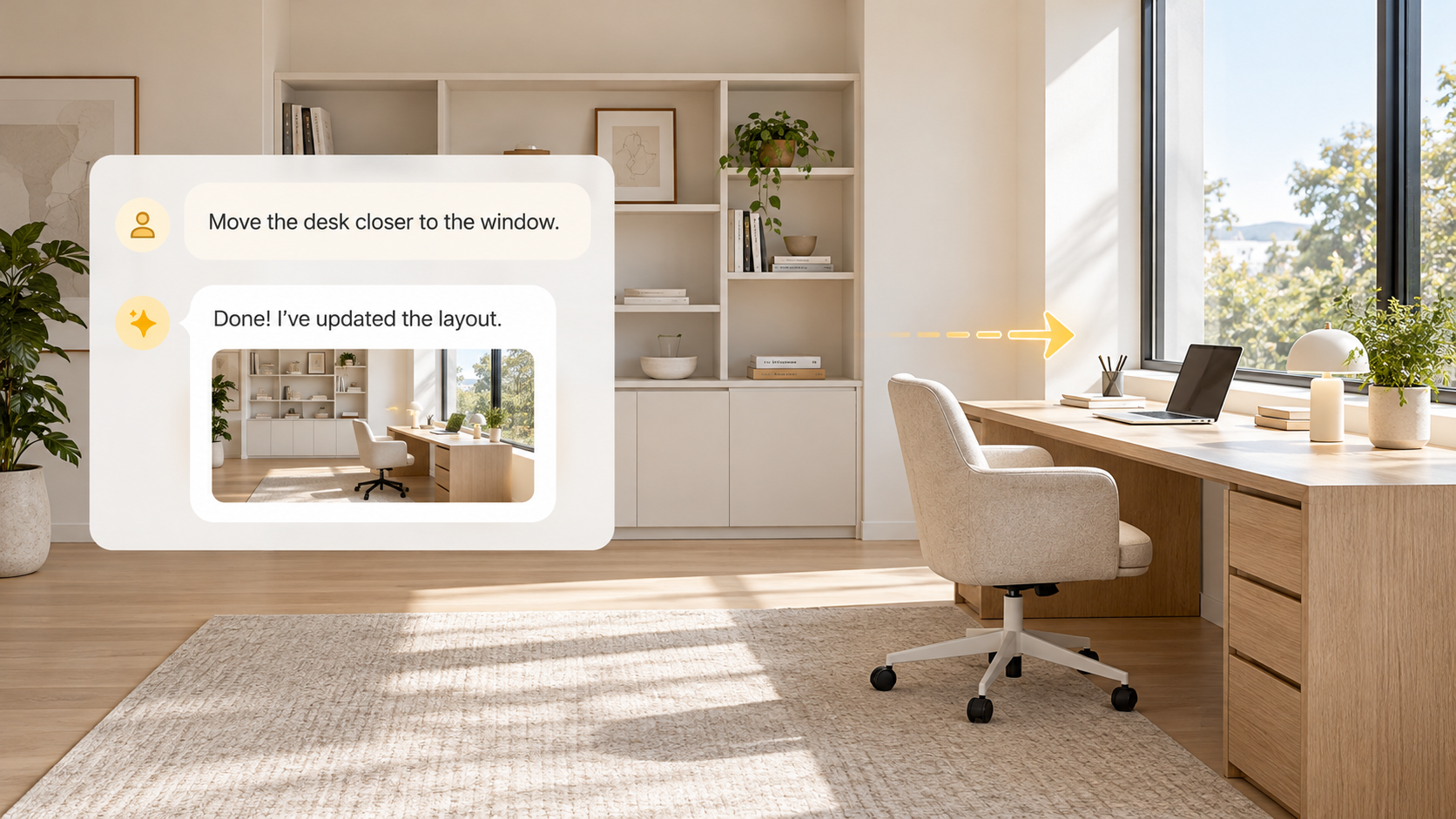
Ask AI agent
Ask the smart AI Designer and type what you want in plain words, like “move the desk closer to the window” or “try the sofa on the other wall,” and keep chatting until it feels right.
How to rearrange your room virtually in simple 3 steps?
All you need is 3 simple steps to quickly rearrange your room or office furniture for optimal living, working, or entertaining.
Upload room photo
Upload a clear photo of your home or office you want to rearrange.
Generate new layout
Click “Generate,” and DecAI auto reads the room layout, furniture, and existing style, then creates new layout previews in seconds.
Refine & share
Fine-tune details like walls, floors, or furniture, then share the result with family, movers, or designers with just one click.



When will you need to our furniture arrangement AI?
From refreshing your living room to optimizing your office layout, DecAI helps you find a better layout solution whenever your space isn’t working the way you’d like:

Refresh a room without buying anything new
Open up a living room that feels cramped
Improve everyday traffic flow and comfort
Adapt your space for a new baby, pet, or playtime
Reorganize a room or office for a new use
Set up a more functional home office
Find a better layout for a shared space
Get your home ready before listing
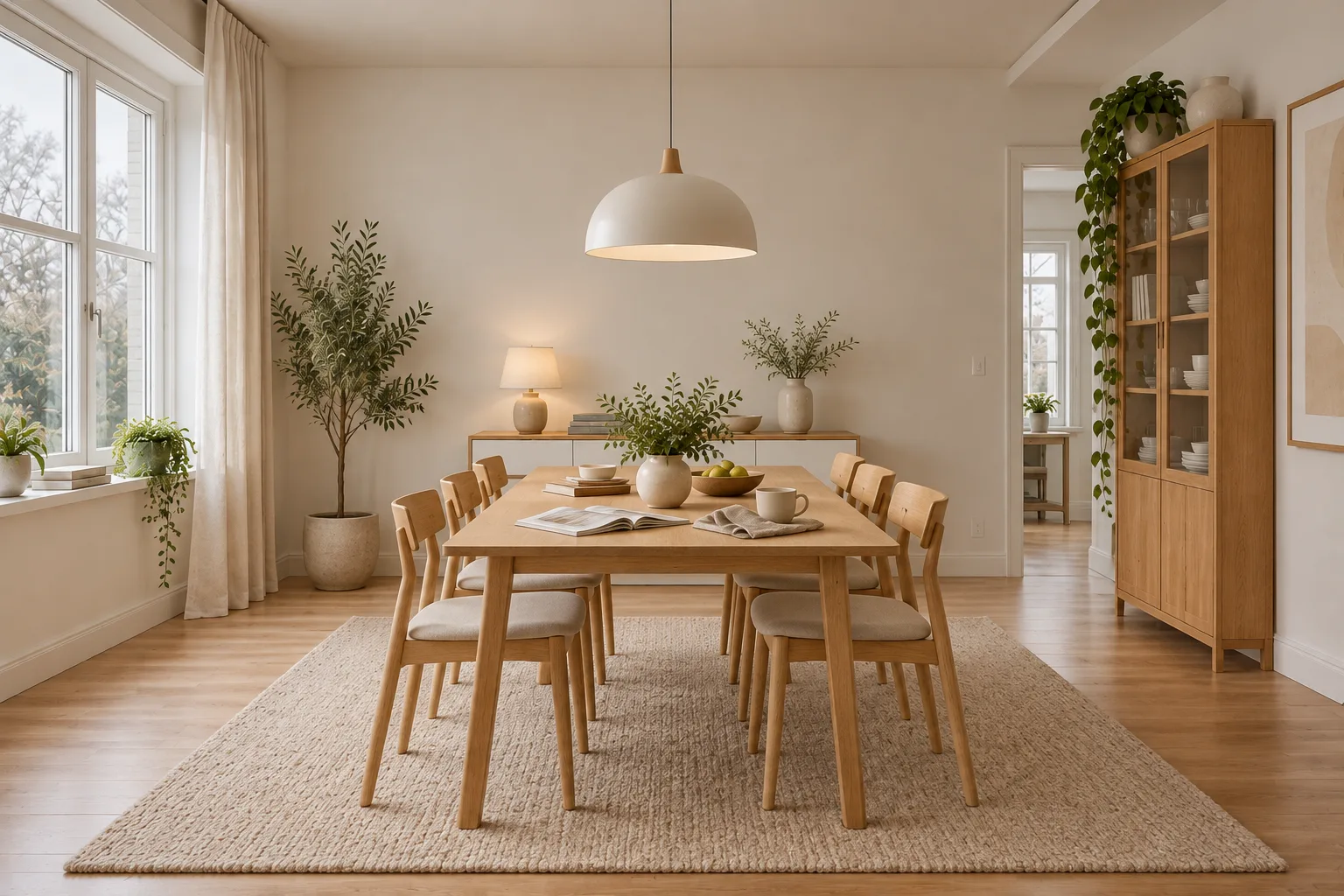
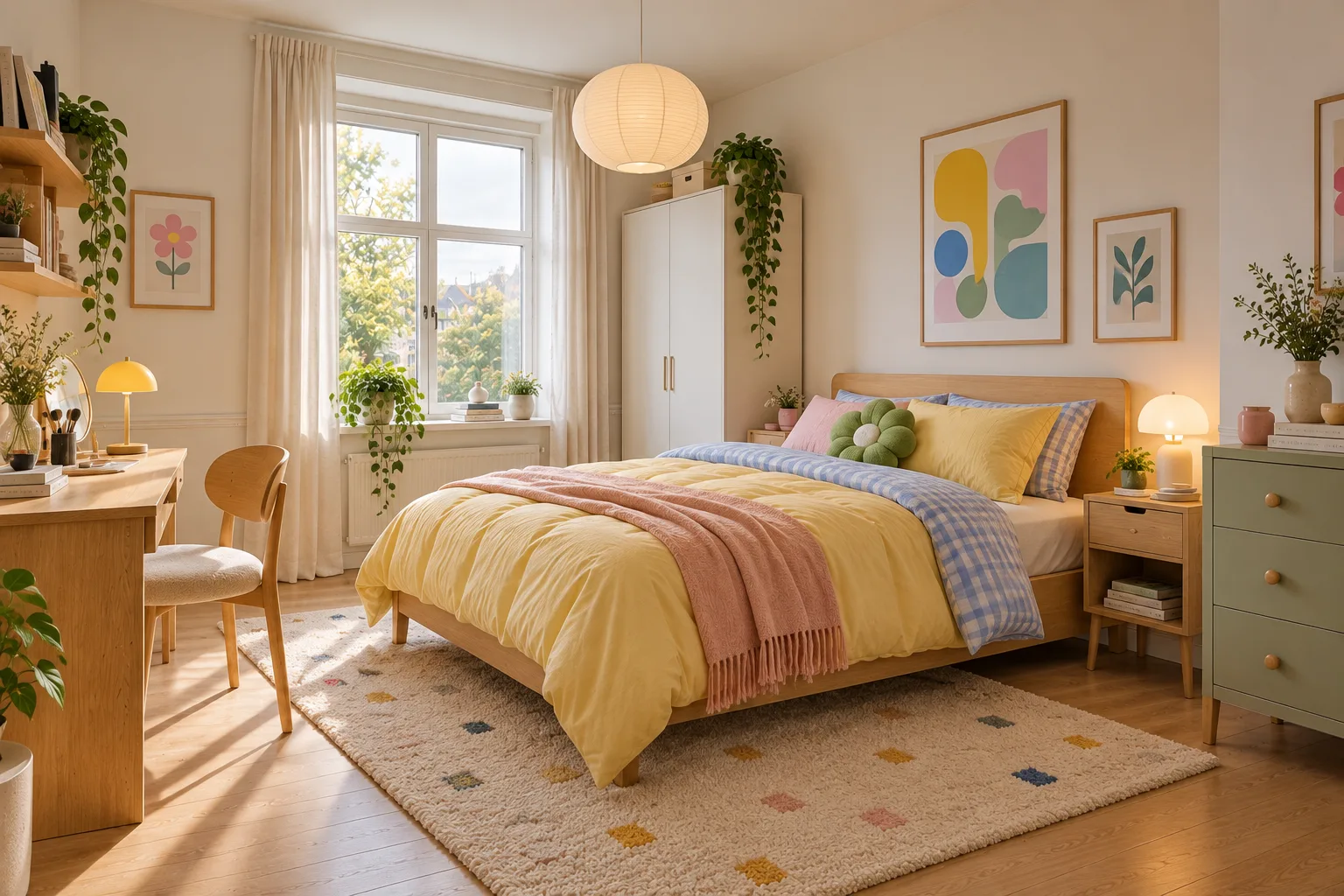
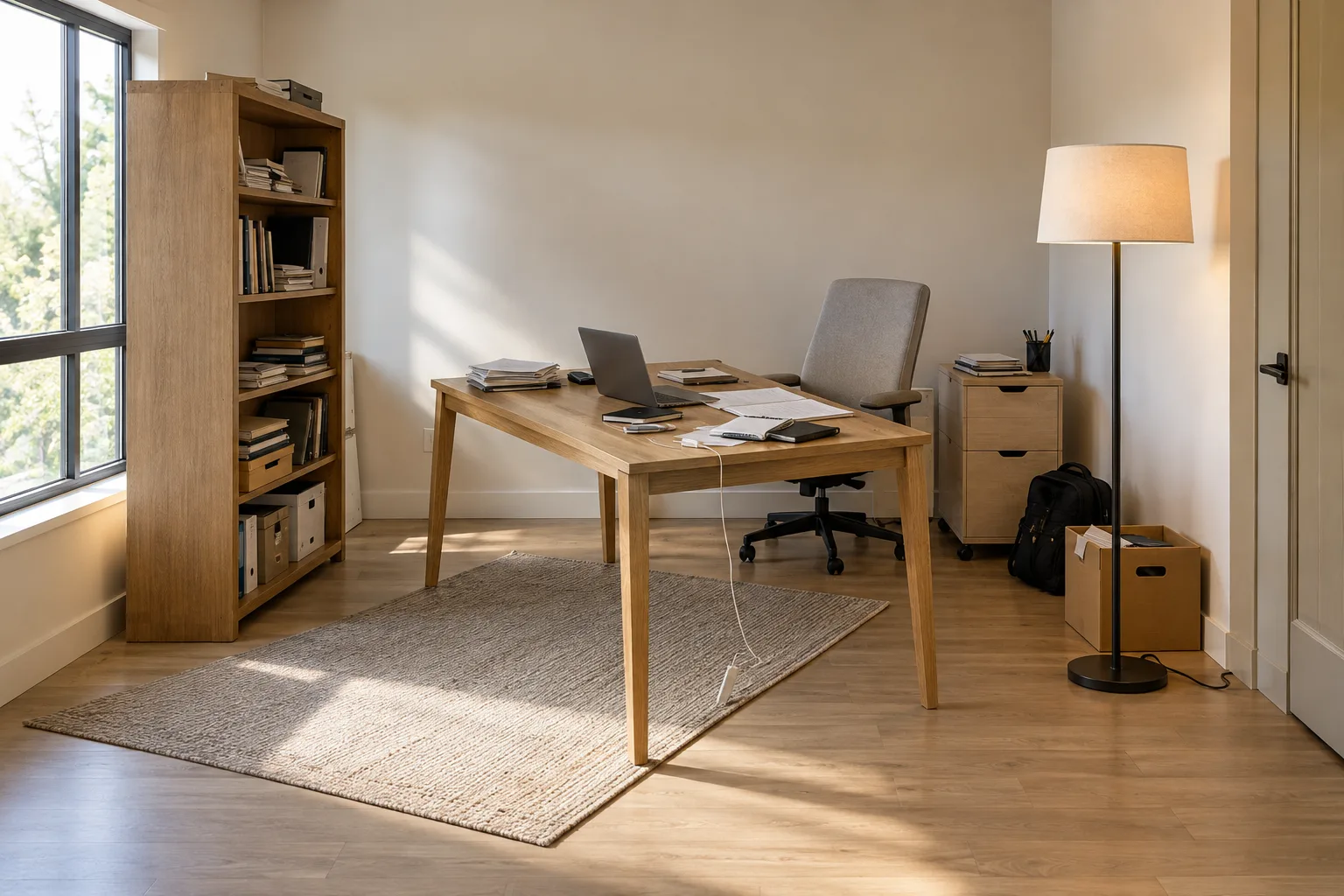
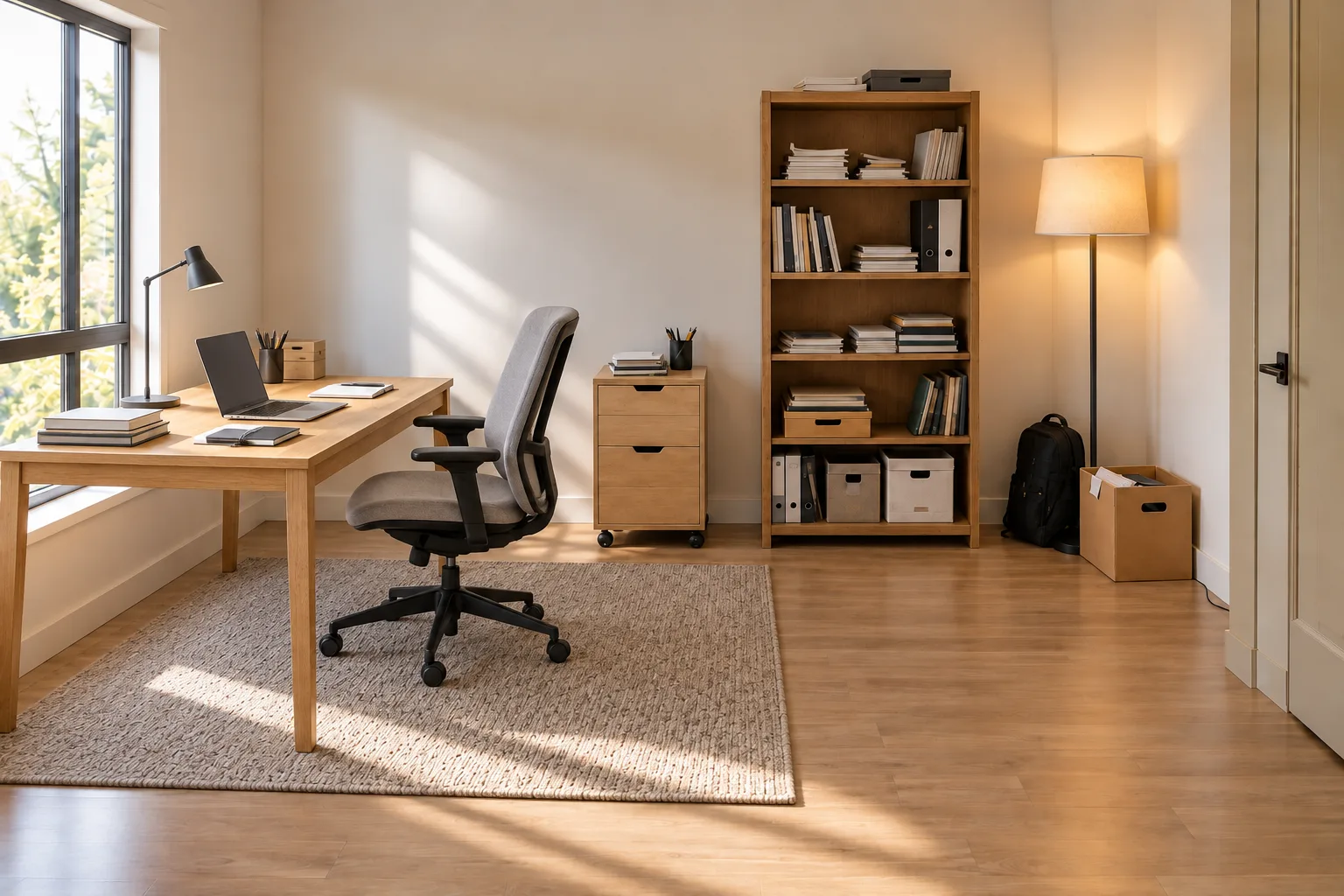
AI furniture rearrangement ideas & examples
Let’s explore more AI furniture rearrangement ideas and real-life examples, from living rooms and bedrooms to home offices, dining rooms, apartments and more.
 Before

 After
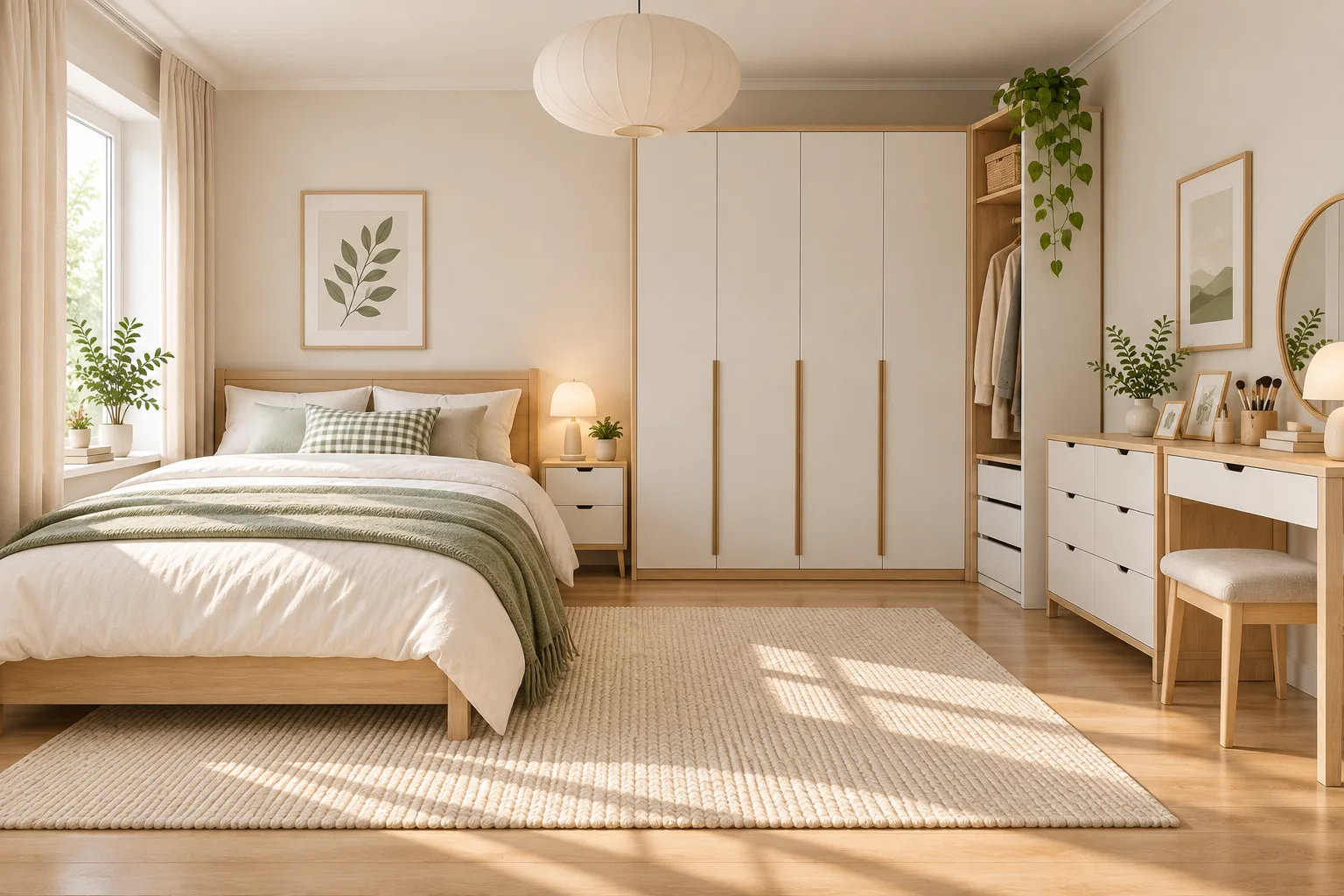 Before
 After
 Before
 After
 Before
 After
 Before
 After
 Before
 After
Unleash the full power of DecAI
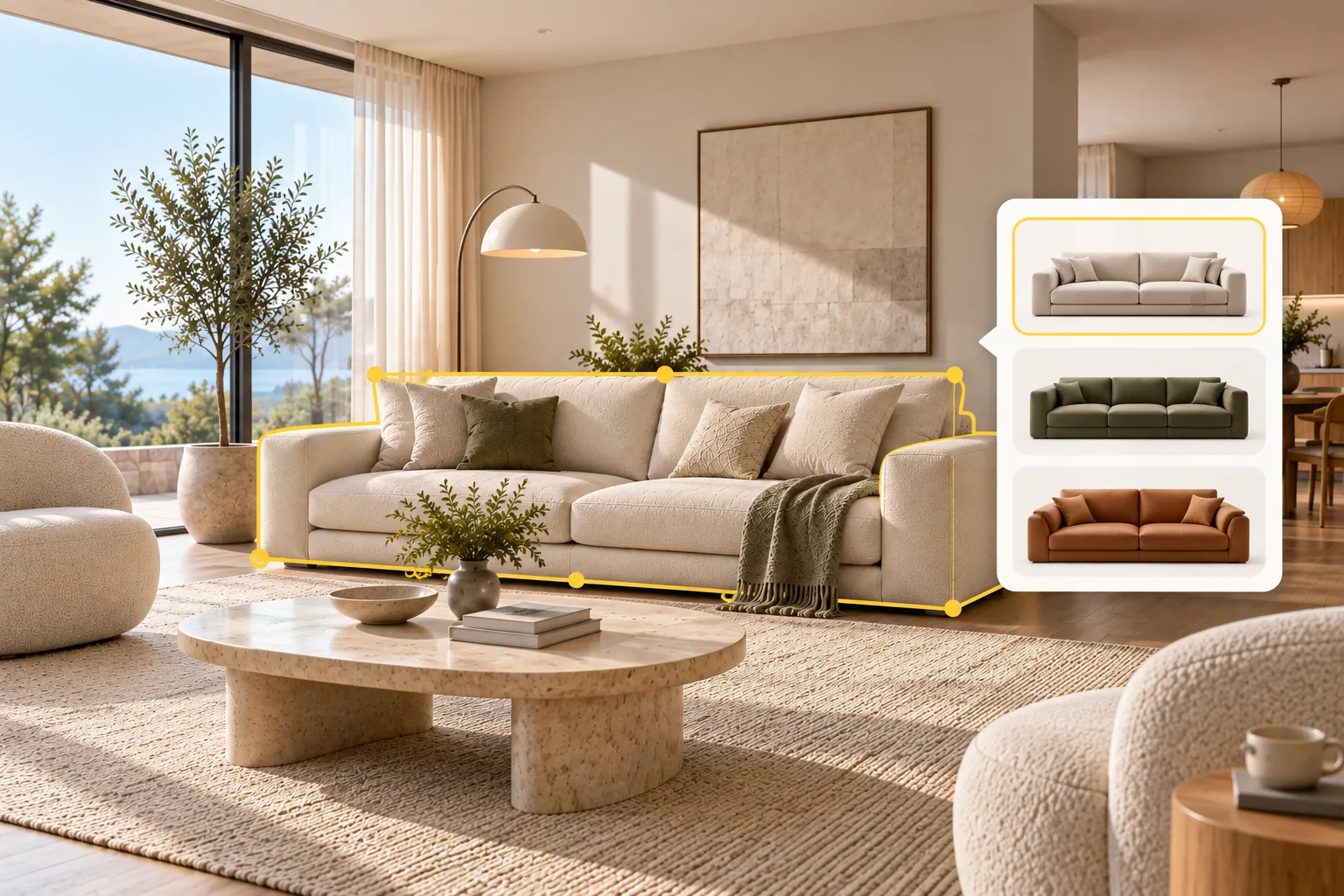
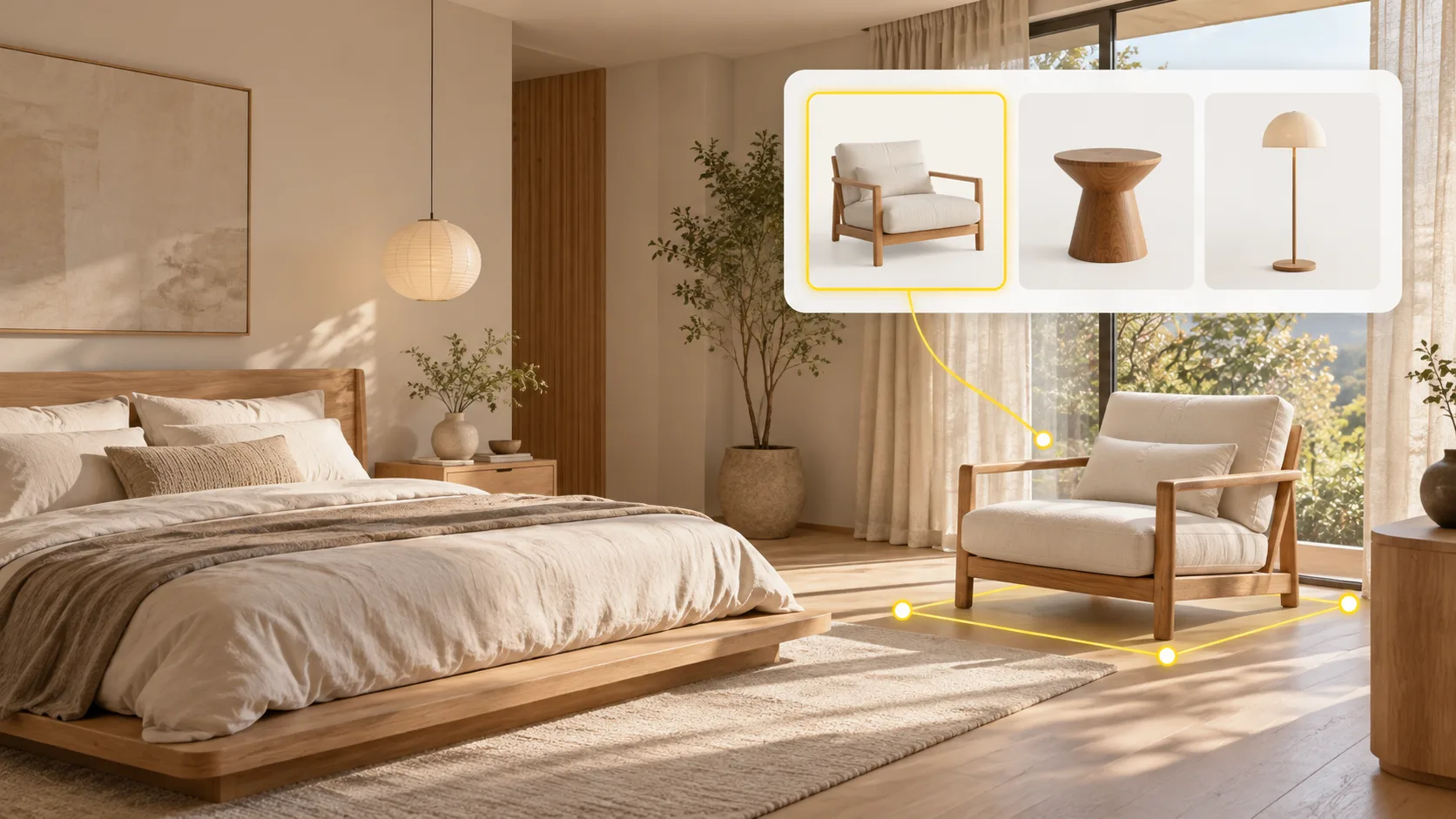
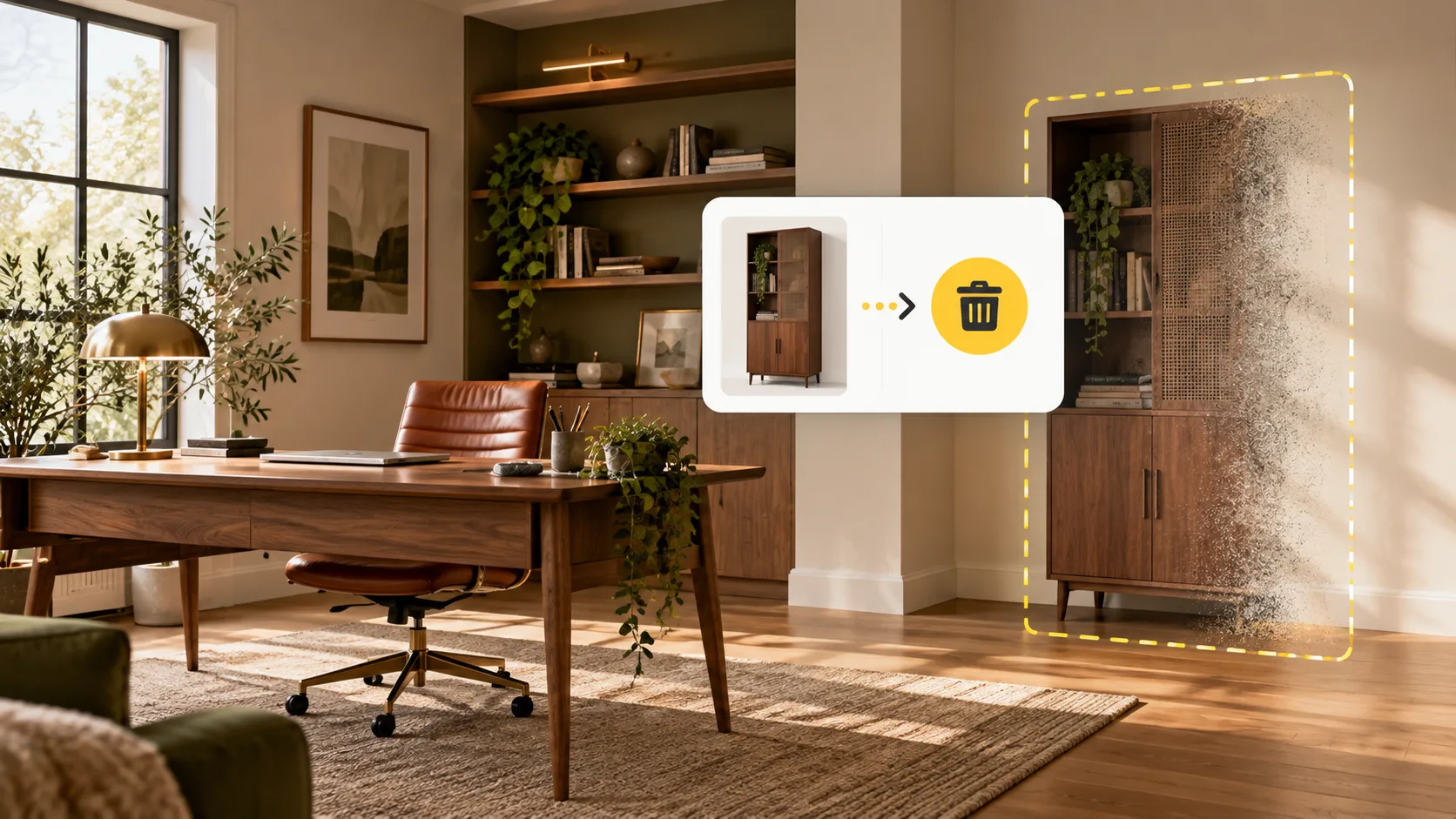
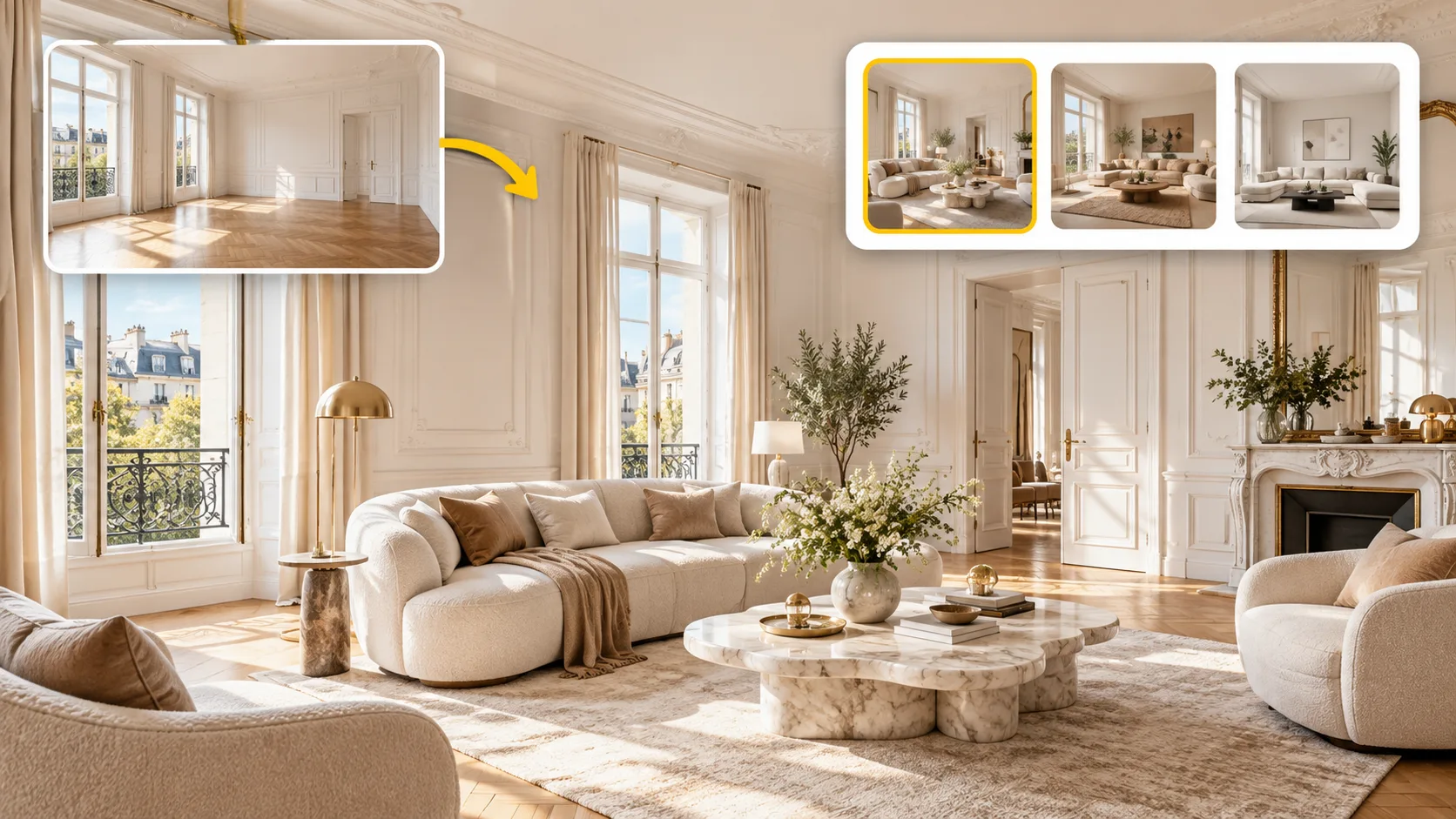
As an all-in-one home or office redesign platform, DecAI helps to not only replace, add or remove furniture, and also covers all possible home or office design possibilities, from interior makeovers to exterior redesigns. No need to switch between different tools anymore.




Reorganize your room furniture with DecAI right now
Join 41M+ users and teams worldwide. Rearrange your furniture in seconds with DecAI, directly on the web or through our iOS and Android apps.


iPhone
DecAI puts powerful capabilities right in your pocket and is compatible with iPhones running iOS 14 or later.
Download for iPhoneFrequently asked questions about DecAI furniture rearrangement
1. What is DecAI Furniture Rearrange? How does it work?
2. Is it suitable for any type of room?
3. Is there an app that helps to rearrange your furniture?
4. Can this AI really help rearrange my room?
5. Is a website where you can virtually rearrange your room?
6. Can I focus on only layout and furniture, not decor or something else?
7. Do I need design experience to rearrange the furniture with DecAI?
8. Can I further edit the suggested furniture layout?
9. Can I download and share the new furniture layout with others?
What our users says
From first-time homeowners to design professionals, let's hear what our users have to say about DecAI!
Emily
Homeowner
"I was getting tired of my living room layout but didn't want to buy anything new. DecAI showed me a different way to arrange my sofa and chairs, and it actually gave me a few ideas I hadn't thought of."
Brooks
Apartment renter
"My apartment is pretty small, so moving furniture around is always a hassle. I uploaded a photo just to see what was possible. It was nice being able to try a new layout without dragging everything across the room first."
Sophia
Designer
"Sometimes clients just need to see a different arrangement to understand what I'm suggesting. Being able to show them a quick visual makes those conversations so much easier."
James
Office worker
"I never really liked where my desk was positioned, but I wasn't sure what else would work. DecAI gave me a fresh perspective on the room. Simple idea, but surprisingly useful."