DecAI furniture replace

Restyle or Replace Furniture in Your Home with AI Free

Replace, restyle, or refresh furniture in your home photos—from sofas and beds to lights, décors, and even outdoor architectures—to test your home design ideas in just seconds.
41M+
active users
170+
countries
4.6+
popularity rating
18.4M+
downloads
Reimagine your home or furniture without remodeling
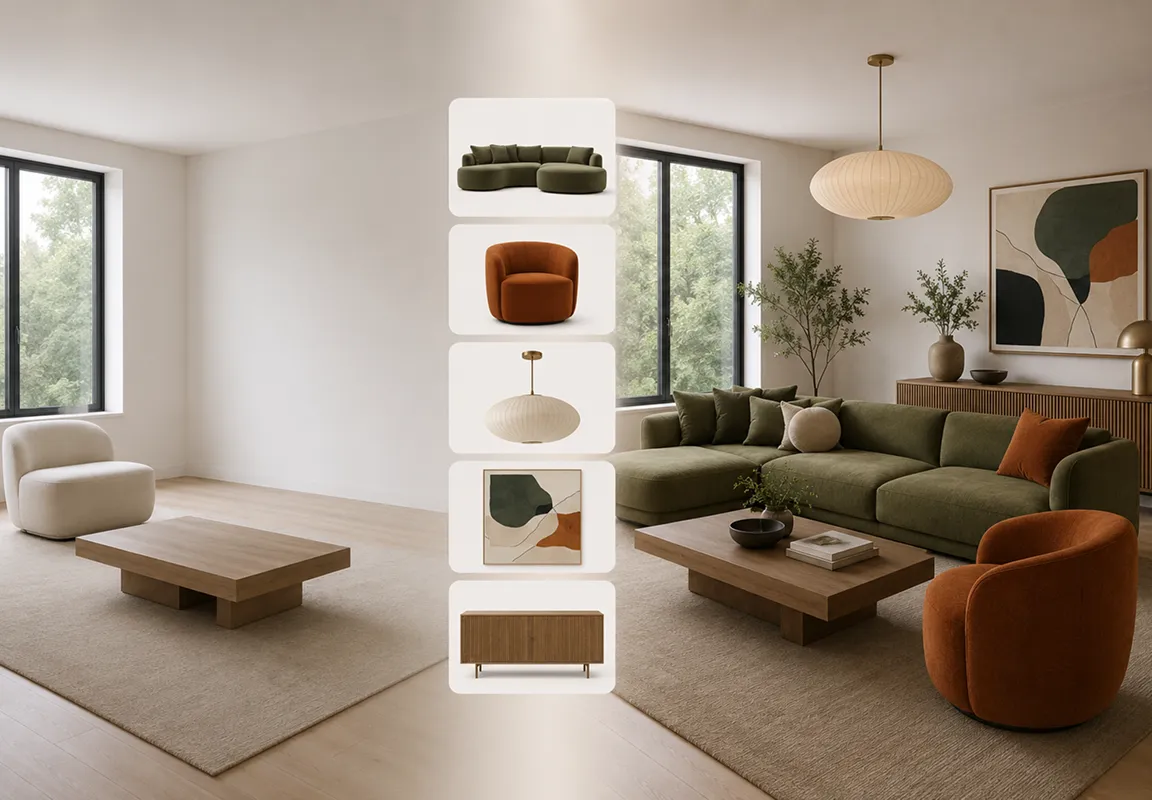
Simply upload a photo of your space and instantly restyle, replace or update sofas, chairs, tables, artwork, plants, or even outdoor oases with AI. Quickly explore your interior and exterior ideas visually before making any real-world changes.
Reimagine your home or furniture without remodeling
Two ways to personalize your furniture and decor
Brush over the area you want to change, then either describe your furniture ideas with text prompts or upload a reference photo of furniture, décor, or a full scene. DecAI brings your vision to life instantly—exactly the way you imagine it.
Two ways to personalize your furniture and decor
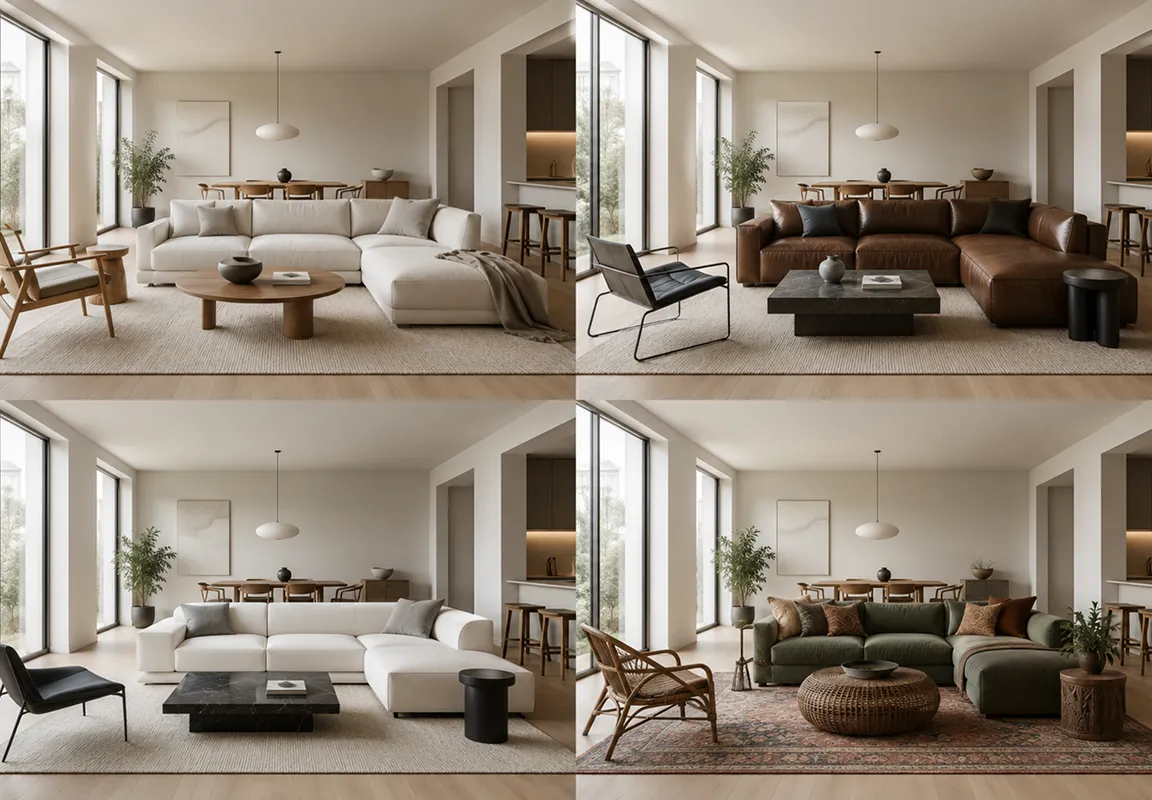
Different colors, textures & styles at your fingertips
Experiment with diverse colors, materials and styles right at your fingertips. Simply click or enter a text prompt to test various combinations, and lock in the one that best fits your personal preferences and taste.
Different colors, textures & styles at your fingertips

Why to use DecAI Furniture Replacement Tool?

DecAI makes AI furniture replacement and restying super easy and fast.
All possible furniture & decors

All possible furniture & decors

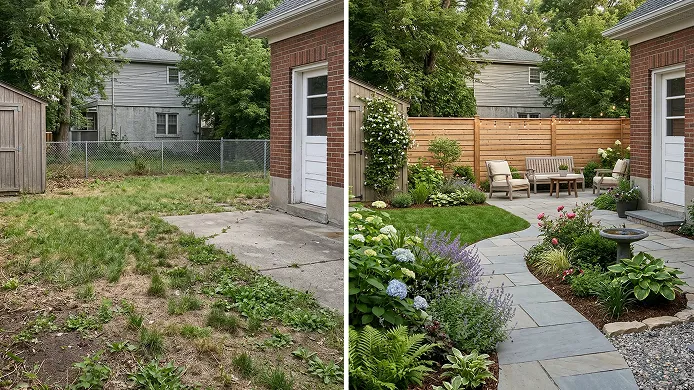
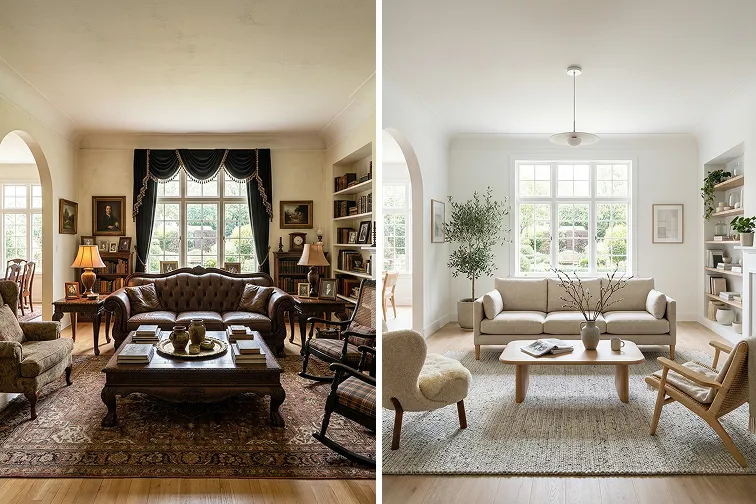
Virtually replace furniture, décor, plants, artwork, and even outdoor structures like oases and fountains. Instantly test new space design ideas in seconds, no extra effort.
Replace only what you want

Replace only what you want

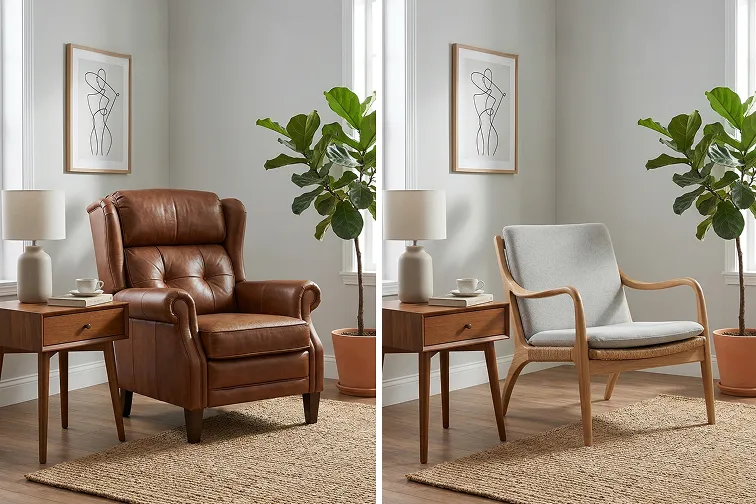
Wanna change the bed or light only? Simply paint over the object and swap it with your preferred material, color, or style. No overprocessing. Everything stays exactly as you want it.
Fully customizable

Fully customizable

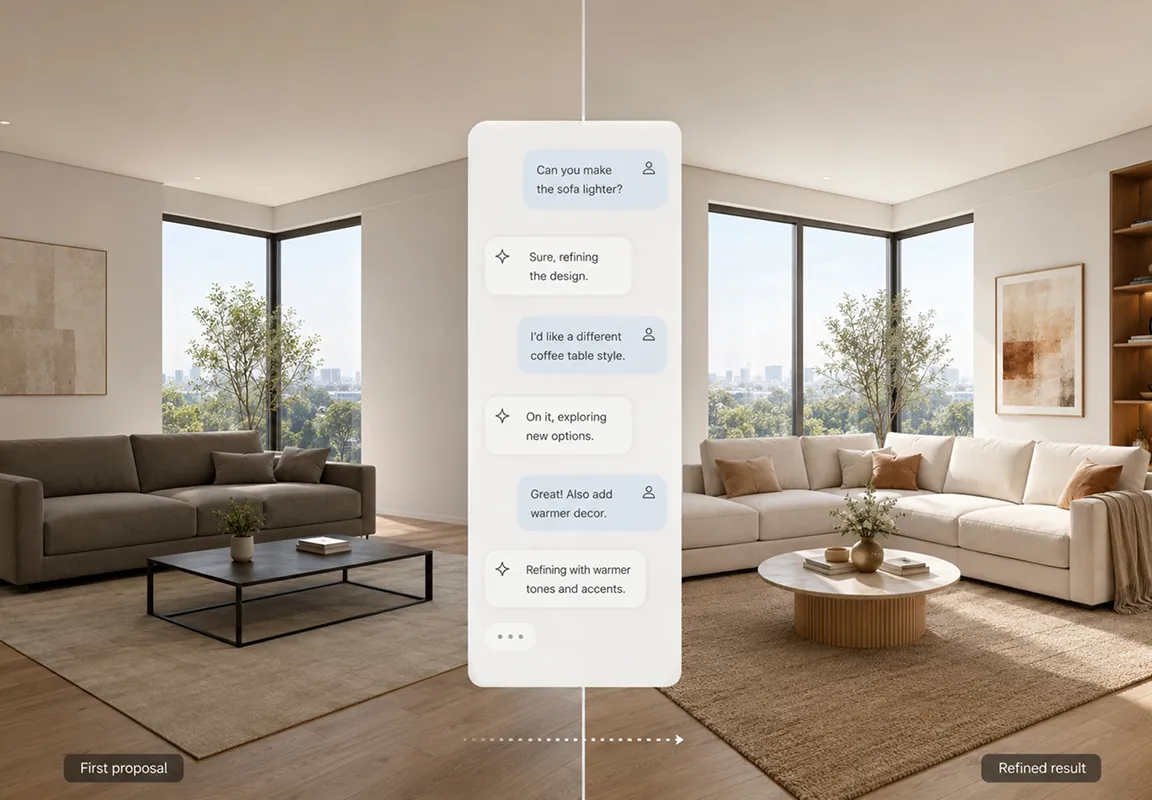
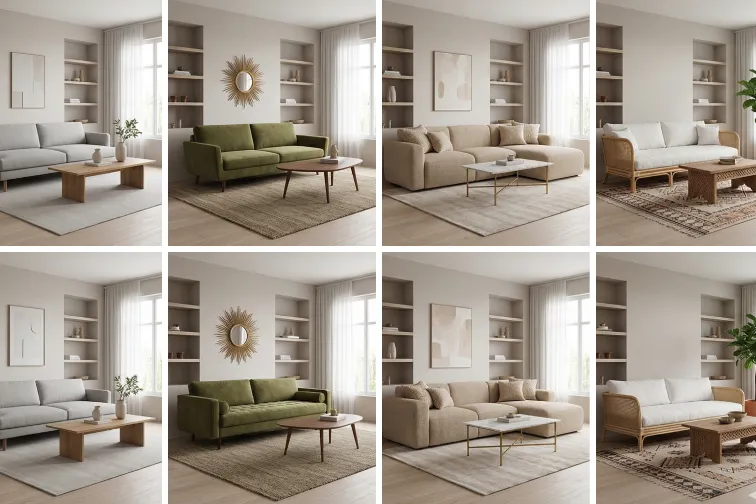
You’re always in full control. Fine-tune your text prompts or upload reference photos to make sure every detail of your design idea is captured exactly the way you want.
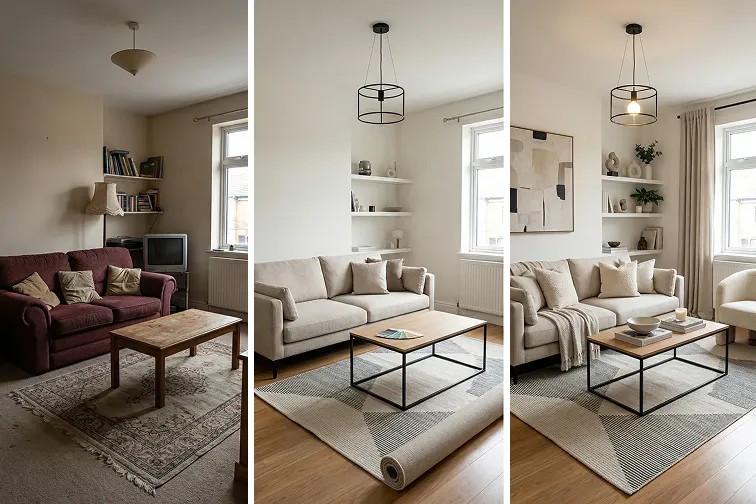
All in 30 seconds

All in 30 seconds

With the aid of the smart AI, replace or refresh furniture in your room photo in just 30 seconds, no more hours or days as you do with traditional home design tools.
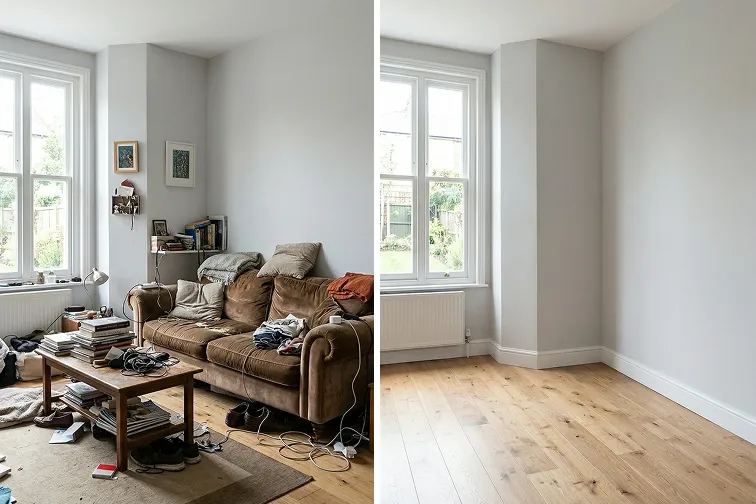
Instant junk furniture remover

Instant junk furniture remover

Remove outdated or unwanted furniture from your photo in just a few clicks, then replace it with fresh pieces to instantly upgrade your space.
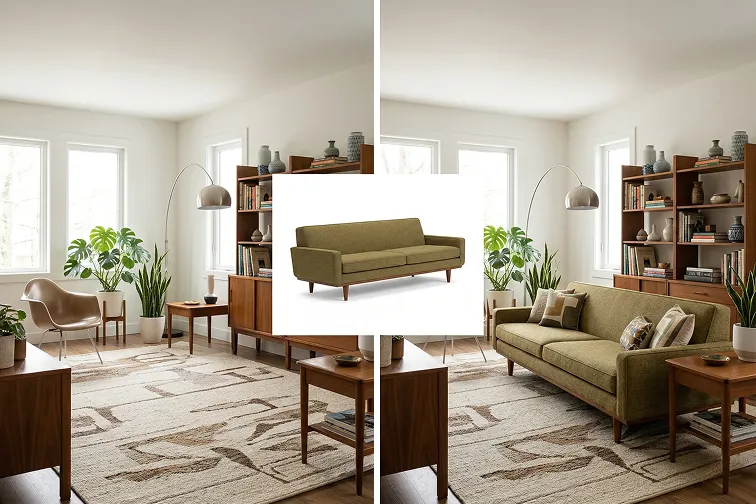
Perfect AI furniture generator

Perfect AI furniture generator

Instantly visualize any type of furniture you have in mind, even the newest ones, and see if it fits your space, layout and personal taste before any purchase.

Replace your furniture in 3 steps
image-up
01
Upload your photo
Upload a clear photo of your indoor or outdoor space.
lightbulb
02
Select furniture
Brush over the furniture or the object you want to replace or restyle.
radar
03
Customize & generate
Type your needs or add a reference image, and let AI generate the new look.
01
02
03
Get started for free

Simple prompt guides for you

Not sure about how to prompt for better results? Follow these simple do’s and don’ts:

Dos

Be specific about the furniture or object

Describe style, material, and color clearly

Keep prompts short and focused

Focus on one area at a time

Don'ts

Don't use vague words

Don't expect structural changes, like scale, size or position change

Examples

"Replace the sofa with a modern beige fabric sofa with clean lines."

"Change the dining table to a light oak wood table in a Scandinavian style"

"Change the blue pillow on the sofa to a red, fluffy fabric pillow."

See AI furniture replacement examples

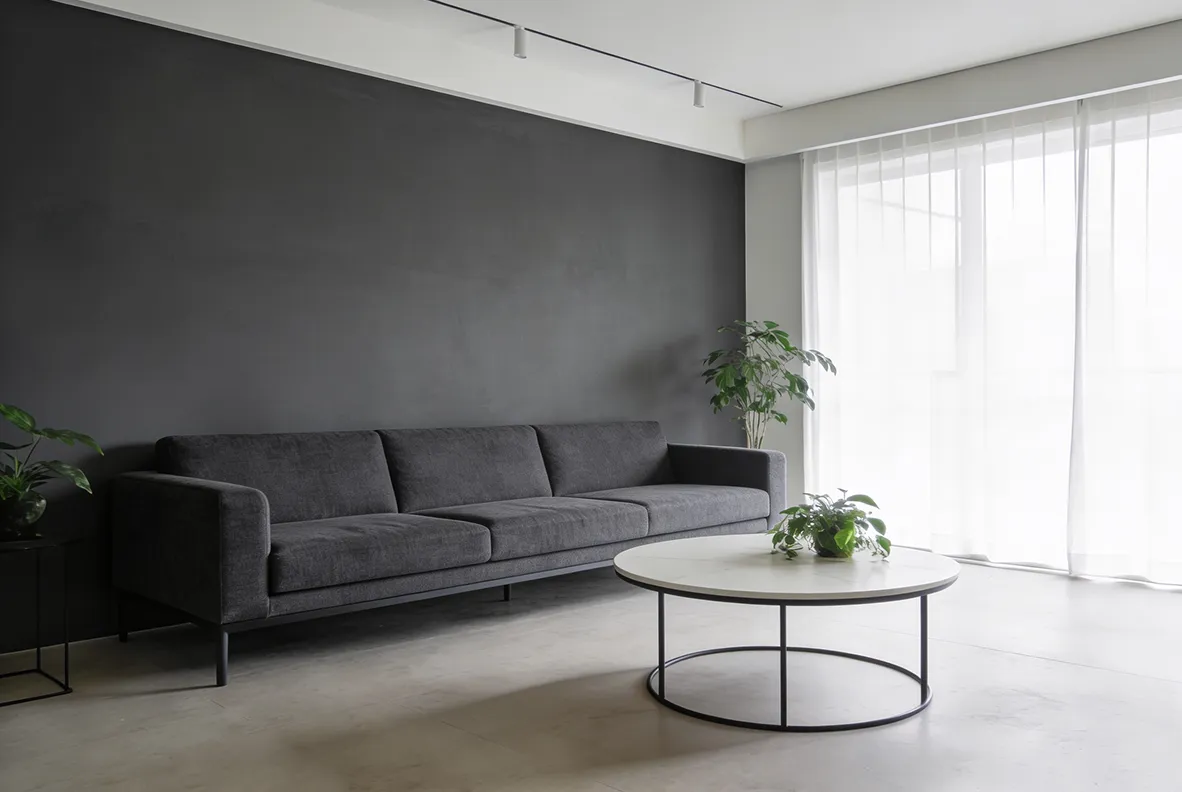
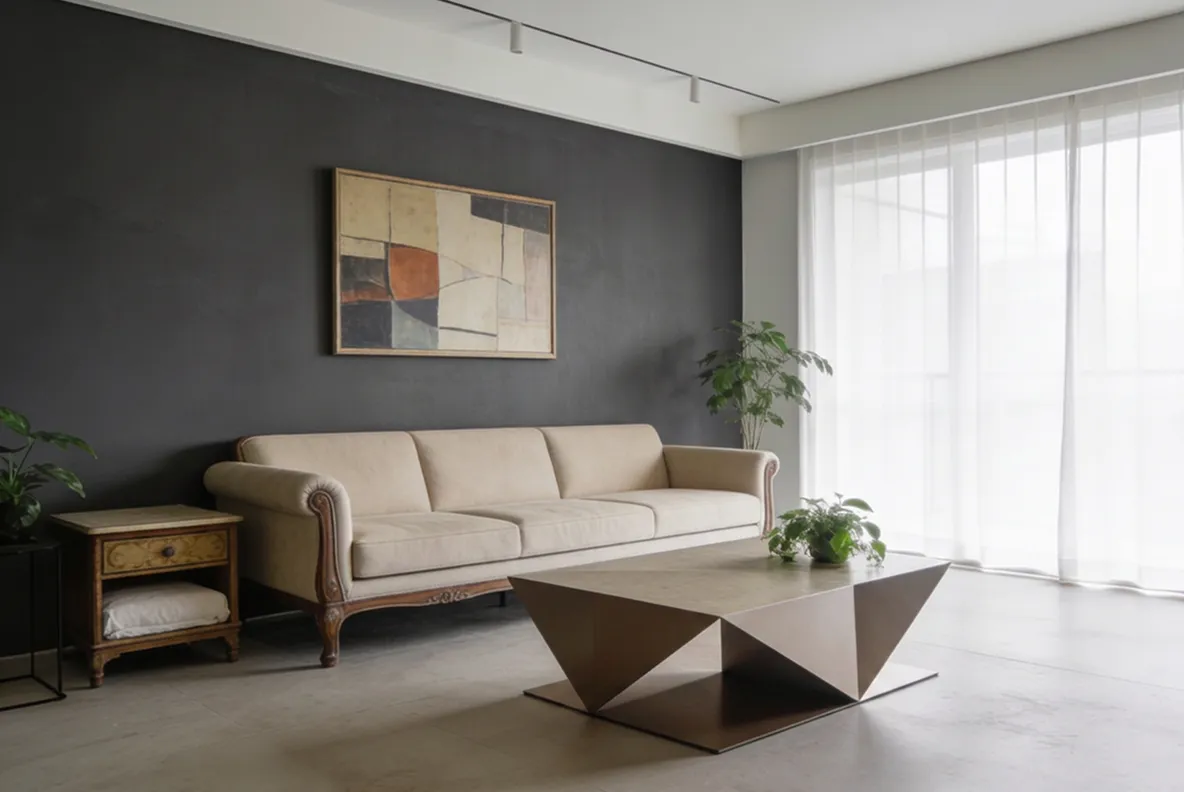
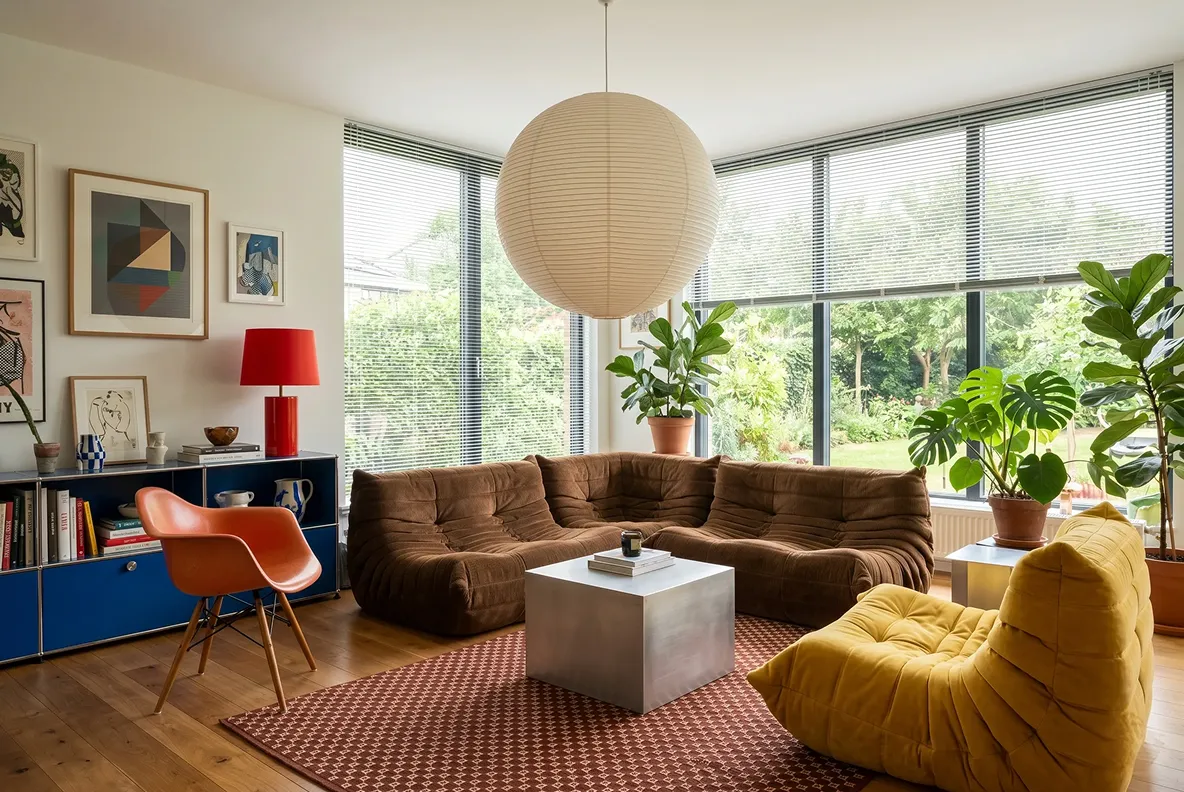
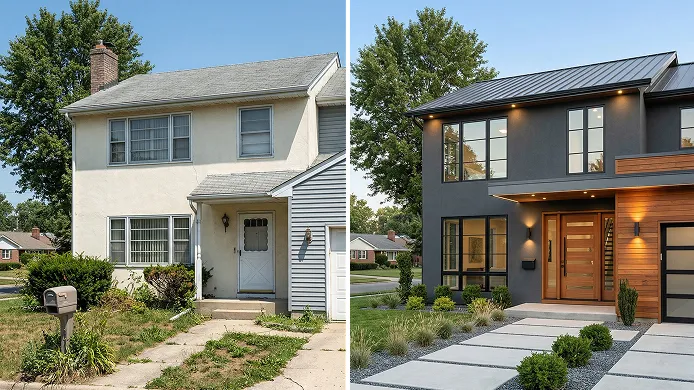
Explore our real before-and-after results and get inspiration about your furniture replacement:

Before 1
Before
After 1
After
Before 2
Before
After 2
After
Before 3
Before
After 3
After
Before 4
Before
After 4
After
Before 5
Before
After 5
After

Who will need our AI furniture replacement tool?

Homeowners & renters
Our user reviews & ratings
DecAI is trusted by over 41 million users worldwide and consistently earns high ratings.
Homeowner holding a tablet in a cozy living room with replaced furniture ideas
Sophie Ramsden, Interior Designer
“I use this constantly when presenting redesign concepts to clients. Instead of describing what a room could look like, I just upload their photo and swap out the sofa, rug, lighting — the works. Clients grasp the vision immediately and it speeds up approvals like nothing else I've tried. Genuinely changed how I pitch projects.”
Homeowner holding a tablet in a cozy living room with replaced furniture ideas
Amara Tetteh, Homeowner
“I was so nervous about redoing my living room — spent weeks going back and forth on sofas and coffee tables. A friend suggested trying Decai. I just took a photo of my actual room and kept swapping things out until it clicked. Saved me from what probably would have been a very expensive mistake. Worth every penny.”
Homeowner holding a tablet in a cozy living room with replaced furniture ideas
Luca Carbone, Architecture Student
“For our interior design module we had to present a full restyling of a real space. I used Decai's furniture replace to iterate through ideas quickly — swapping chairs, replacing artwork, testing different decor combinations. My tutor actually asked how I produced the visuals, which doesn't happen often. It's become a regular part of my workflow for any space-based briefs.”
Homeowner holding a tablet in a cozy living room with replaced furniture ideas
Michael Torres, house agent
“This tool transformed my property staging! I quickly replace outdated furniture in listing photos to make spaces feel modern and inviting. It’s fast, easy, and unbelievably realistic—helped me boost buyer interest and close faster. A must-have for real estate pros. 5 stars without hesitation!”
Homeowner holding a tablet in a cozy living room with replaced furniture ideas
Liam Davis, DIY Renovator
“Incredible tool for home DIY! I upload my space photos, try different furniture and decor styles, and see exactly what works before buying. The AI does all the hard work—natural, seamless, and shockingly realistic. Made my renovation so much easier. Love it!”
Your ultimate AI tool for both interior & exterior design

DecAI is also your ultimate all-in-one AI platform that helps to design both interiors, exteriors and more.
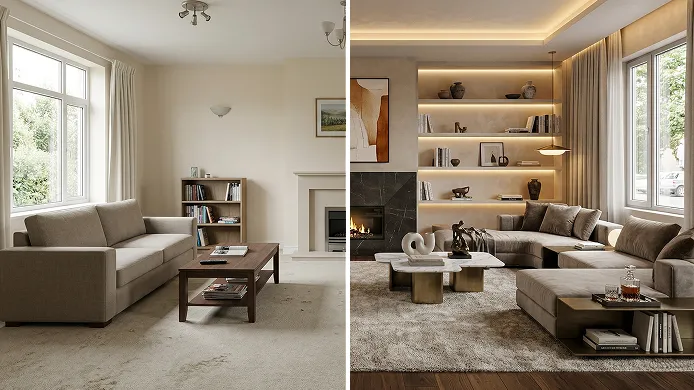
Try your new furniture ideas, even on the go

DecAI is available on all Web, iOS, and Android devices, so you can access it wherever you go. Feel free to try it or download the app now!
iPhone
Android
iPad
Web
iPhone

iPhone

DecAI puts powerful capabilities right in your pocket and is compatible with iPhones running iOS 14 or later.

Frequently asked questions about DecAI furniture replace

1. What is DecAI Furniture Replace?

DecAI Furniture Replace is an AI tool that helps to change or restyle the furniture, objects and even outdoor architectures in your room or space photo, so you can quickly preview your new design ideas and choose the best one fast, all with a few clicks.

2. Is DecAI Furniture Replace free to use?

Yes. Every new user can sign up to replace furniture one time on the web and three times on the mobiles per day. For more, you’re recommended to pay for the premium plans. Check its pricing page then.

3. What types of furniture and objects can I replace?

You can simply replace the old or outdated furniture with any type you can imagine as long as you can type the prompt correctly and precisely.

4. Will the DecAI change the structure, layout or move the furniture of my room?

No. DecAI Furniture Replacement only modifies the furniture or objects within the area you brush over. It won’t alter your room’s structure, change the layout, or move the position of existing elements—everything stays exactly where it is.

5. What kind of photos work best for furniture replacement?

DecAI recognizes the photo with a clear, wide-range angle perfectly.

6. Can I use the generated images for commercial purposes?

Yes. Every new user can try AI generation for free, once on the web version and 3 times on the iOS or Android app. For more generations, you’re recommended to pay for the premium plans. Please check the pricing page for more details.

7. Can professional designers use it for their projects?

Yes. Whether you are professional furniture designers, decors or even interior designers, feel free to use DecAI to quickly test ideas in real environments, explore different styles, and create visual concepts for presentations or client discussions.

8. Does it work with a furnished photo?

Yes. It allows you to simply brush over any furniture or object to quickly replace them with a new one.

9. Can I only replace specific furniture?

Yes. You can simply specify any individual pieces as you need, such as sofas, beds, cabinets, artworks and even plants

10. Can also try multiple furniture styles?

Yes. You can absolutely change the furniture with multiple styles. Simply describe this clearly in your text prompts.

11. Is DecAI compatible with all devices?

Yes. DecAI works seamlessly on PC, Mac, iOS, and Android devices. You can use it directly in your web browser or download our mobile apps on mobiles.

12. How can I contact the DecAI team for support?

If you have any questions or have any suggestions, please contact us at decaiwebteam@outlook.com.