

Floor Design Ideas Visualized in Seconds
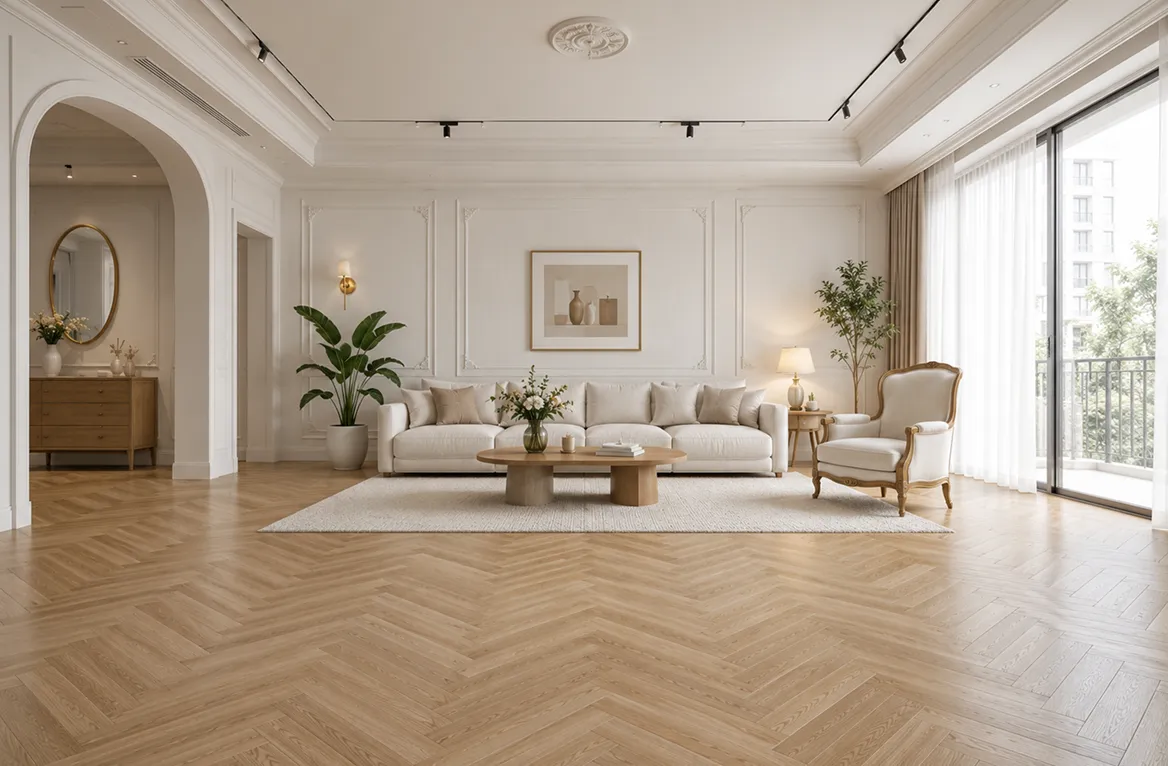
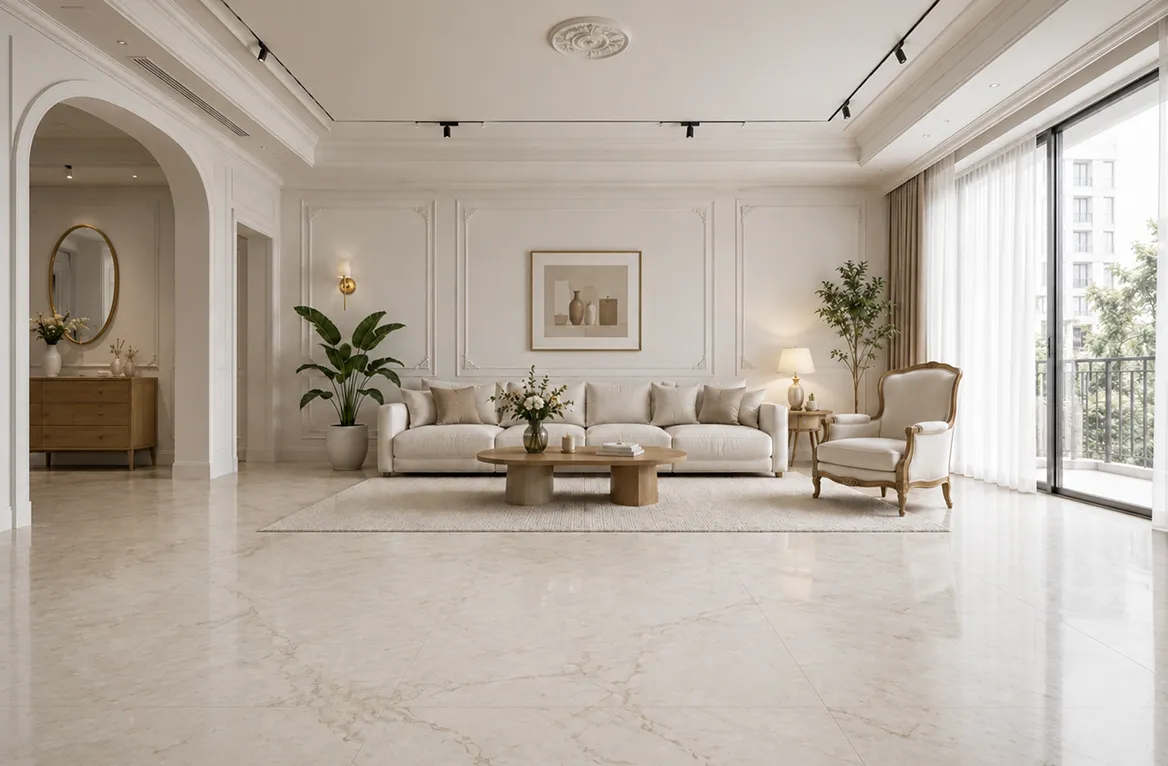


Free AI flooring visualizer tailored to your home
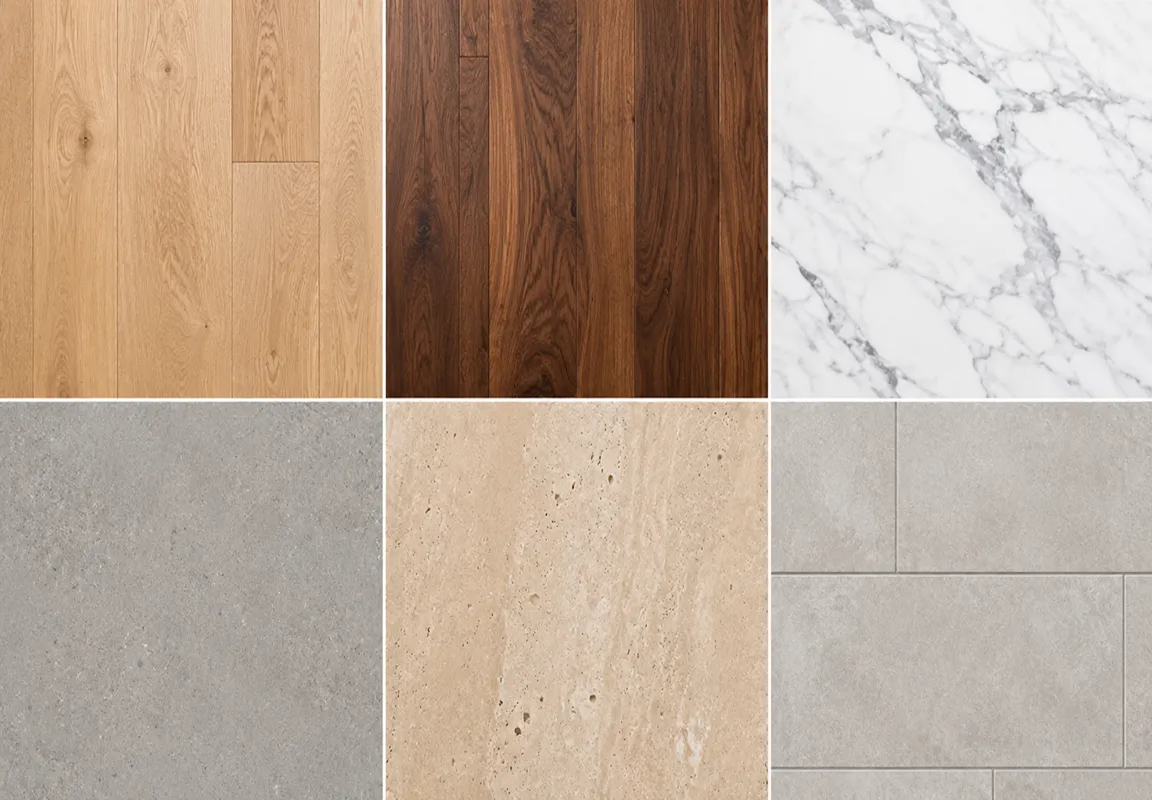
Preview 130 + flooring textures & materials instantly
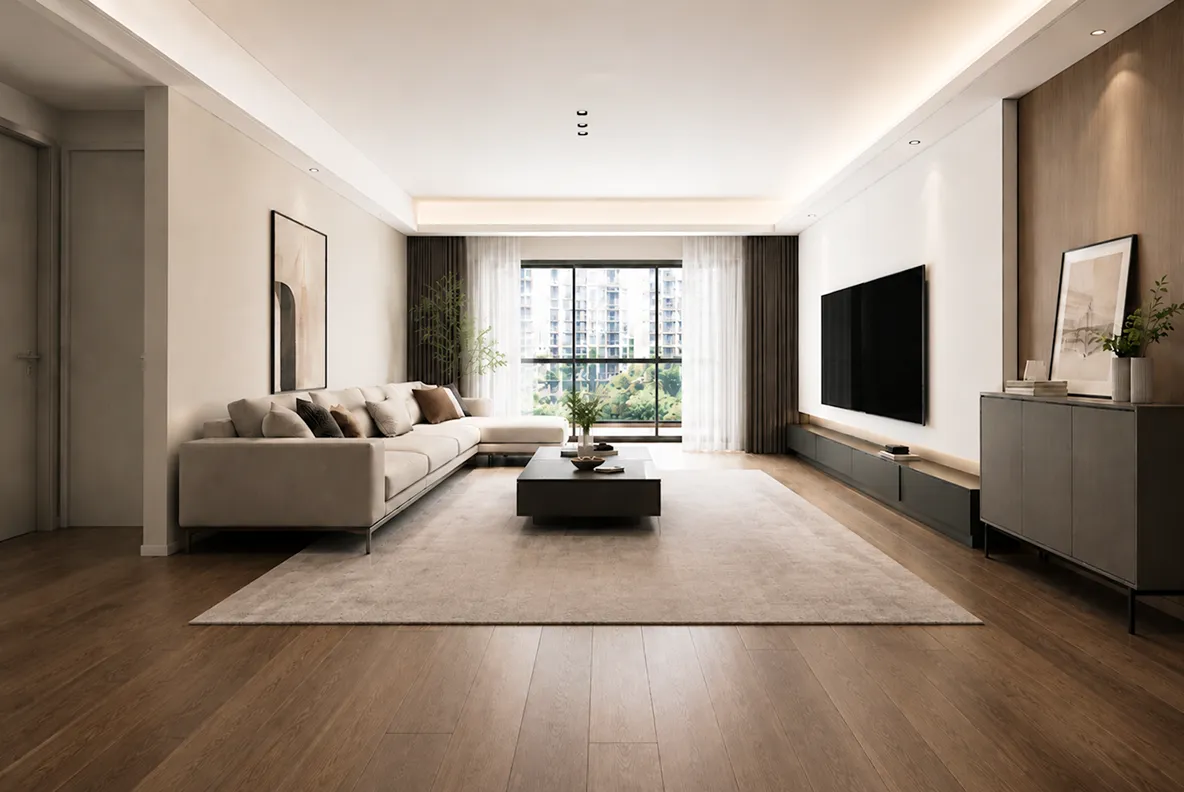
Visualize 130 + flooring materials and textures you can imagine, like hardwood, tile, vinyl, laminate, marble, concrete, and even carpet, and see how each looks and feels on your real room photo instantly before making a decision.
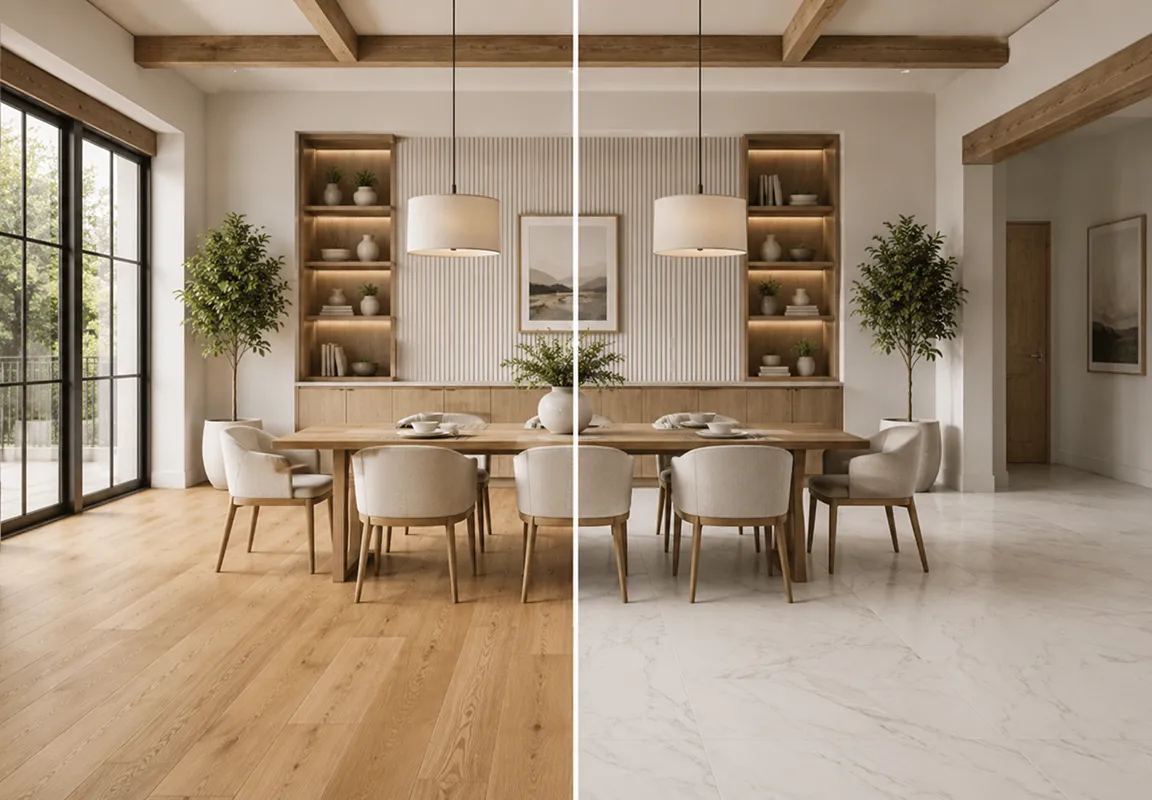
Test floor colors, patterns & finishes in seconds
Refresh your floor instantly with different colors, patterns, layouts or finishes, and discover the one or the combination that perfectly fits your style and vibe.
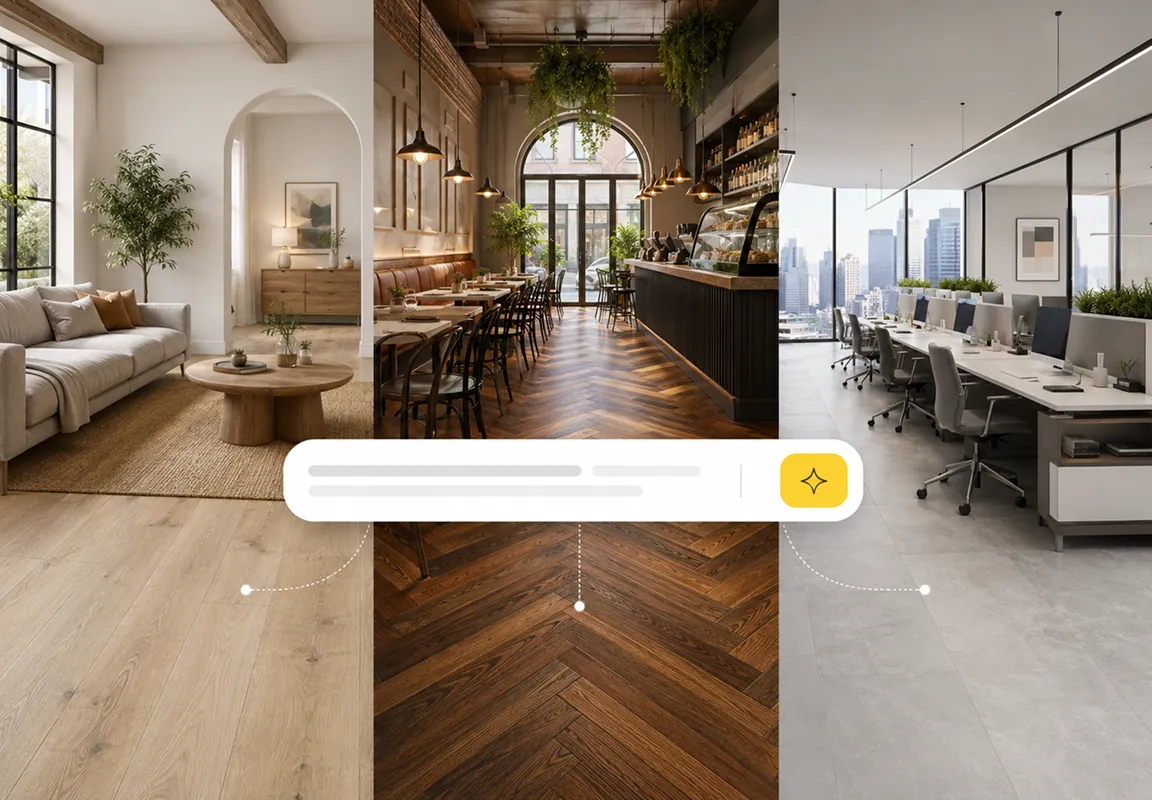
Customize floors for any space with simple prompts
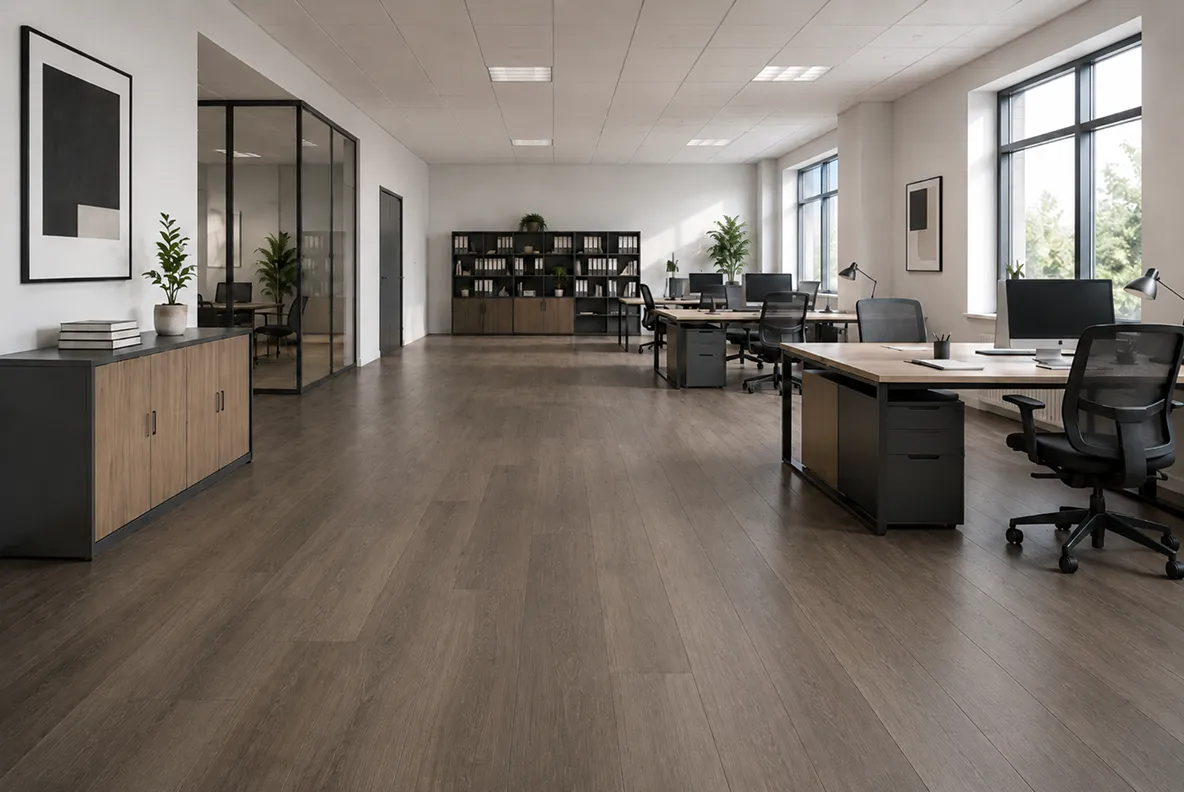
Create trendy floor designs for any space, homes, offices, cafes, retail stores, workspaces and more. Just describe your vision, and see it come to life in a flash.
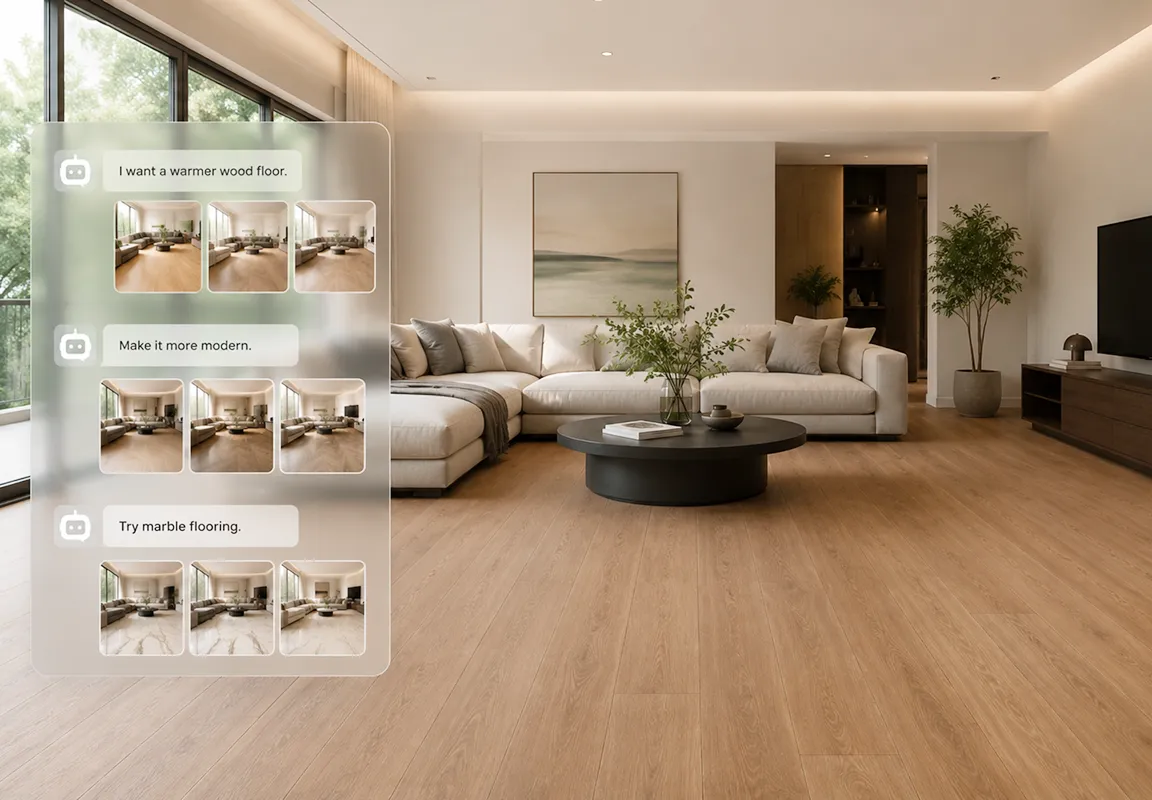
Smart AI agent makes floor design easier & faster
Our smart AI agent lets you simply chat with the AI designer to explore all possible 3D floor ideas, no need to start from scratch, and also no more manual sketching, editing, or rendering.
What makes DecAI different?
From ideas to finished visuals, DecAI makes the whole process fast, precise, and effortless - right in your hands, no skills or experience required.
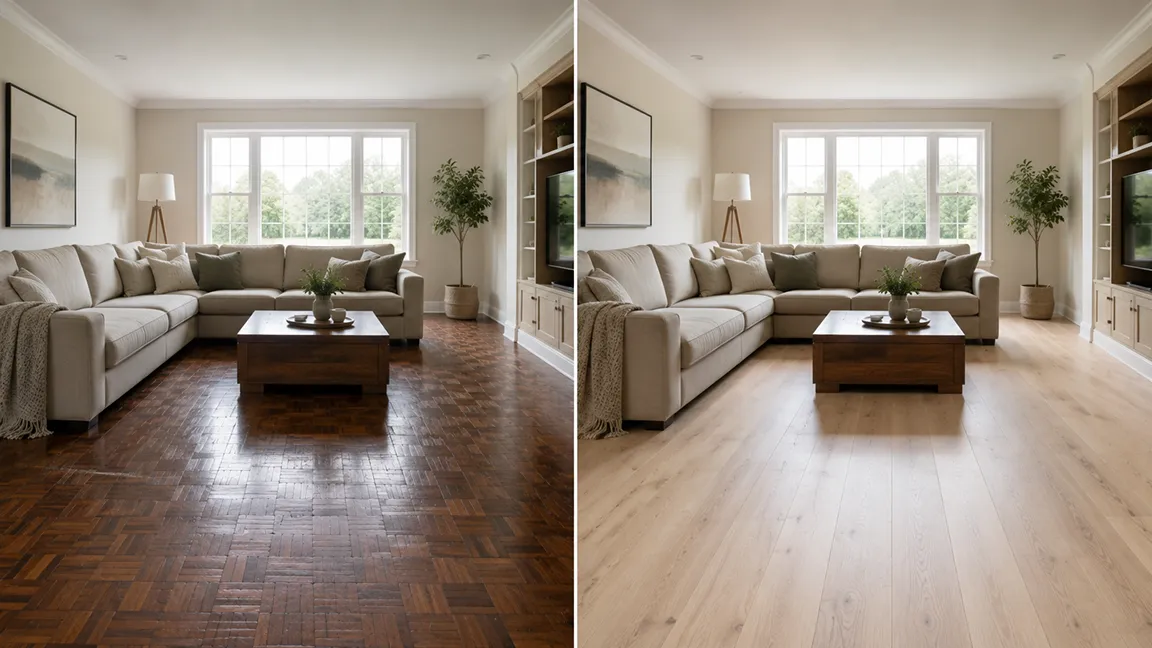

Lightning-fast
As an AI-powered design tool, DecAI allows you to simply upload a photo, type your ideas, and bring your floor version to life in just 30 seconds, no more hours or days of repetitive work.

Always on-trend
Whenever you spot a new flooring trend or have a fresh idea, try it instantly with DecAI - before inspiration fades.

Fully customizable
Powered by AI, DecAI lets you specify exactly what you want, from colors and materials to patterns, layouts, styles, and any other unique detail with ease.

AI auto-detection
AI auto detects the floor in your photo and replaces it seamlessly - without affecting furniture, walls, lighting, decor, or other elements.
How to redesign your floor with DecAI?
Test different floor materials, colors and styles in 3 simple steps.
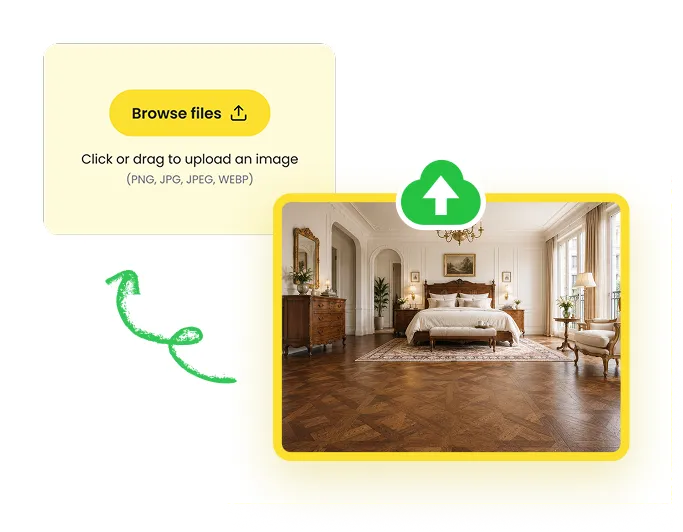
Upload your photo
Upload a clear photo of your room, home, or space with the floor fully visible.
Personalize your needs
Pick a flooring texture or simply tell the AI what you want, including the materials, colors, styles, or finishes you're looking for.
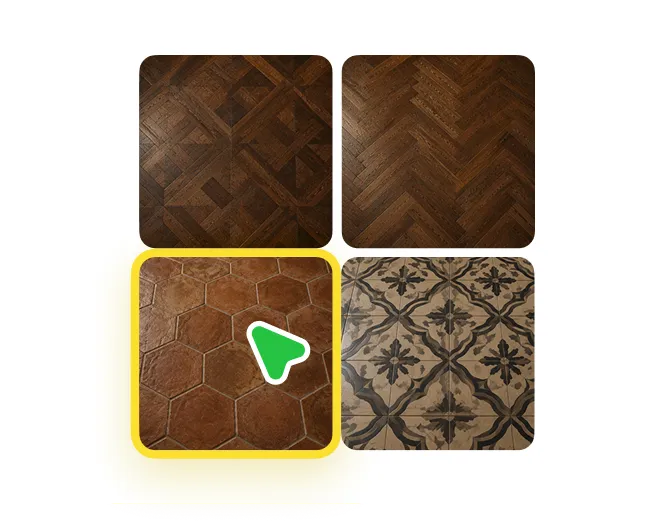
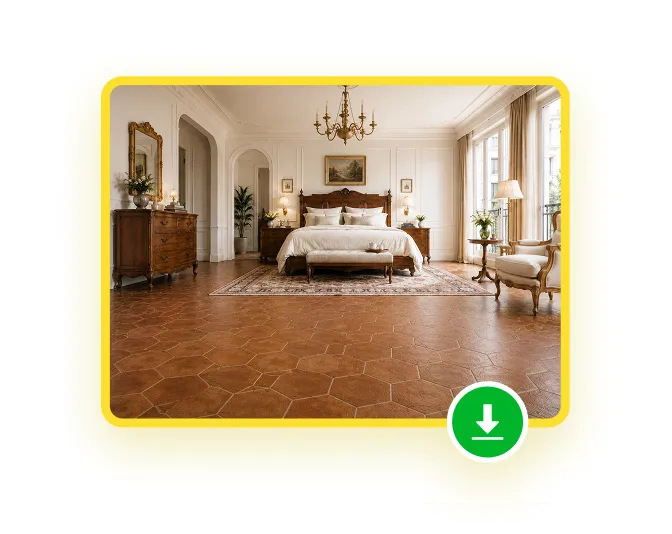
Generate & share
Let AI generate the floor design in 30 secs, and download it to share, compare, or fine-tune.
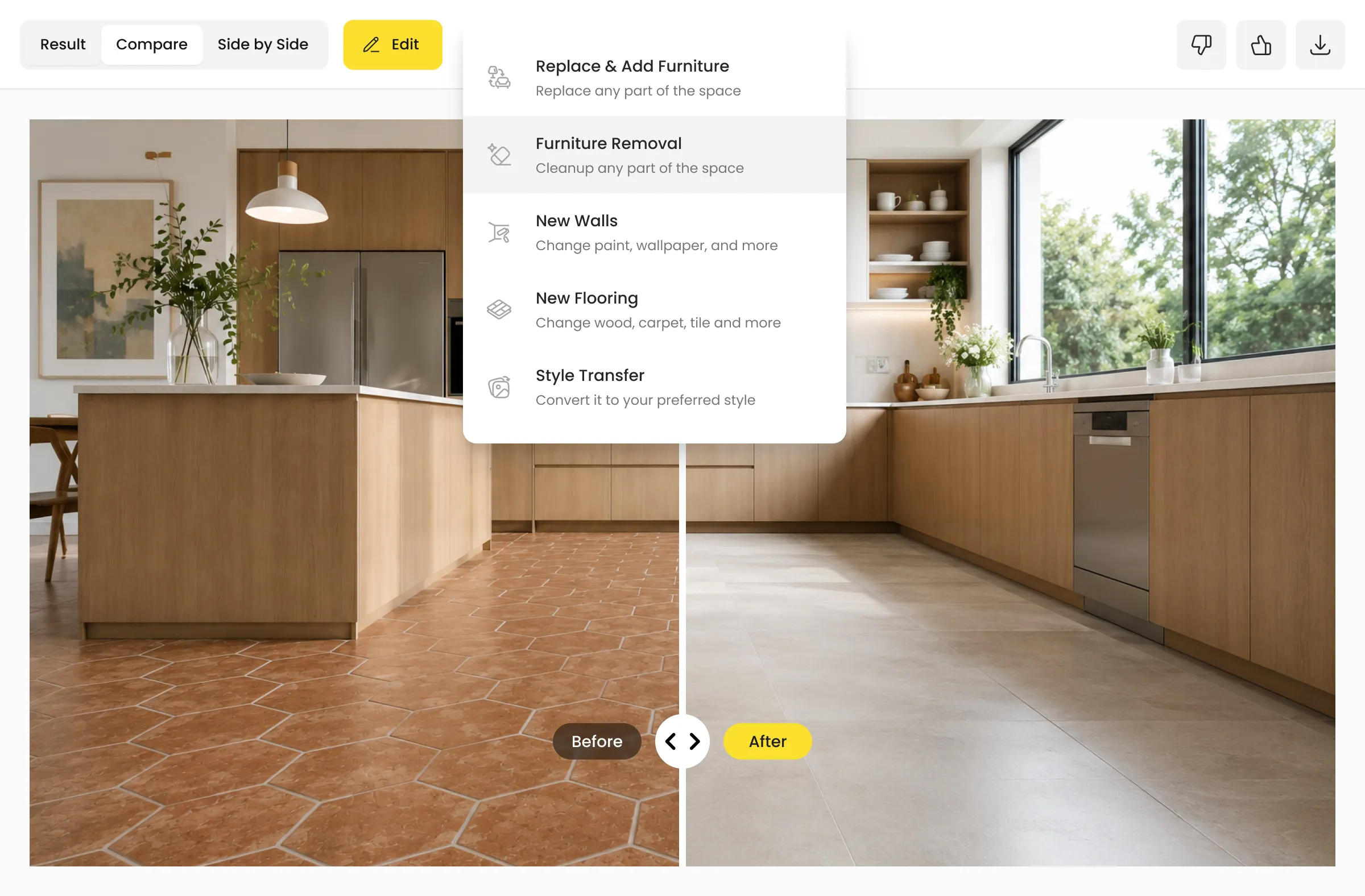
Keep refining to showcase your design at its best
Still want to make a few more changes to your AI floor design? Simply click Edit to adjust and fine-tune furniture, wall, color and similar details until your project looks its absolute best.
Designed for anyone who dreams of a better floor
DecAI floor simulator makes AI floor design quite easy and fast for users in all levels, from beginners to professionals.
 01
01Homeowners & renters
Visualize floor ideas before renovating or redecorating, no design experience required.
 02
02Interior designers
Quickly explore concepts, materials, and styles to speed up ideation and client presentations.
 03
03Flooring retailers & brands
Present products in real spaces and help customers make confident decisions.
 04
04DIY enthusiasts
Experiment freely with colors, materials, and layouts without complicated tools.
 05
05Office or workshop owners
Design practical and stylish floors for workspaces, studios, and commercial environments.
 06
06Real estate agents
Show potential flooring options to help buyers envision a space's full potential.
Cutting-edge floor design examples for inspiration
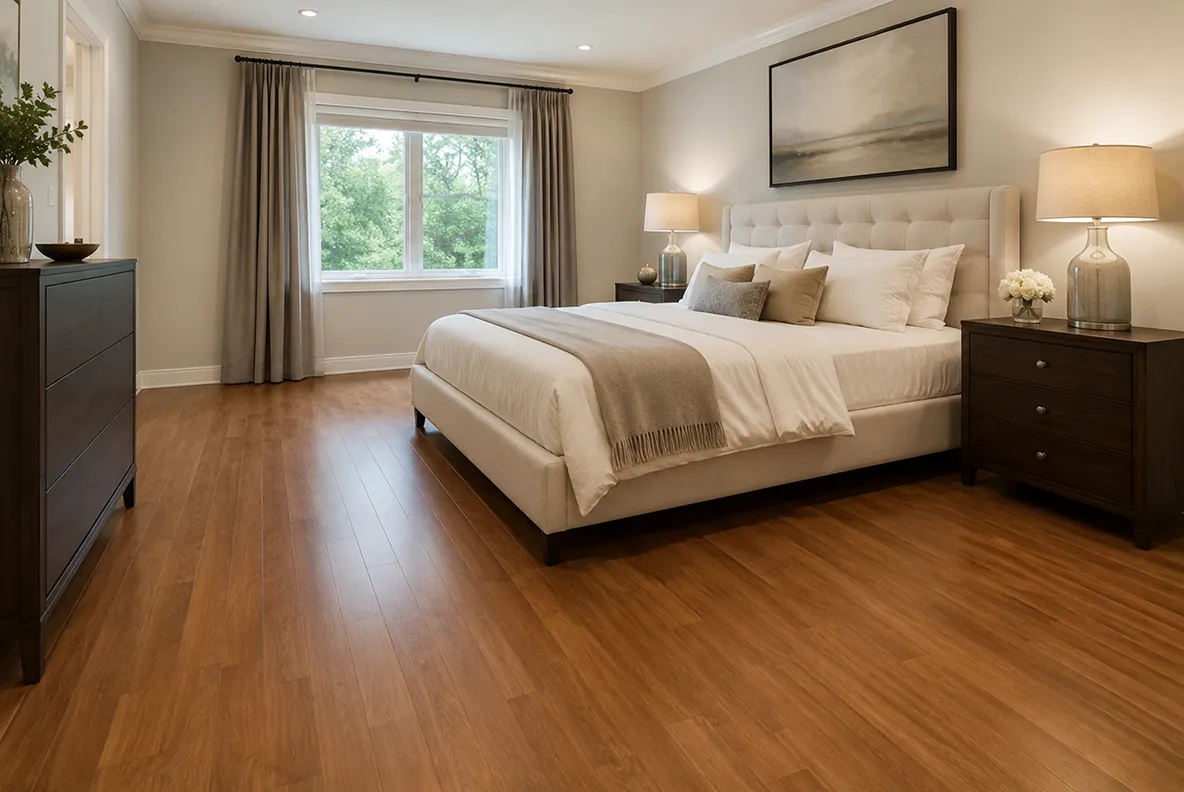
Explore our real before-and-after design examples and get inspiration about your floor design:
 Before
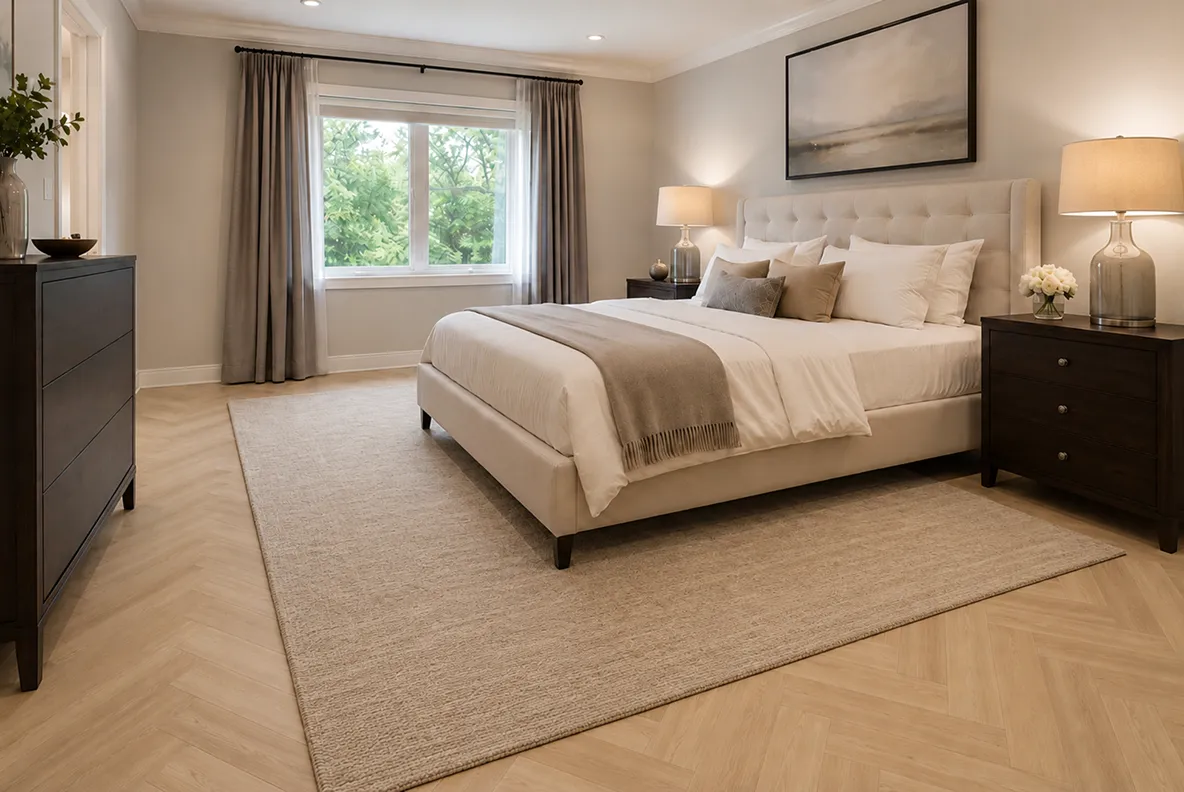 After
After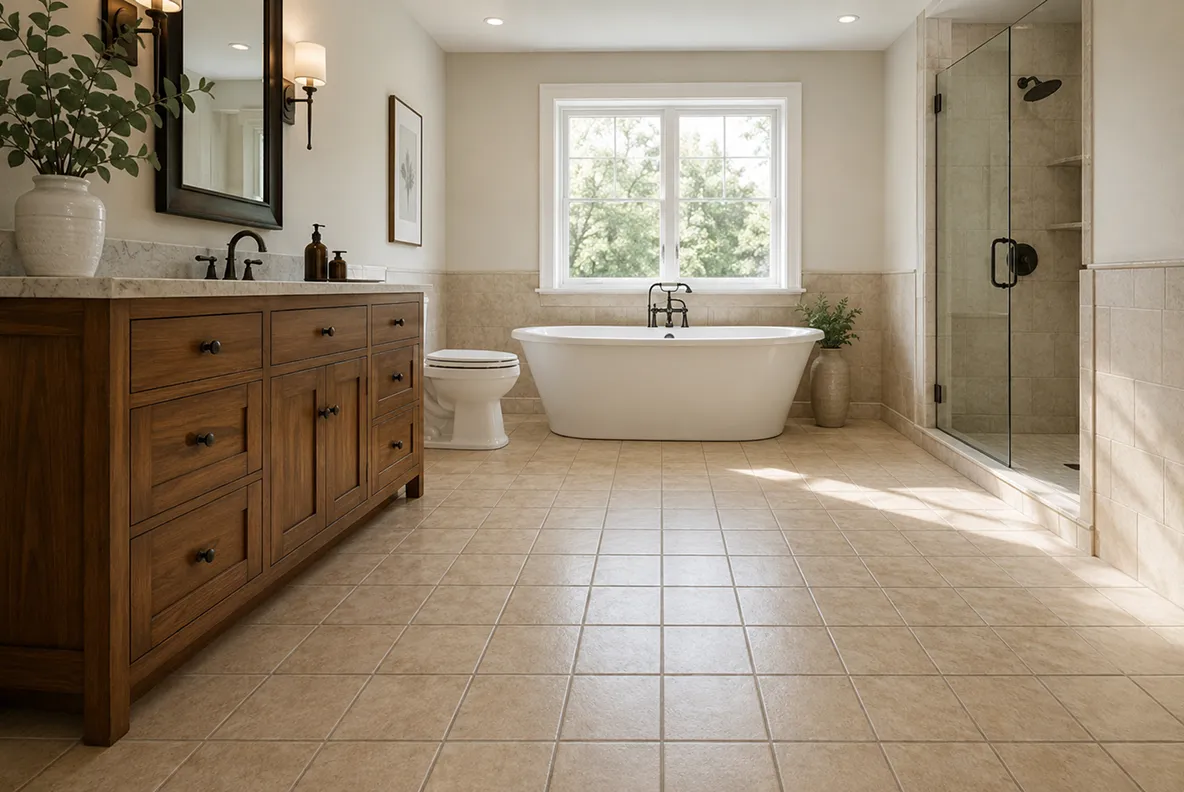 Before
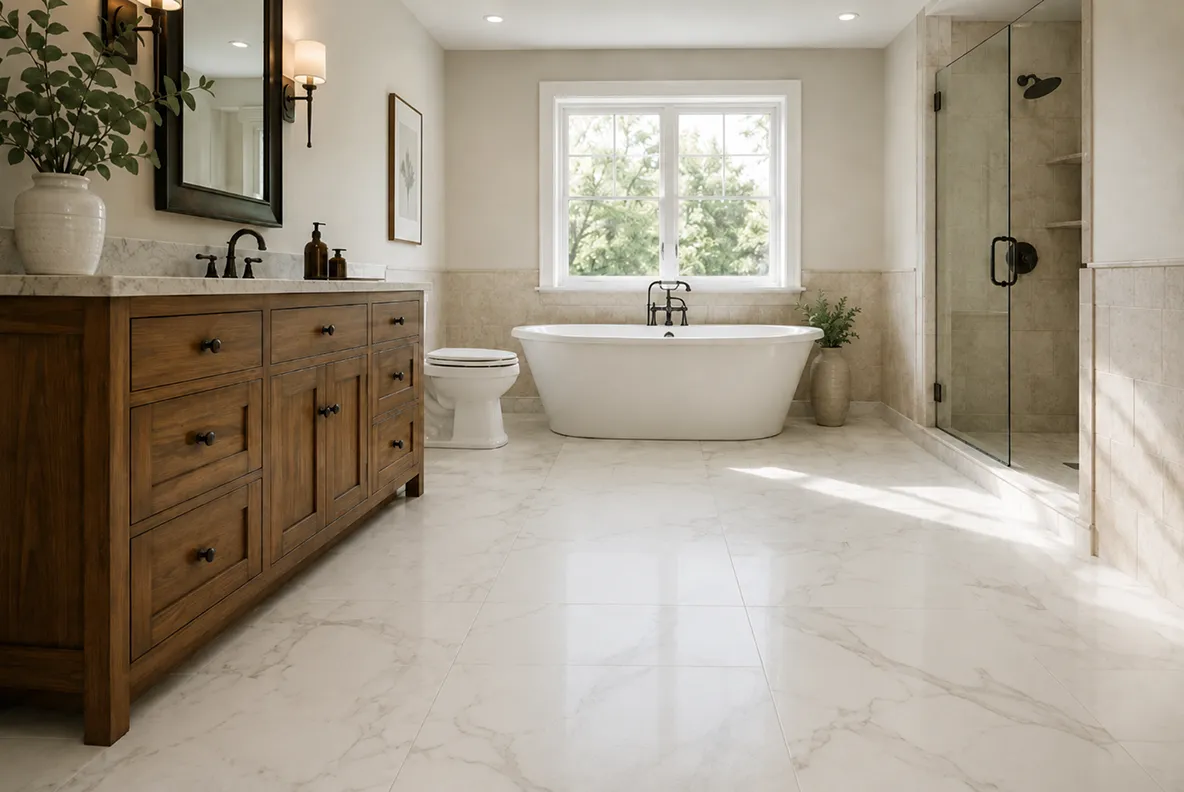 After
After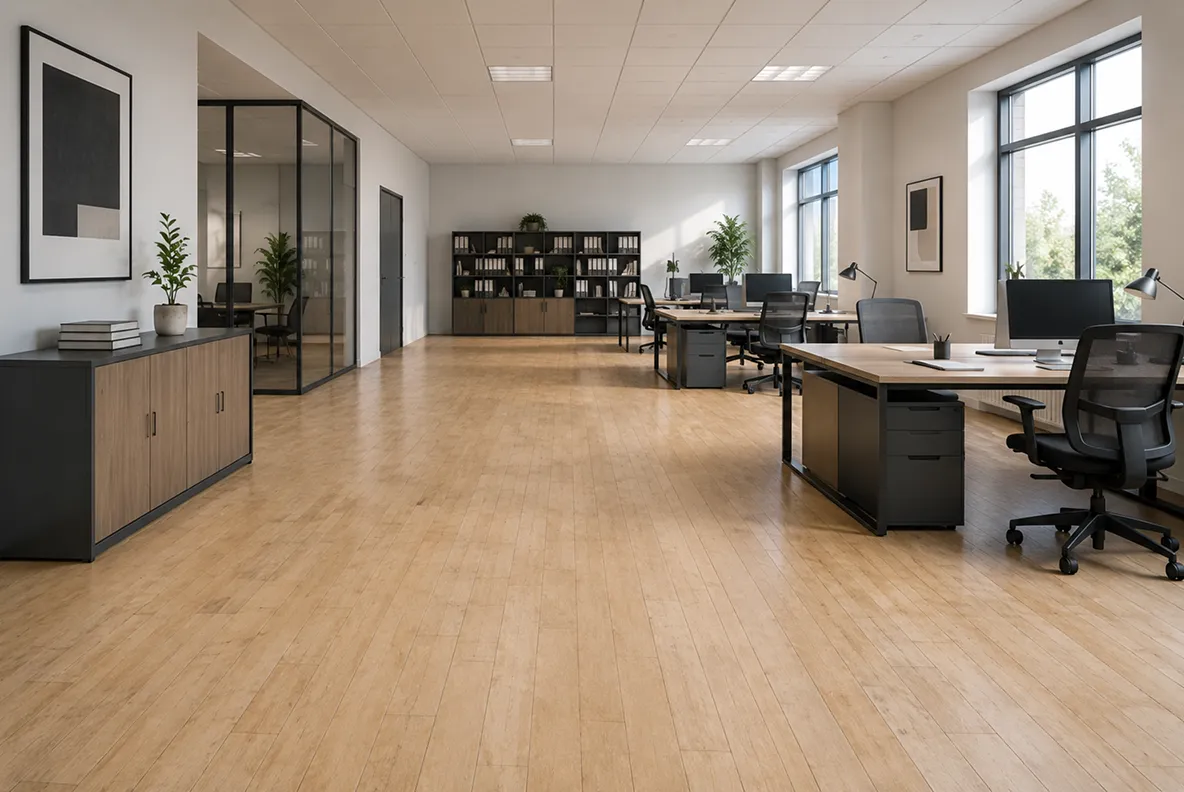 Before
 After
After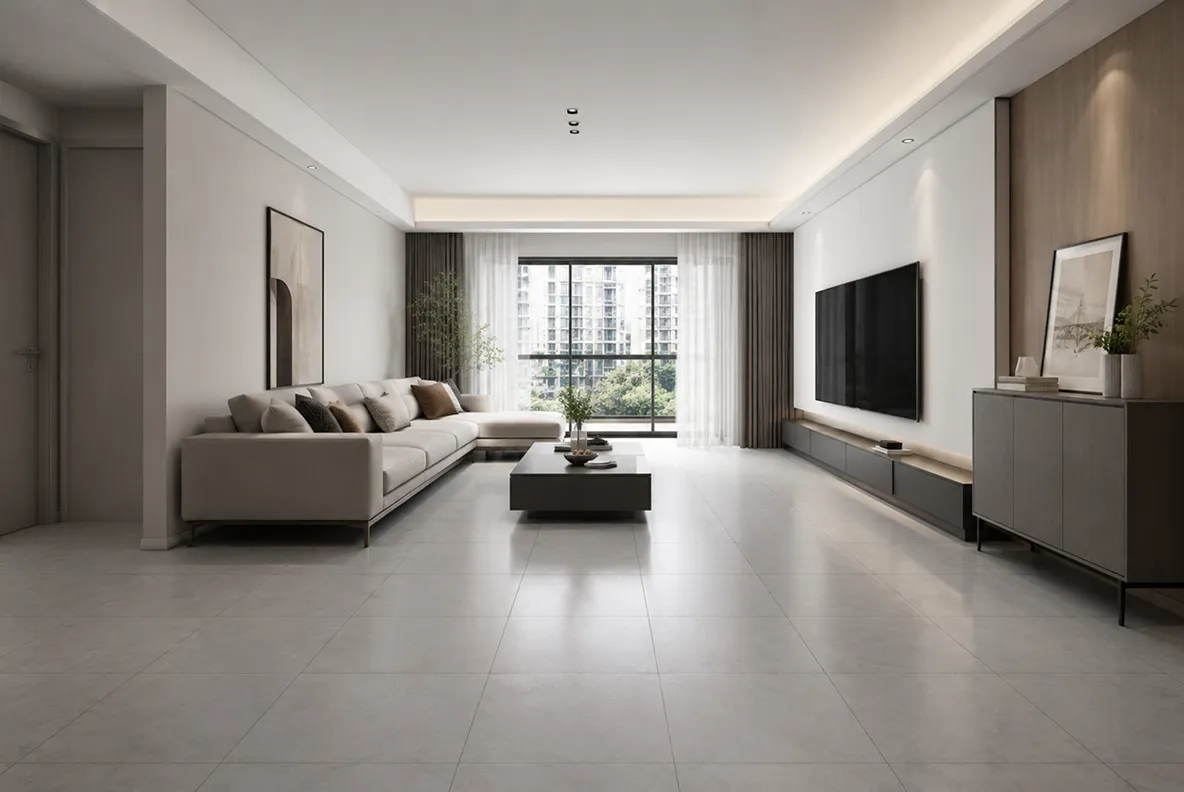 Before
 After
After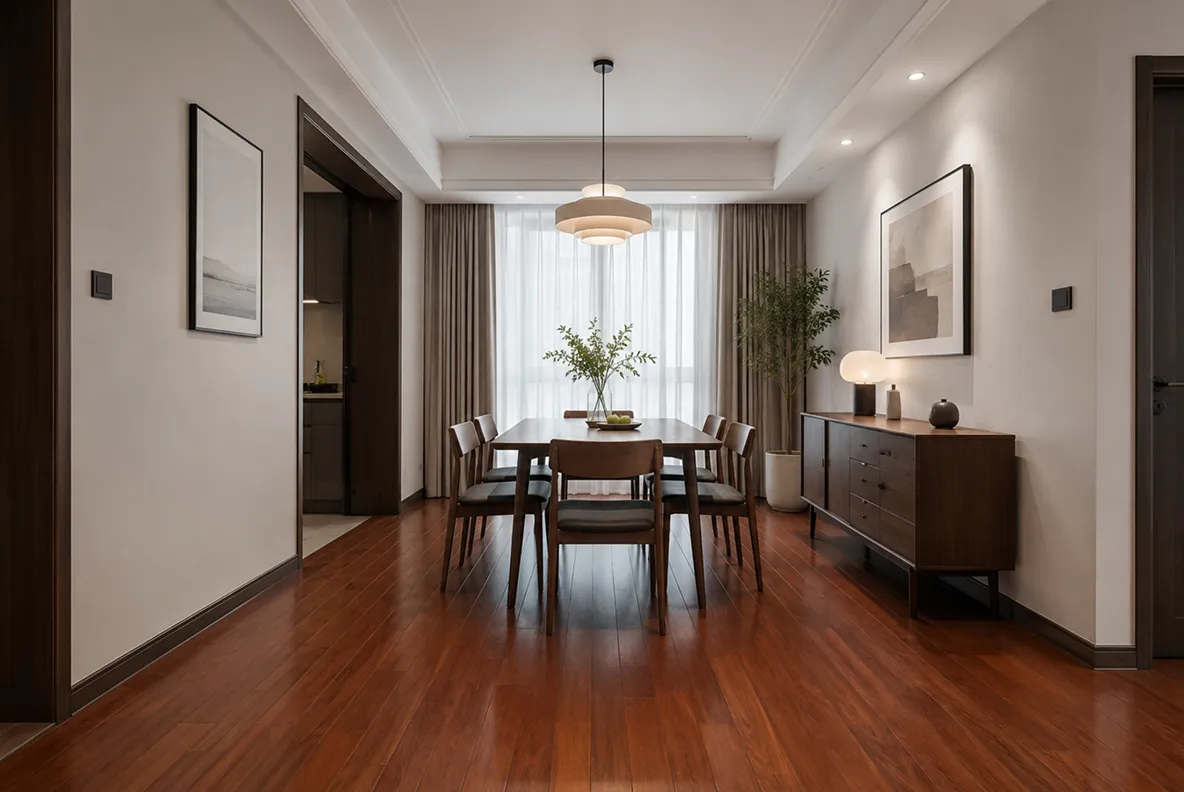 Before
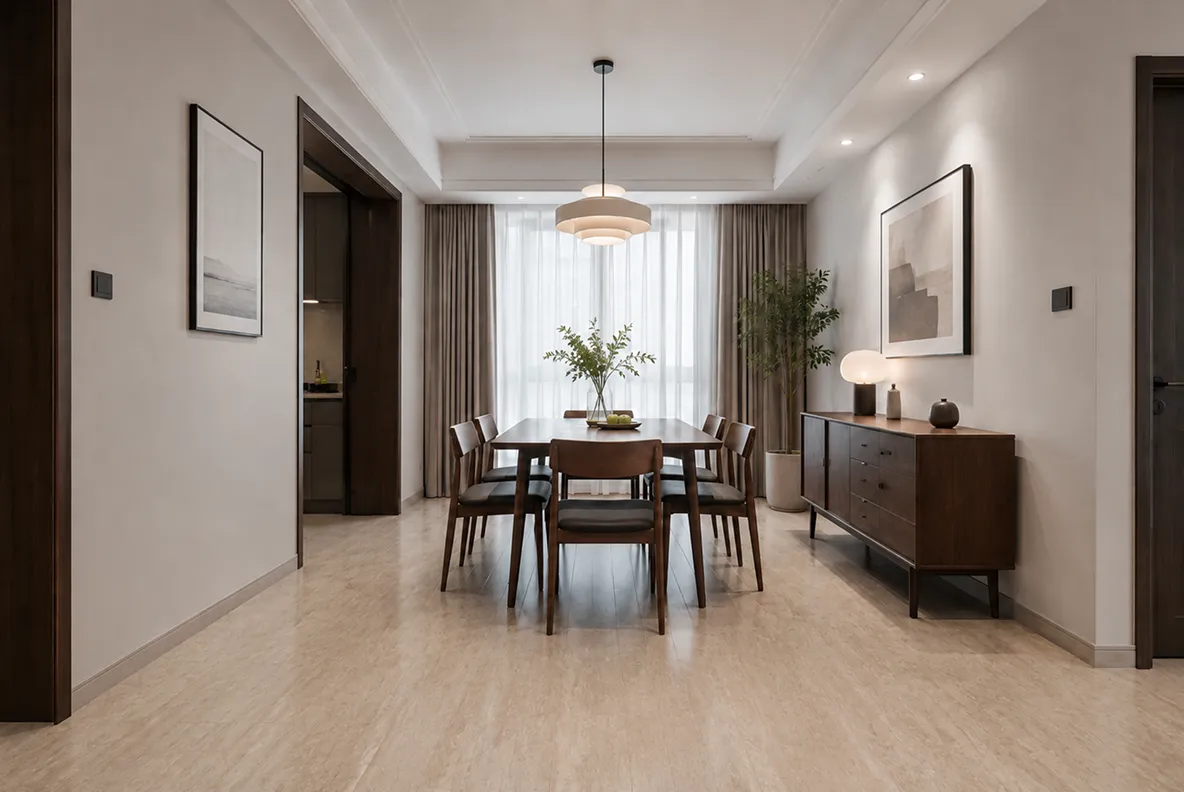 After
AfterDecAI vs Planner 5D vs other traditional design tools

DecAI
- Upload real photos, get instant results
- AI auto-detects floors
- Text prompts for unlimited creativity
- 30 seconds or less to generate
- 100% free to start, no credit card
- Zero learning curve
- No manual modeling or editing
Planner 5D
- Build 3D models from scratch
- Manual wall and floor placement
- Limited to preset materials library
- 5-30 minute rendering times
- 7-day trial requires a credit card
- Requires learning 3D interface
- Manual adjustments for everything
Other traditional tools
- Professional-grade software
- Complex technical features
- 10-60 minute rendering times
- Extensive material catalogs
- $20-100/month subscriptions
- Steep learning curve (days/weeks)
- Manual modeling and editing








Design & plan your floors right now
Try DecAI floor design on web, iOS, or Android and keep your renovation ideas moving wherever you are.


iPhone
DecAI puts powerful capabilities right in your pocket and is compatible with iPhones running iOS 14 or later.
Frequently asked questions about DecAI floor design
1. What is DecAI Floor Design? How does it work?
2. Is DecAI Floor Design really free?
3. What flooring materials can I preview?
4. What types of photos work best?
5. Can I try different colors of the same material?
6. Can I design custom flooring patterns?
7. Does DecAI work for all room types?
8. Will my furniture and walls be affected?
9. Can I share my designs with others?
10. What file types and image quality work best?
11. Is it a good AI tool for professionals?
12. What if I don't know any design skills?