

Transform Any 2D floor plans to 3D in Seconds
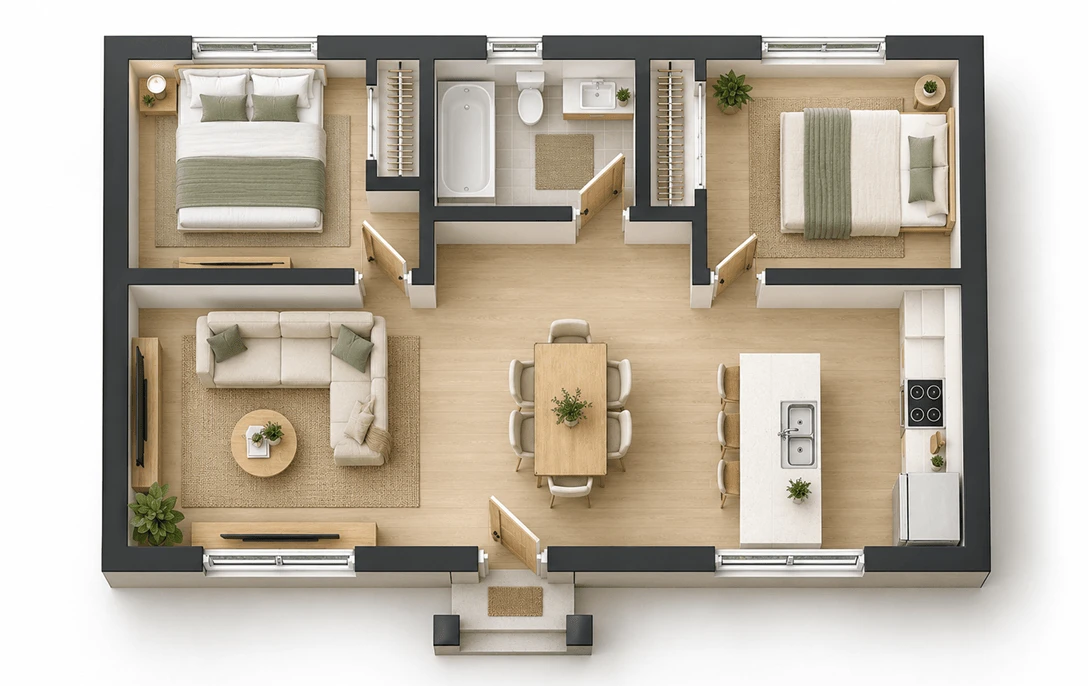
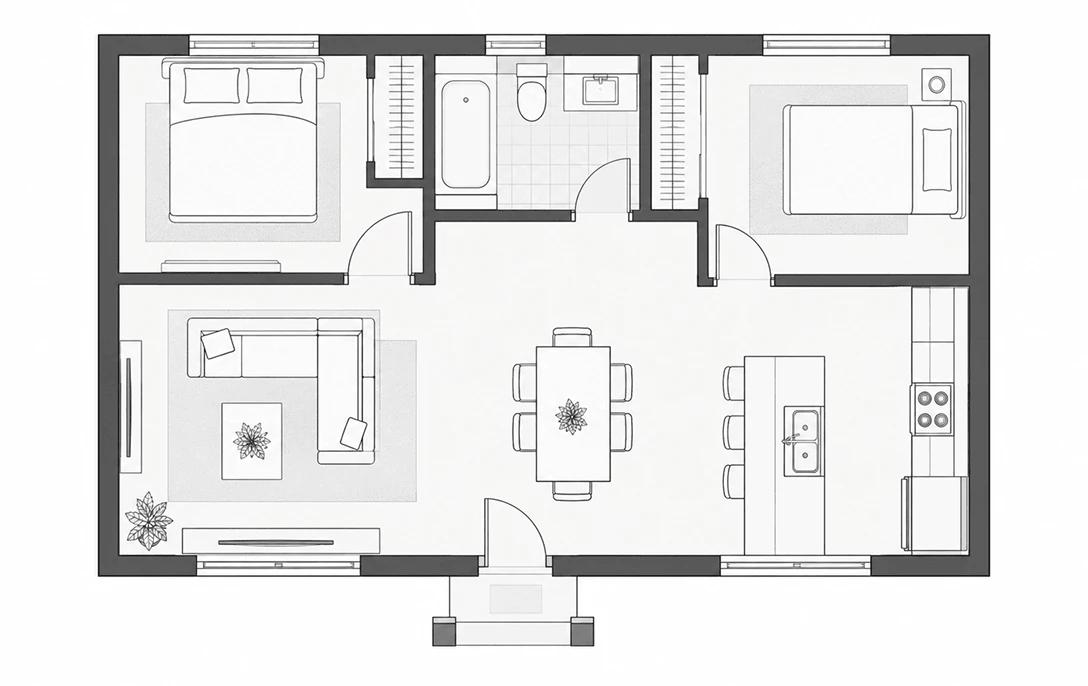


Why to choose DecAI online floor planner?
2D-to-3D floor plan design made super easy, fast & smart for client presentation, design reviews, renovation discussions or real estate marketing.
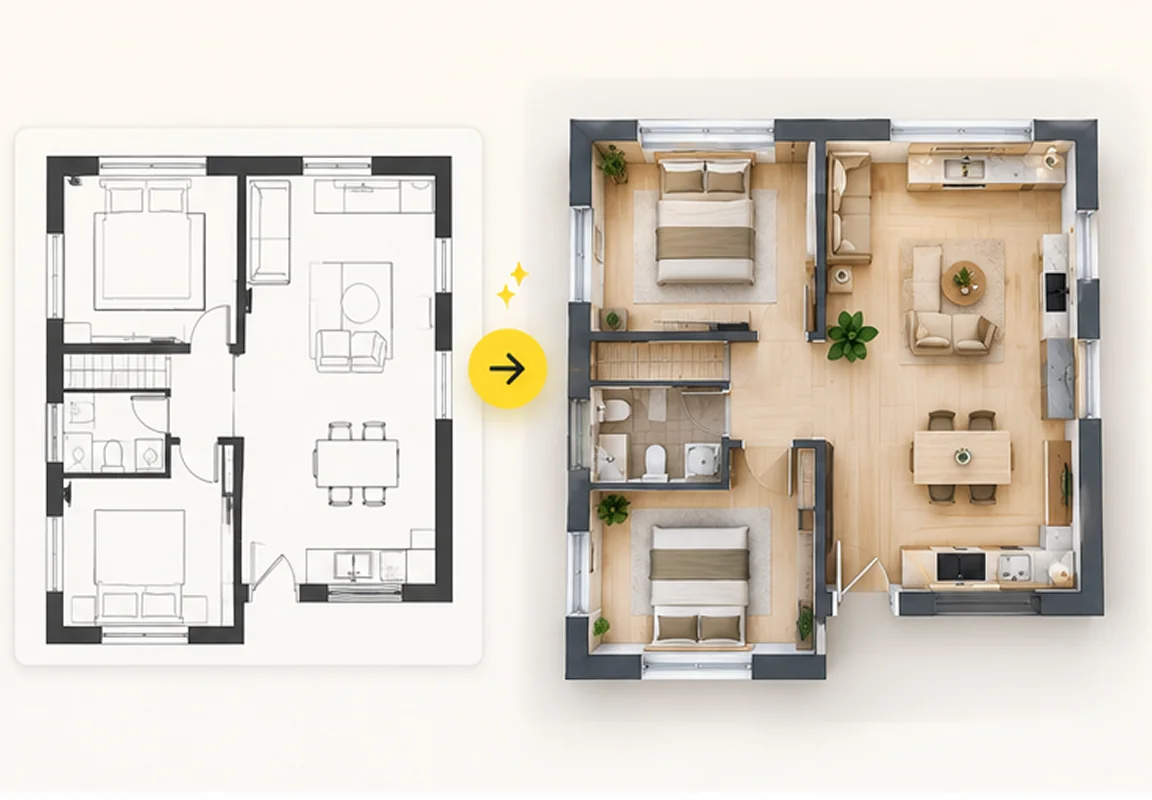
Instant 3D floor plan creation, preview & sharing
As an all-in-one 2D-to-3D floor plan converter, DecAI transforms 2D floor plans of any level of detail, from blank layouts and rough sketches to detailed blueprints, into realistic 3D visualizations in under 30 seconds. And then, instantly preview, refine, and share your plan for faster renovation presentations, planning, and discussions.
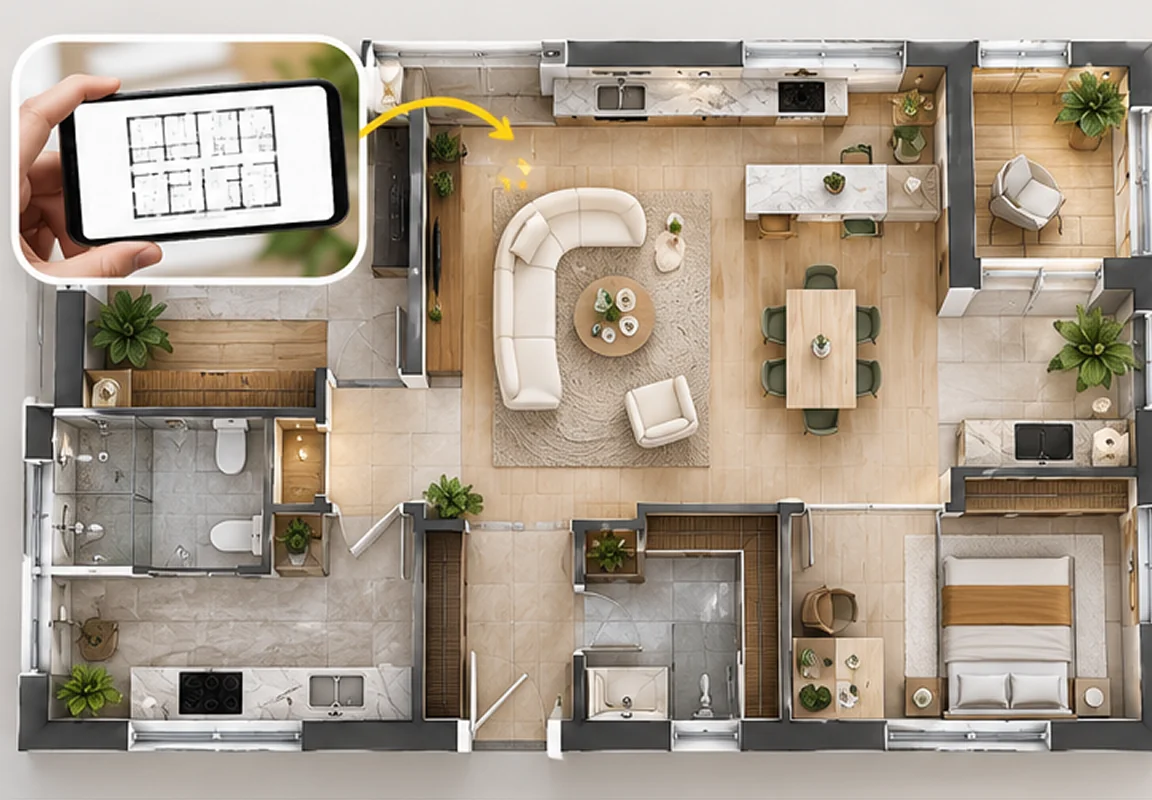
One photo, one design miracle
Just upload a photo of your floor plan and DecAI instantly transforms it into a realistic, fully furnished 3D design, whether you're starting with: • An empty plan with only walls and room boundaries • A rough hand-drawn sketch • A simple 2D floor layout diagram • An architectural blueprint Or whether it’s a JPG, JPEG, PNG, WebP, HEIC, or PDF file, DecAI takes whatever you have and brings it to life in 3D.
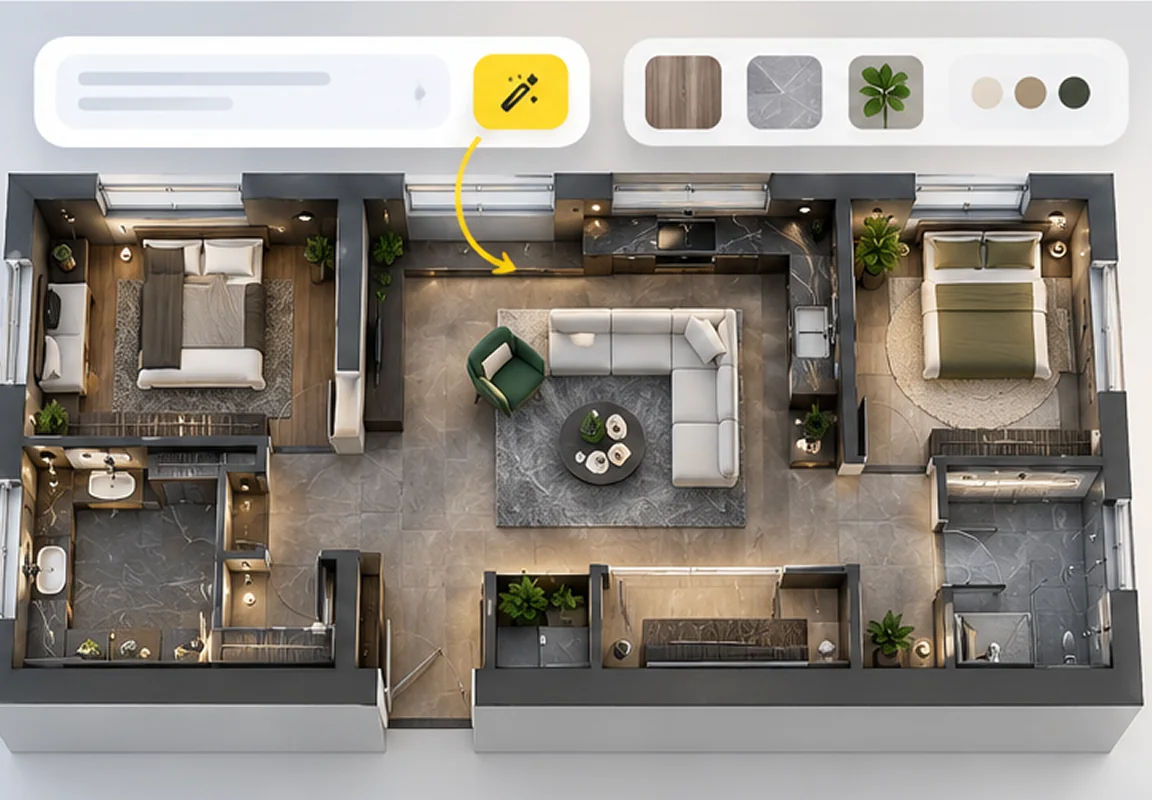
One-click prompt refinement
Not sure how to describe your ideal floor plan design? Let DecAI's smart AI assistant refine your prompt with just one click, adding professional details about design styles, elements, materials, and colors to help you achieve better results.
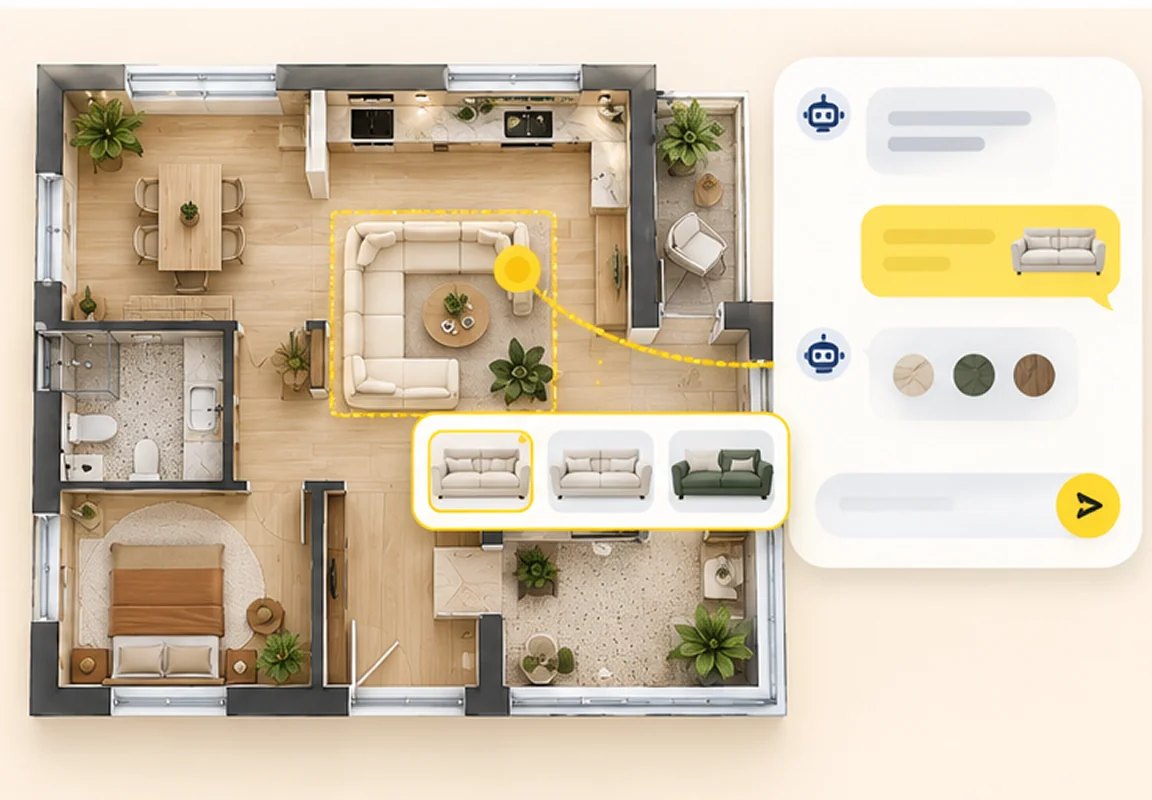
Tailor every detail with simple AI chats
Have some custom ideas for furniture, appliances, colors, or decorative details? Just tell the AI Designer what you have in mind, and keep chatting until it looks exactly the way you pictured it.
3D floor plans for nearly every type of space
DecAI works with nearly all types of spaces and properties, from cozy apartments and family homes to restaurants, coffee shops, and offices. Whatever your space, watch your 2D floor plan come to life in 3D in seconds:


One bedroom house
Preview how the bedroom, living area, and kitchen flow together in realistic 3D.

Got a different space?
From residential homes to commercial properties, upload any 2D floor plan right now and see it in 3D.
Select space category
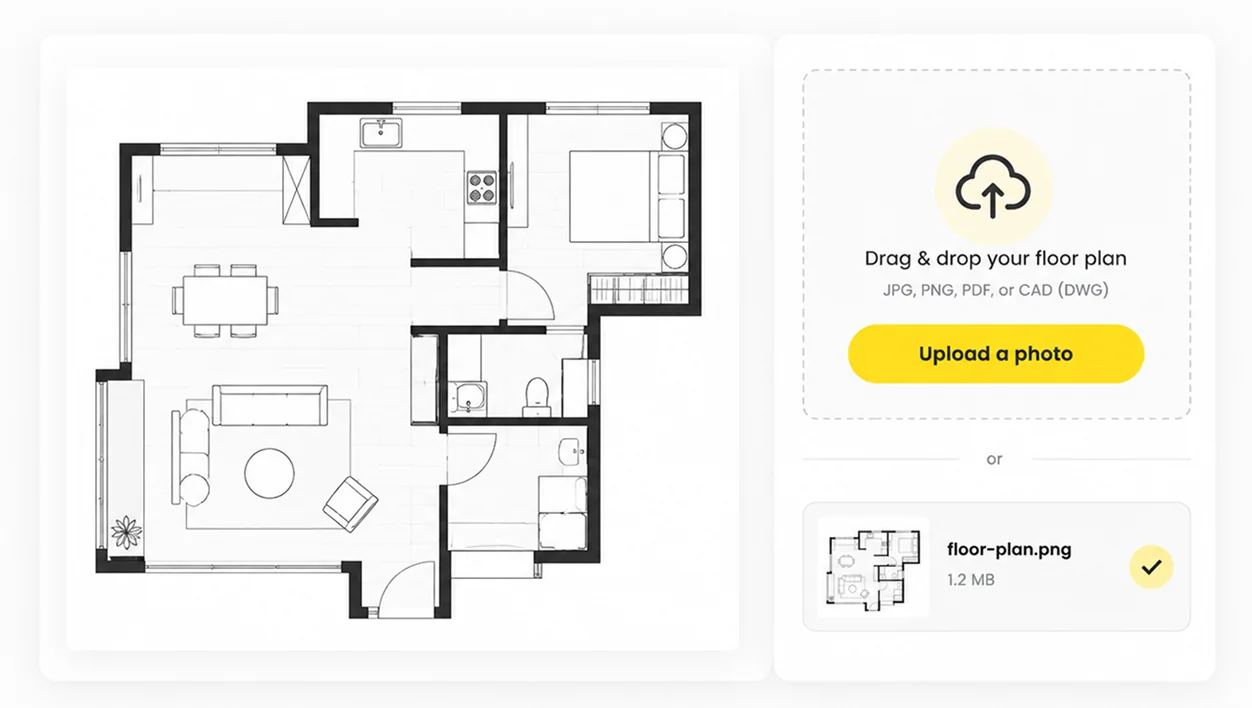
How to create a floor plan
Tips to get better results even on the first try
Want to get it right on your first try? Follow these quick tips then:
1. Upload a clear, straight-on image
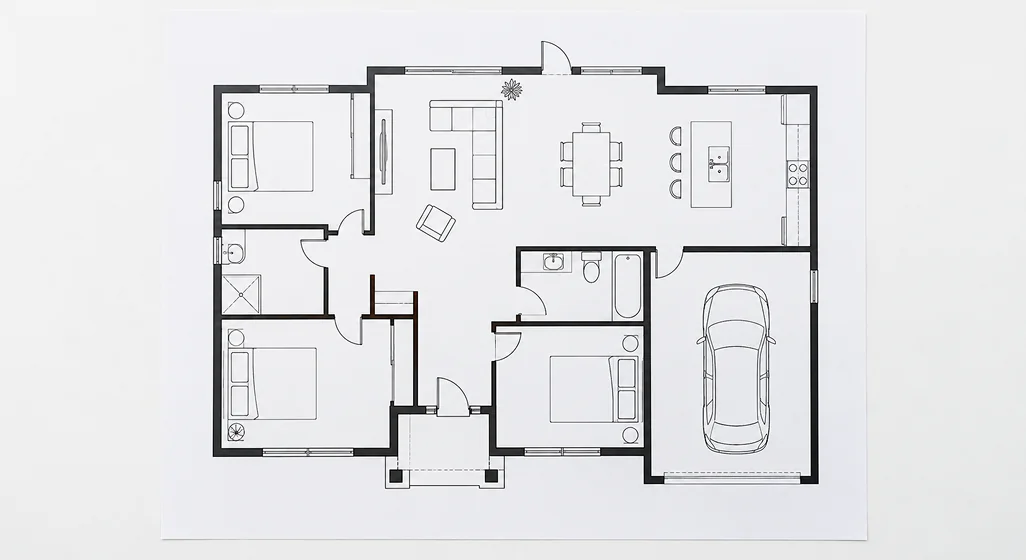

Do:
Use a sharp, well-lit image taken straight from above.
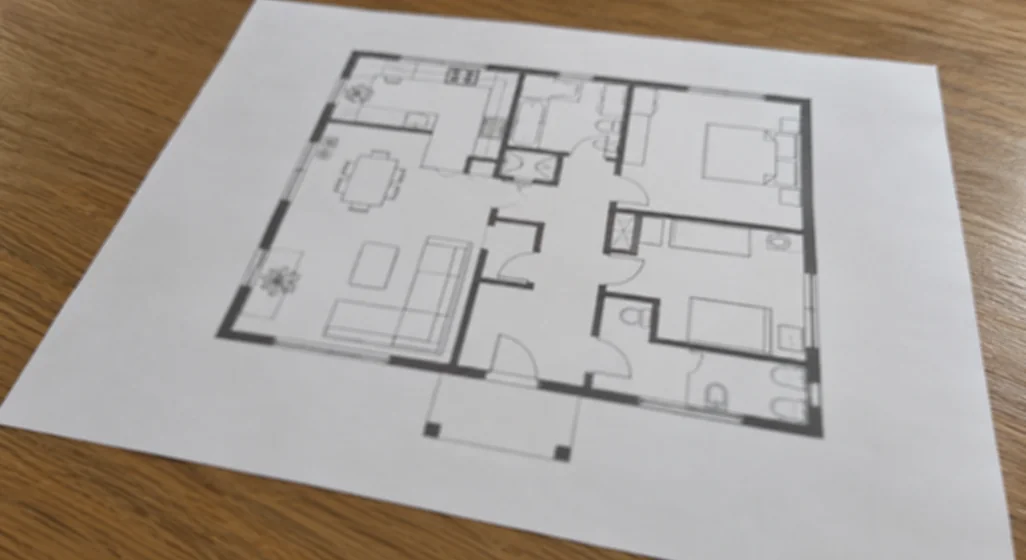

Don't:
Upload blurry, tilted, or distorted floor plan photos.
2. Keep your floor plan clean & simple
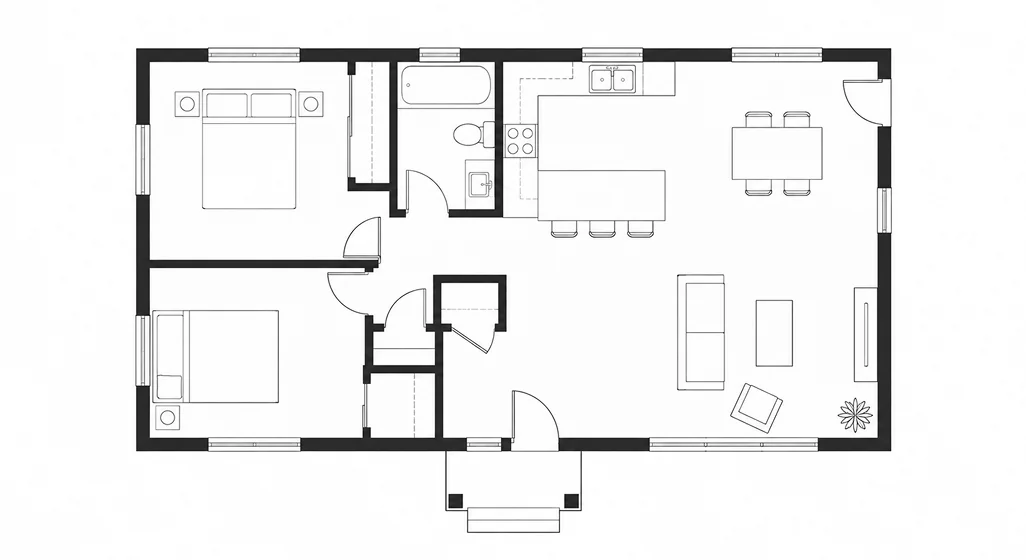
Do:
Keep walls, doors, and room boundaries clearly visible.
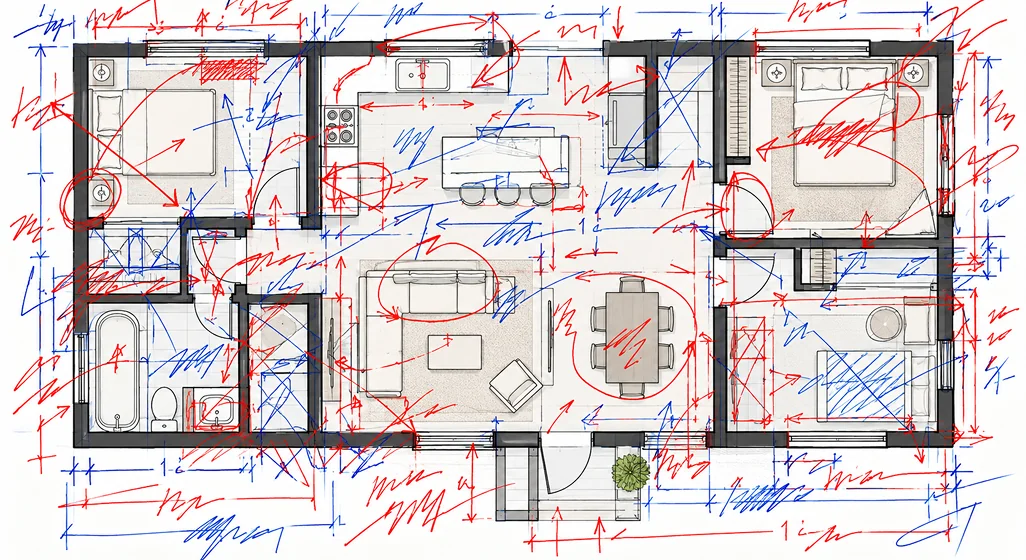
Don't:
Include excessive notes, scribbles, or overlapping drawings.
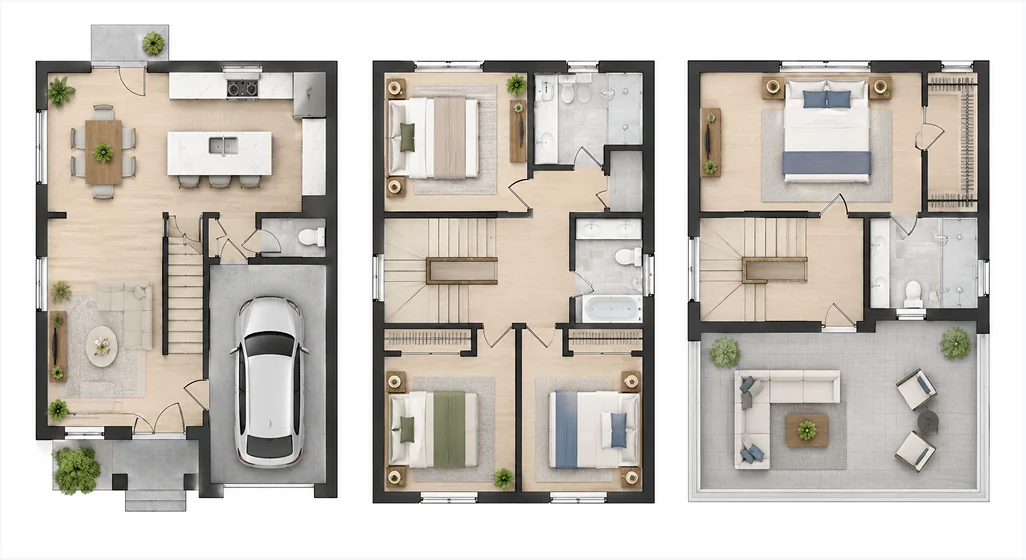
3. Upload one floor at a time
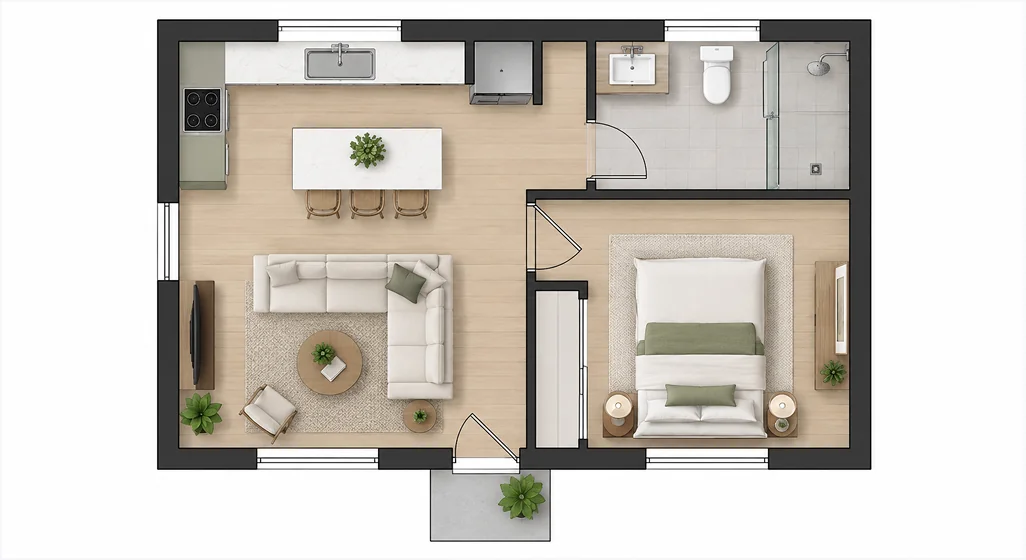
Do:
Upload a separate image for each floor of your building.
Don't:
Combine multiple floor levels into a single image.
4. Write clear, specific prompts
 Effective Prompt Example
“Modern Japandi living room with oak furniture, warm beige walls, and soft lighting.”
Specifies architectural style, wood textures, color palette, and atmosphere.
 Vague Prompt Example
“Just make it look much nice!”
Too subjective without materials, lighting conditions, or furniture direction.

5. Use one-click prompt refinement
Let DecAI's AI Designer improve your prompt with more relevant design details.

6. Review and refine your results
If something doesn't look quite right, use the AI Designer to adjust specific details or regenerate the design with a clearer prompt.
Who will actually need DecAI floor plan generator?
From homeowners and interior designers to real estate agents and business owners, DecAI makes 3D floor plan visualization easy and perfect for anyone with a space to imagine, present, or bring to life.

Homeowners
See your future home beyond a flat floor plan. Explore how your space could look in 3D before making renovation or design decisions.
SAVE RENOVATION REGRETS

Interior designers
Turn early design concepts into realistic 3D visuals in seconds, making it easier to present ideas and communicate with clients.
ACCELERATE APPROVALS

House agents
Transform property floor plans into engaging, furnished 3D visuals that help potential buyers picture the space before visiting.
BOOST LISTING CTR

Architects
Bring existing floor plans and rough sketches to life in 3D for early design presentations and seamless client discussions.
EARLY SCHEMATIC RENDERS

Business owners
Visualize your future office, studio, restaurant, or retail space in 3D before making interior design and capital furnishing decisions.
COMMERCIAL FIT-OUTS

Homebuyers
Turn simple floor plans or hand-drawn sketches into realistic 3D without complicated software or modeling skills.
DREAM HOME PREVIEWS
DecAI vs traditional floor plan generator & editor
Traditional floor plan tools often mean a lot of back-and-forth, like drawing, measuring, and rendering, before you see a result. DecAI, an AI-driven floor plan generator, replaces that with a few clicks and simple AI chats, all with no learning curve.
| Features & Workflow | DecAIThe AI-powered floor planner | Traditional toolsPlanner 5D, Floorplanner, CAD |
|---|---|---|
| Starting point | Upload a photo | Draw or edit by hand |
| Design speed | 30 secs or less | Hours, days or weeks |
| Automatic furnished 3D visualization | Available | Unavailable |
| Automatic layout recognition | Available | Unavailable |
| One-click 2D-to-3D visualization | Available | Unavailable |
| No manual 3D modeling required | Available | Unavailable |
| No design or CAD skills required | Available | Unavailable |
| Beginner-friendly workflow | Available | Unavailable |
| One-click AI prompt refinement | Available | Unavailable |
| Refine designs with AI chats | Available | Unavailable |
| Customize furniture, decor & elements | Available | Available |


More than just a floor plan maker
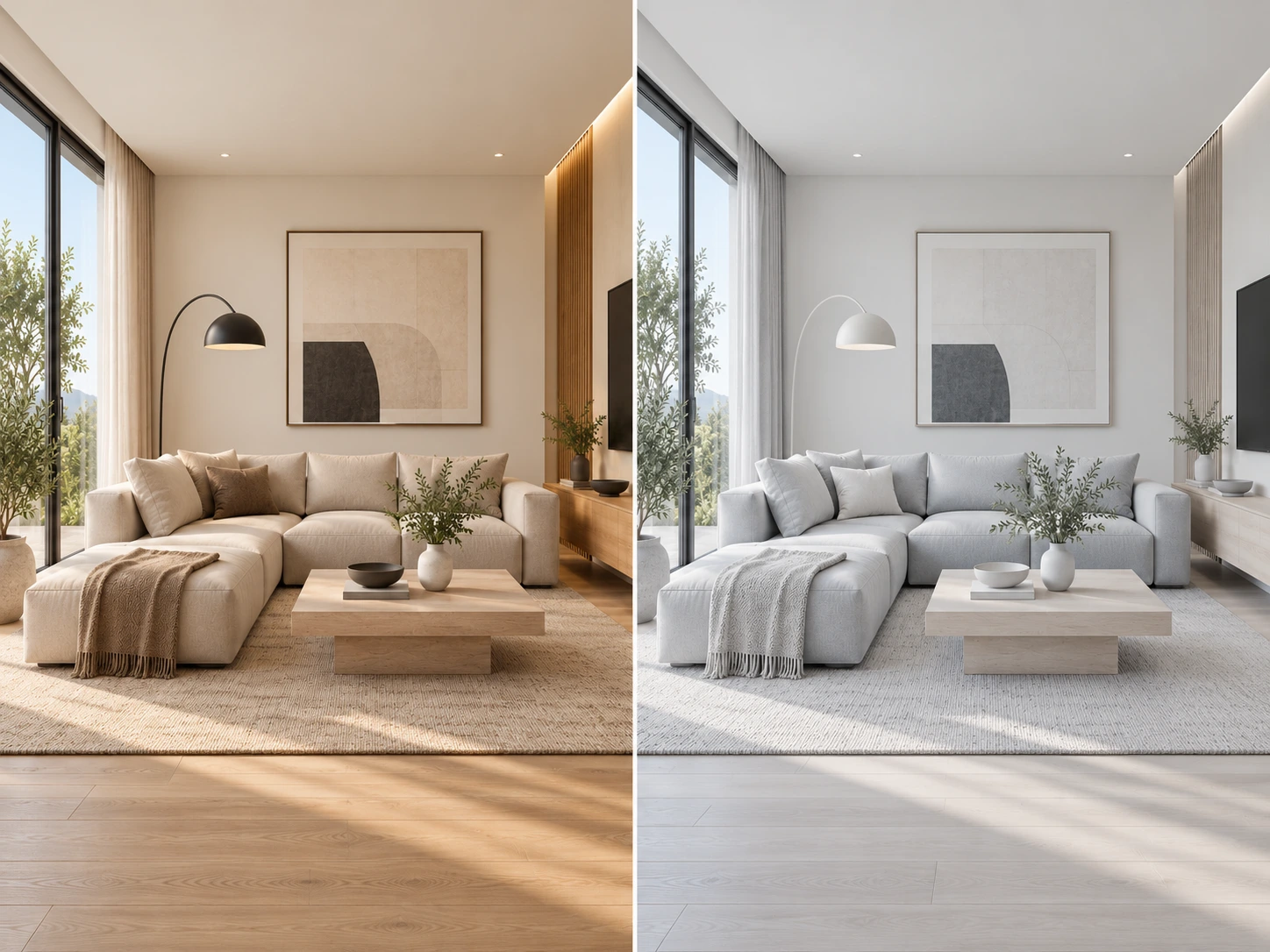
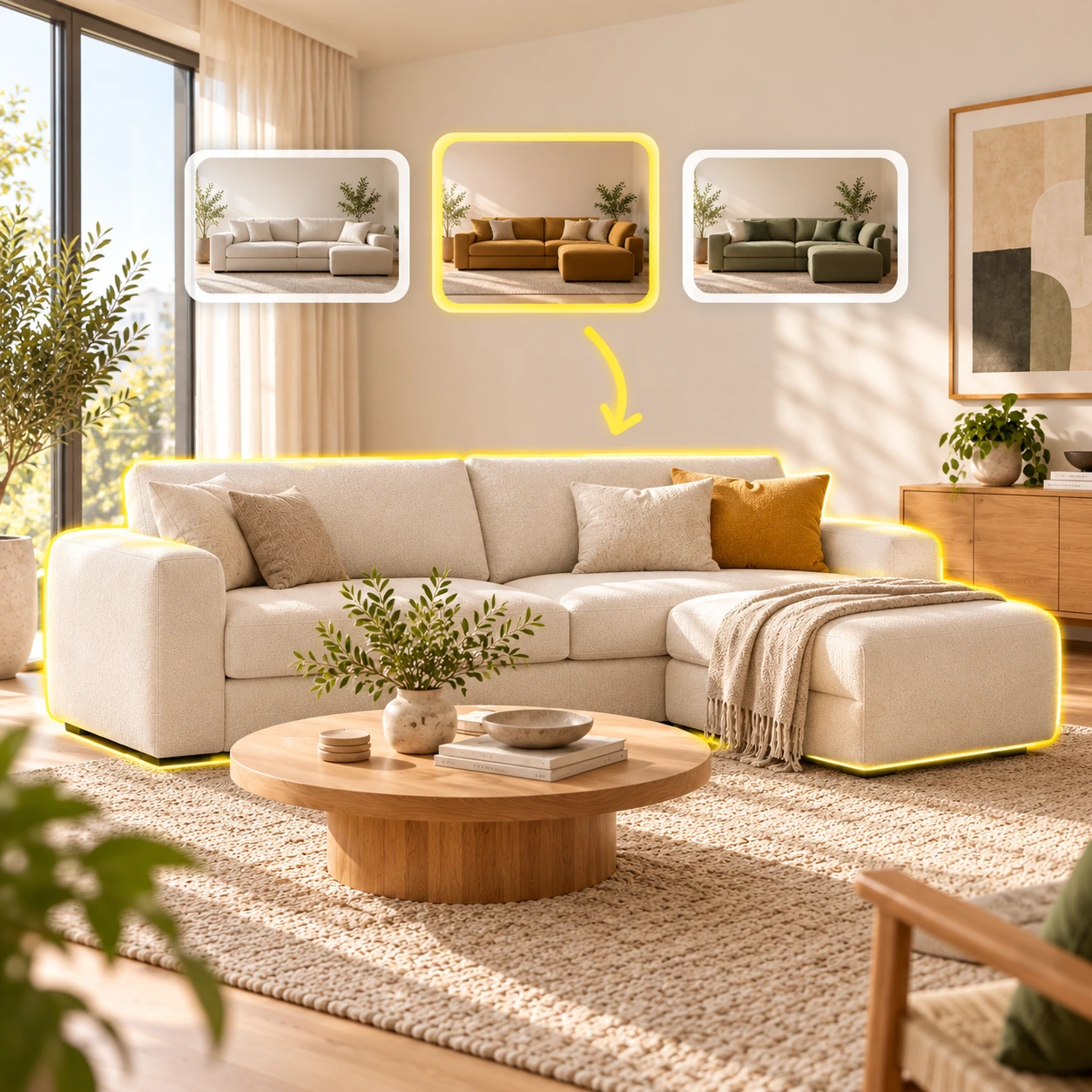
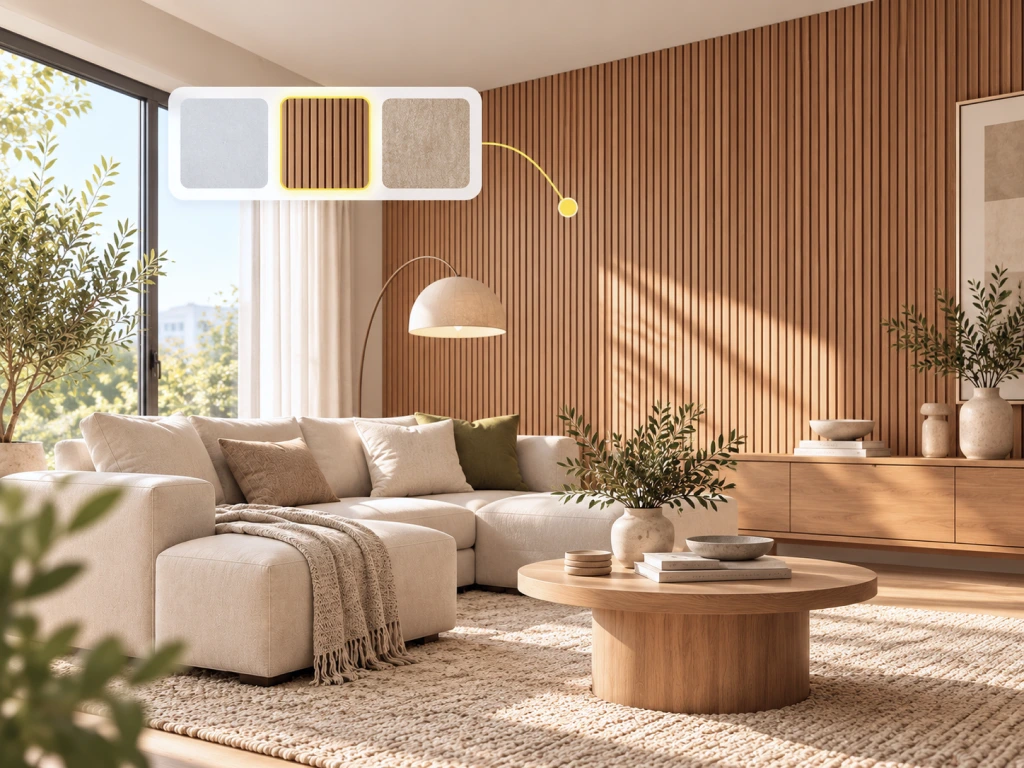
Beyond AI floor plan creation, DecAI brings together everything you need to visualize, customize, and refine your home design ideas, all in one place, from start to finish:





What our users say
From first-time homeowners to design professionals, let's hear what our users have to say about DecAI!

Andrea
House agent


“The ability to visualize several different options in minutes is a game-changer! I used to spend countless hours browsing Pinterest and asking friends for design ideas, only to end up second-guessing everything. DecAI has made me excited about designing my home again.”

Olivia
Interior designer
“I usually have clients who look at a floor plan and say, 'Okay, but what will it actually look like?' That's where DecAI has been really useful. I can turn an early 2D layout into a furnished 3D concept and give them something to react to before we get into the detailed design work.”

Wilson
Real estate agent
“Really love how this app helps me visualize things before committing to a big project. There's nothing worse than spending thousands on something you thought would look great, only to realize you don't like it. DecAI helps me explore different ideas and figure out what really suits my style before making those big decisions.”

Kate
Homeowner
“We had a 2D floor plan from our builder, but I honestly couldn't picture how the rooms would feel once furnished. I uploaded it to DecAI and finally had something I could show my husband. We tried a few different looks for the living room, and it made choosing a direction so much easier.”

Muhammad
Coffee shop owner
“I was planning a small coffee shop and had a basic floor plan from the contractor. I wanted to see how the seating, counter area, and overall style might come together. DecAI gave me a quick visual starting point, and I could share the images with my business partner instead of trying to explain everything over the phone.”

Alina
First-time homebuyer
“The apartment looked great on paper, but I had no idea how to decorate it. I'm not a designer, and most floor planning software felt like too much work. With DecAI, I just uploaded the plan and started exploring ideas. Some results needed tweaking, but it was a really fun way to figure out what I liked.”
Ready to bring Your floor plan to life? Start for free now!
Join 41M+ users and teams worldwide using DecAI. Sign up for free and start designing your floor plan right now by downloading our iOS or Android app or straightly using the web version.


iPhone
DecAI puts powerful capabilities right in your pocket and is compatible with iPhones running iOS 14 or later.
Download for iPhoneFrequently asked questions about DecAI floor plan creator
1. What is DecAI Floor Plan? How does it work?
2. Can I turn a 2D floor plan into 3D for free?
3. Can I upload a hand-drawn floor plan or sketch?
4. Does DecAI keep my walls, doors, and room layout?
5. Can I further edit the prompt and regenerate a new plan?
6. How long does it take to convert a floor plan to 3D?
7. Can I use DecAI floor plan software for professional projects?
8. Is it possible to customize AI-generated floor plans?
9. Can I upload and edit an existing floor plan?
10. Is it accurate enough for construction?
11. Can ChatGPT do floor plans?