

Transform Your Home Between Styles in Seconds

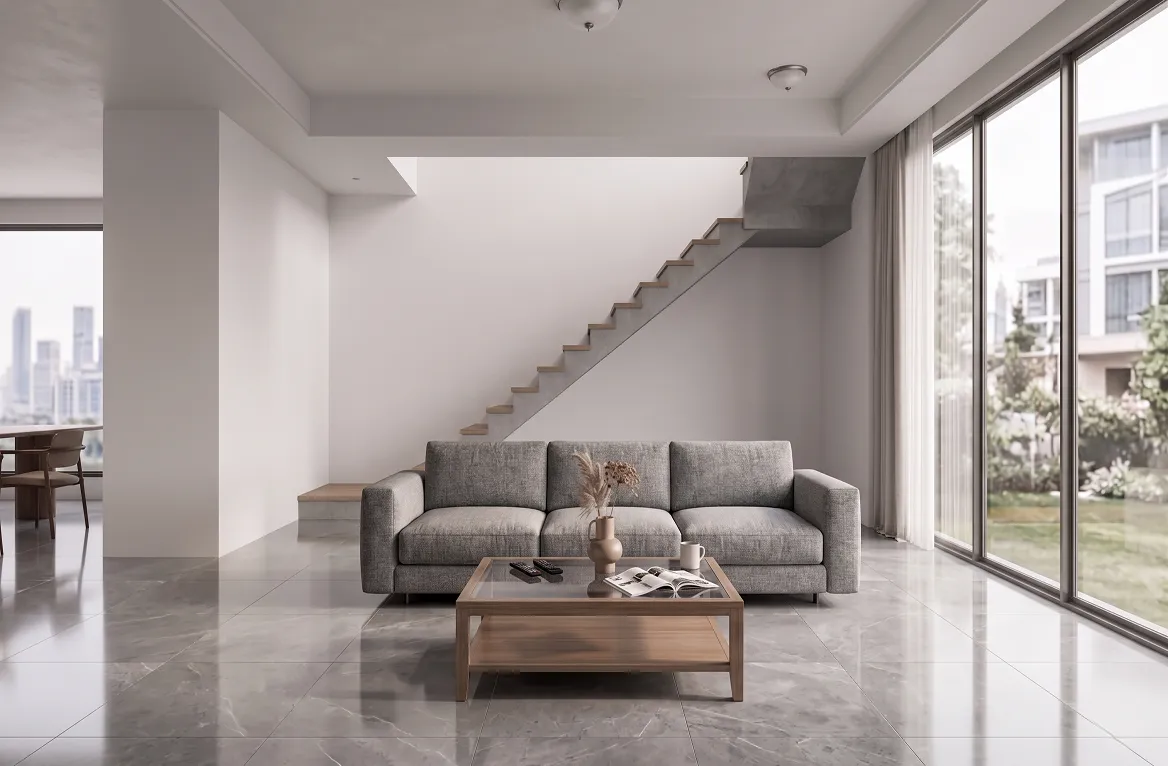


Your best free AI style transfer assistant
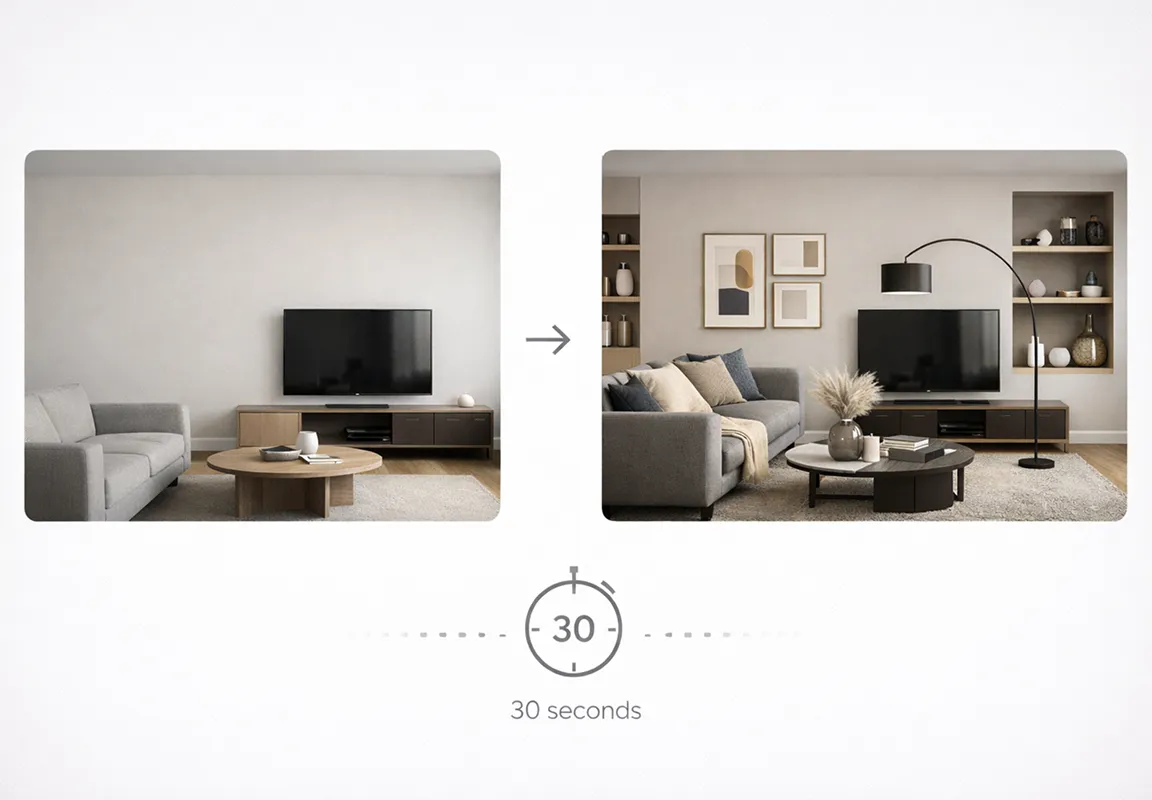
DecAI instantly applies the style of your preference photo to your real room and building photo, so you can quickly explore endless design styling possibilities at just fingertips.
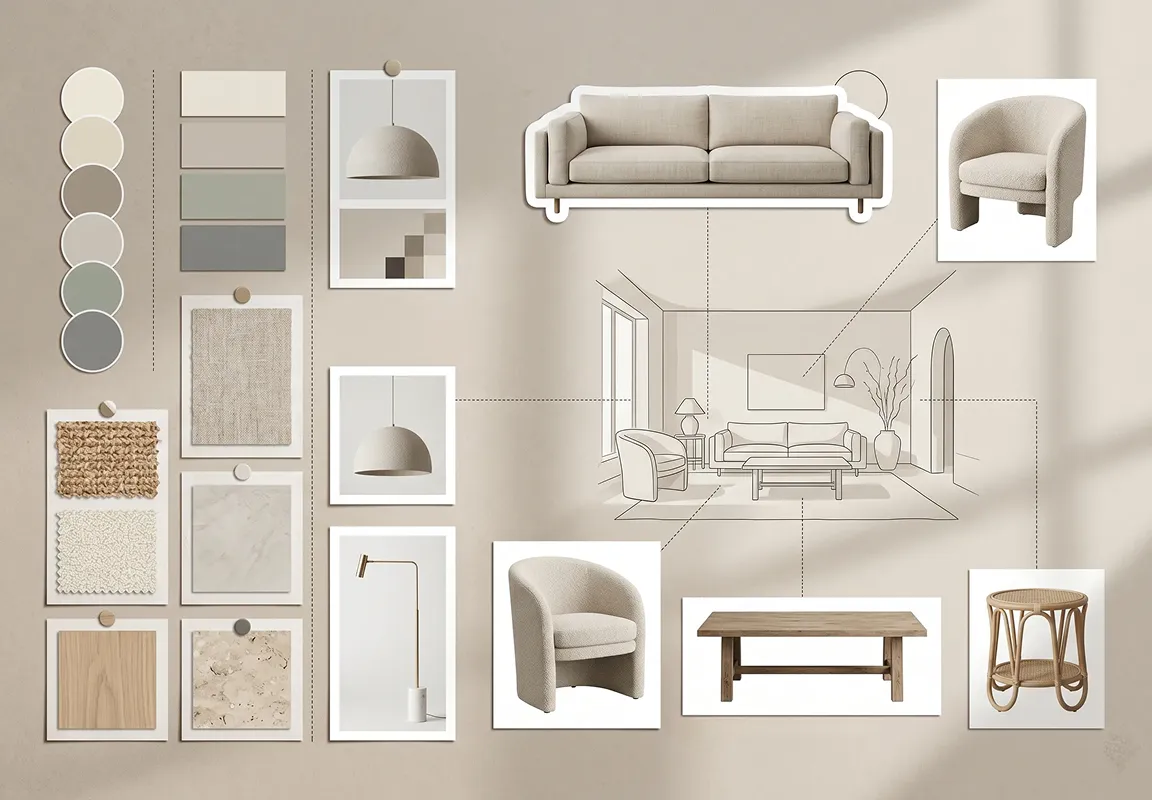
Original style aesthetic, flawlessly transferred
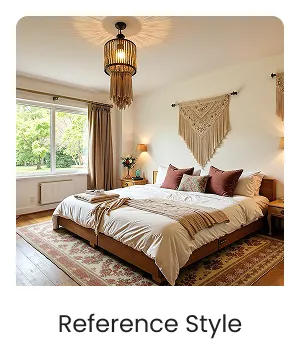
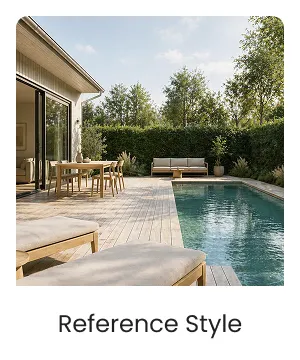
DecAI auto reads all possible style elements in your preference photo and flawlessly transfer to your design, including:
- Color schemes
- Textures & materials
- Furniture styles & characteristics
- Overall mood & atmosphere
- And much more
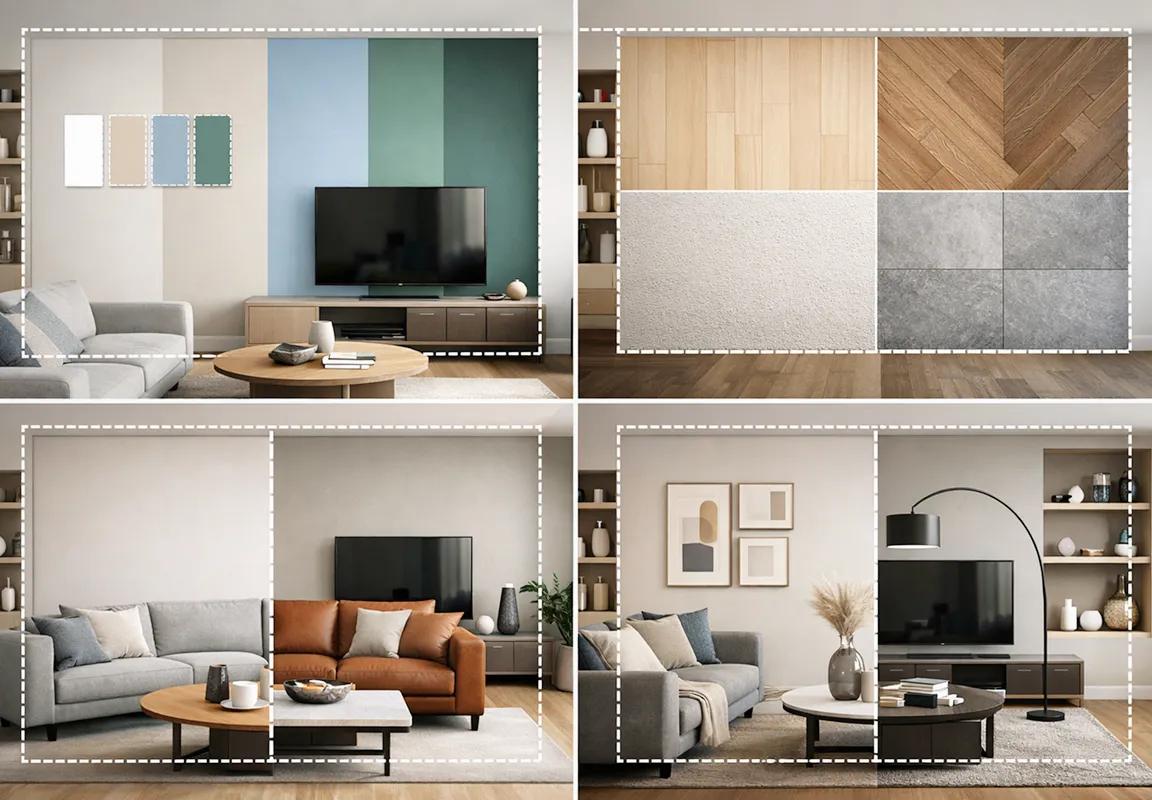
All-in-One Style Transfer for interiors, exteriors & architecture
With 15+ room and building types, DecAI handles all your interior, exterior, and architectural design style transfers — seamlessly, in one place. No more jumping between different apps or platforms.
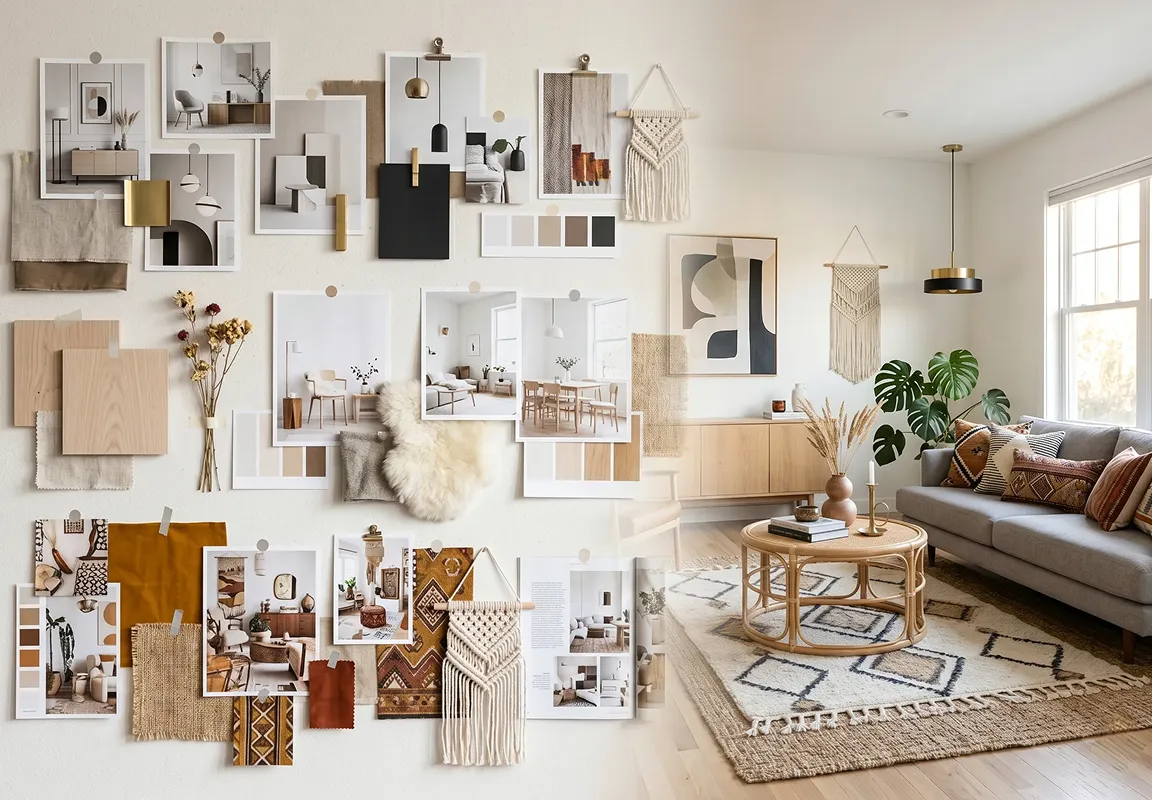
Easily replicate styles from Pinterest, Instagram & beyond
Screenshot any design you love when scrolling on Pinterest, Instagram, Midjourney, magazines, or any AI platform. DecAI auto extracts every style element and transfers it to your space, no matter where your inspiration comes from.
Easy, fast & fully AI-powered
Stop imagining how a style might look in your room, shop or building. Just upload your photo and let DecAI do the rest - delivering photorealistic style transfers in seconds, completely free. No design skills or experience required.
Transfer your designs between styles in 4 steps
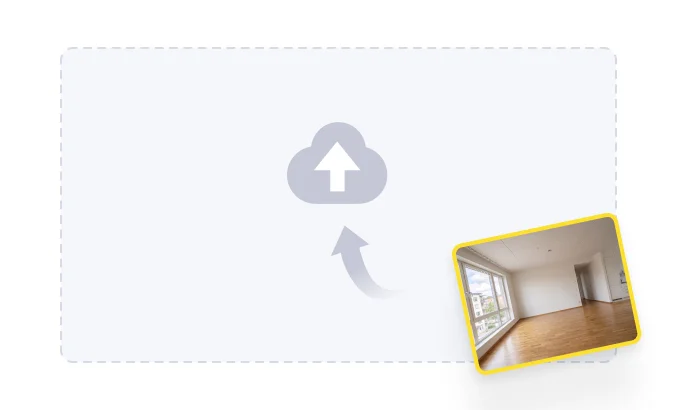
Upload your space
/ 01Upload a clear photo or design of the space or building you want to transform.
Choose style reference
/ 02Add a reference image with a style you love - from Pinterest, Instagram, or your own mood board.
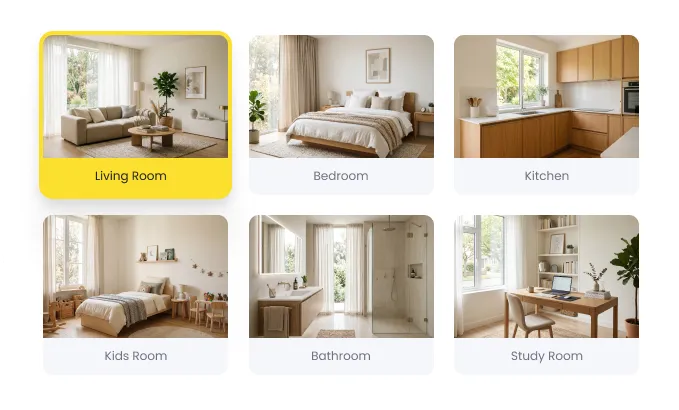
Select room type
/ 03Choose the room or space type to help the AI better understand and optimize the results.
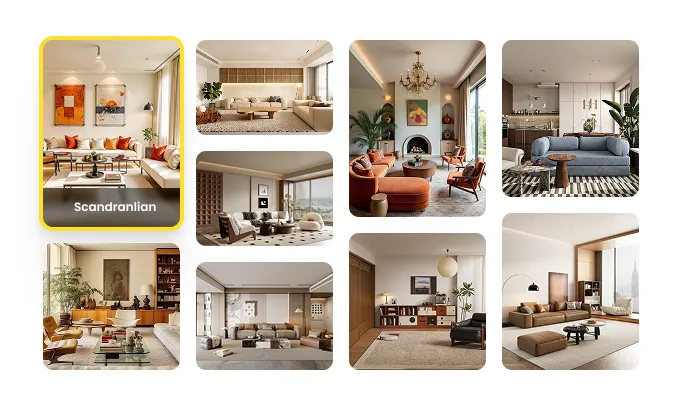
Apply style
/ 04Let the AI analyze the style elements and instantly transfer the style in seconds.
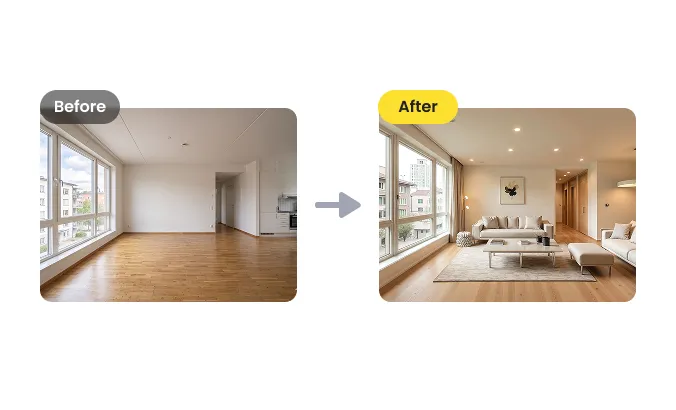
Land even your boldest style ideas in seconds, all in DecAI
With DecAI Style Transfer tool, you can continuously bring any style idea to life, from start to finish, inside and out, in the fastest, most seamless way possible.
Quickly transfer styles
Upload your inspiration photos and instantly explore, compare, and experiment with as many styles as you like, until you discover the perfect fit.

Precisely refine details
After style transfer, fine tune wall, floor, furniture, textures and more, making every corner of your space look exactly as you envisioned.
Instantly preview & share
Download your finished design and share it instantly with clients, collaborators, or on social media. Fully portable, cross-platform, and convenient.
When to use DecAI Style Transfer ?
As a powerful image-to-image style transfer tool, DecAI fits naturally into every scenario and stage of your home or building design workflow:
Renovating your living room or bedroom
Redecorating for festivals, shopping seasons or anniversaries
Exploring different design directions
Inspired by Pinterest, Instagram, or Midjourney
Presenting to clients & teams
Building design moodboard for future projects
Maintaining style consistency across different rooms
Exploring AI or magazine styles
Matching shop, building or room aesthetics
Generating designer portfolio for job hunting or clients
Who is DecAI Style Transfer perfect for?
As an intelligent image style transfer tool online, DecAI is perfect for anyone who want to try multiple styles on their space in the quickest way:

Homeowners & renters
Stop imagining how your space could look. See it - in any style, instantly and for free

Interior & exterior designer
Wow your clients with multiple photorealistic style options delivered in seconds, not days.

Architects
Explore interior and exterior styles across any building type, all without switching between tools.

House agents
Stage and style any property virtually - making every listing look its absolute best.

Shop & restaurant owners
See exactly how your commercial space looks in any style before spending a single dollar.

Directors & brand designers
Keep every space aligned with your brand aesthetic, effortlessly and consistently.

Influencers
Create stunning interior visuals for your feed, stories, or portfolio in seconds.

Design teams & agencies
Share photorealistic style previews with your team or clients instantly, from any device.
Homeowners & renters
Stop imagining how your space could look. See it - in any style, instantly and for free
Architects
Explore interior and exterior styles across any building type, all without switching between tools.
Shop & restaurant owners
See exactly how your commercial space looks in any style before spending a single dollar.
Influencers
Create stunning interior visuals for your feed, stories, or portfolio in seconds.
Interior & exterior designer
Wow your clients with multiple photorealistic style options delivered in seconds, not days.
House agents
Stage and style any property virtually - making every listing look its absolute best.
Directors & brand designers
Keep every space aligned with your brand aesthetic, effortlessly and consistently.
Design teams & agencies
Share photorealistic style previews with your team or clients instantly, from any device.
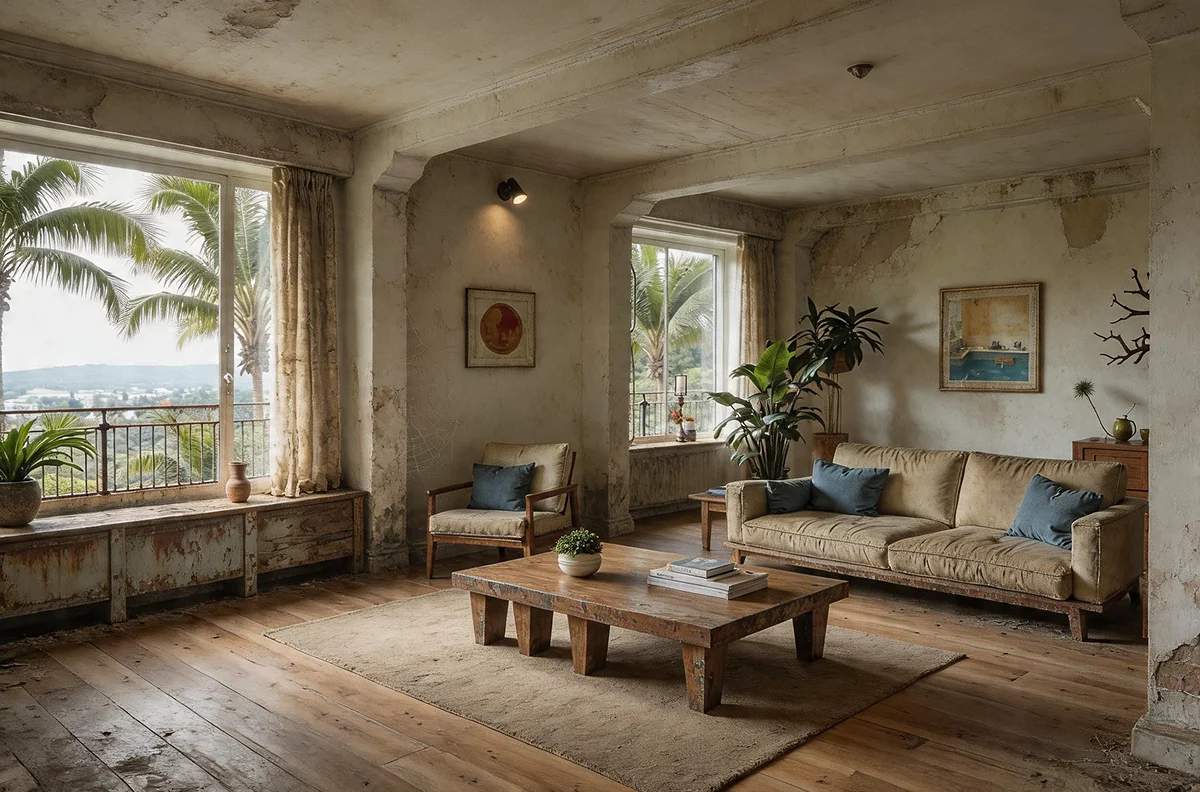
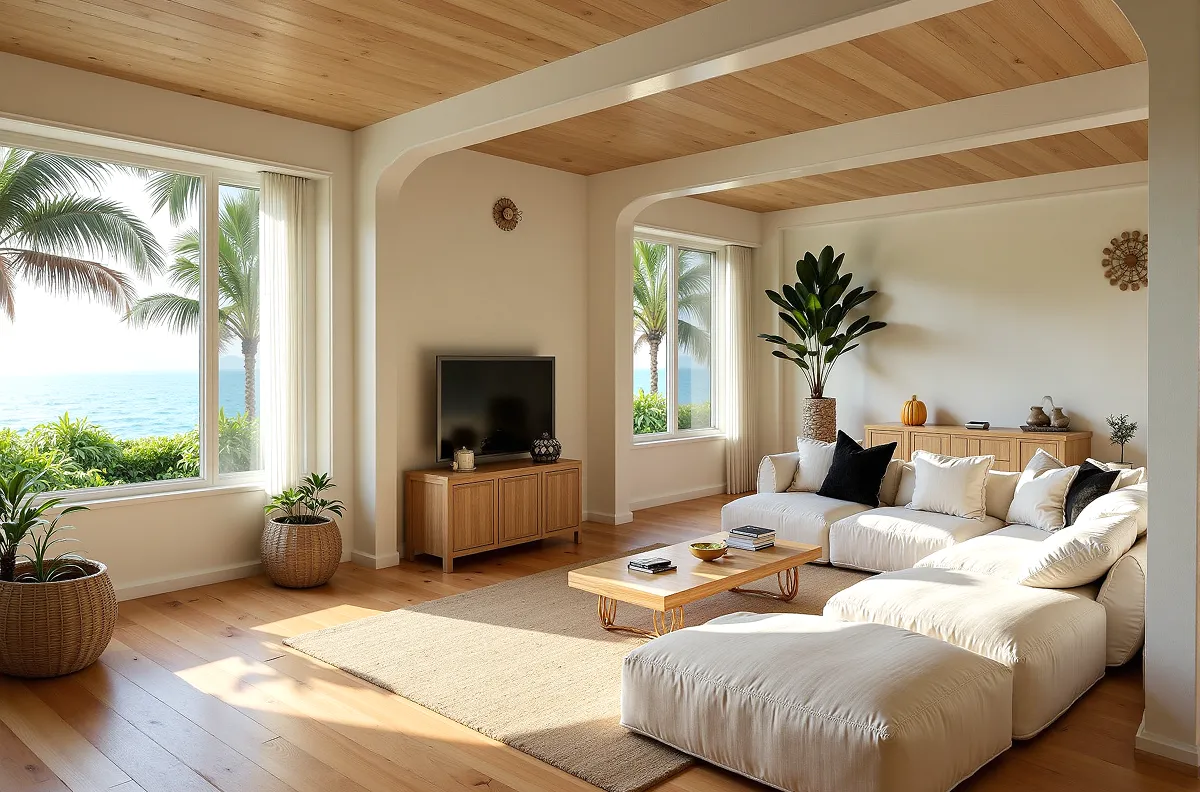
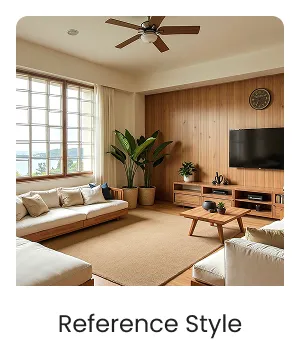
Stunning real transformation examples in action
Words never tell the full story. Here's what DecAI Style Transfer actually looks like in action, real spaces, real styles, real transformations.
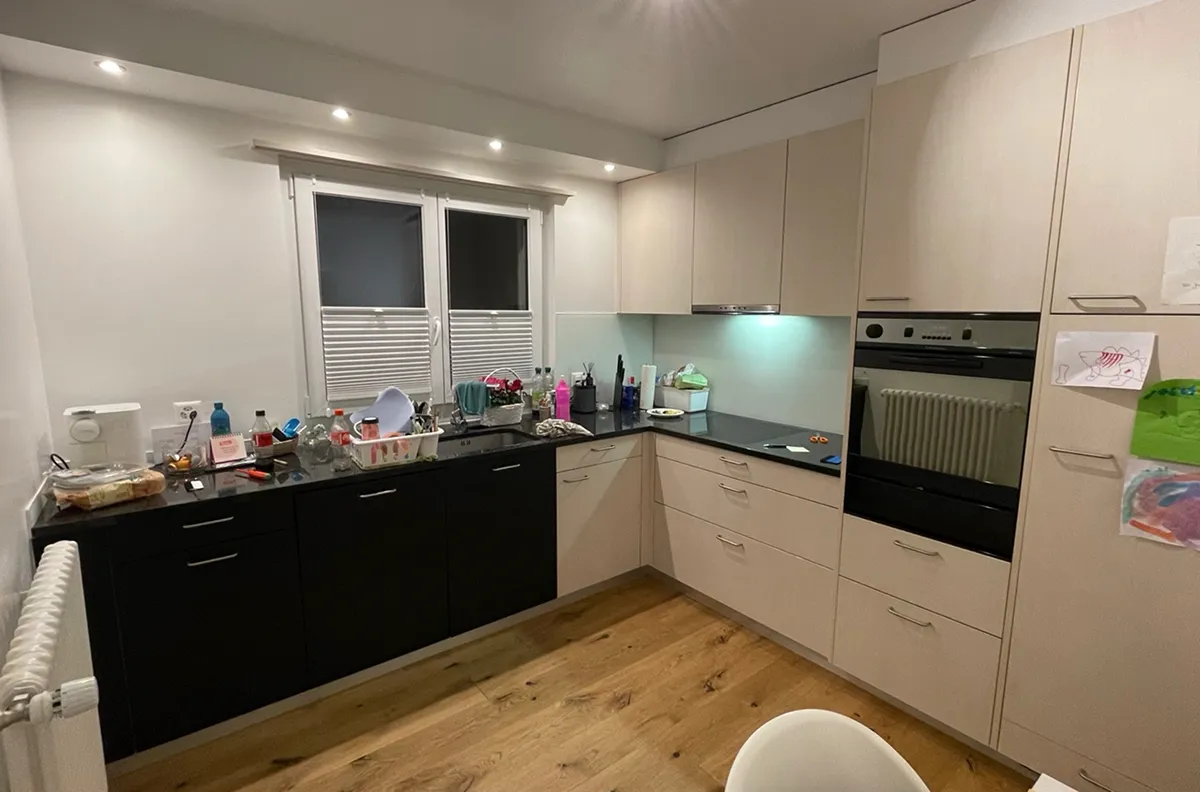
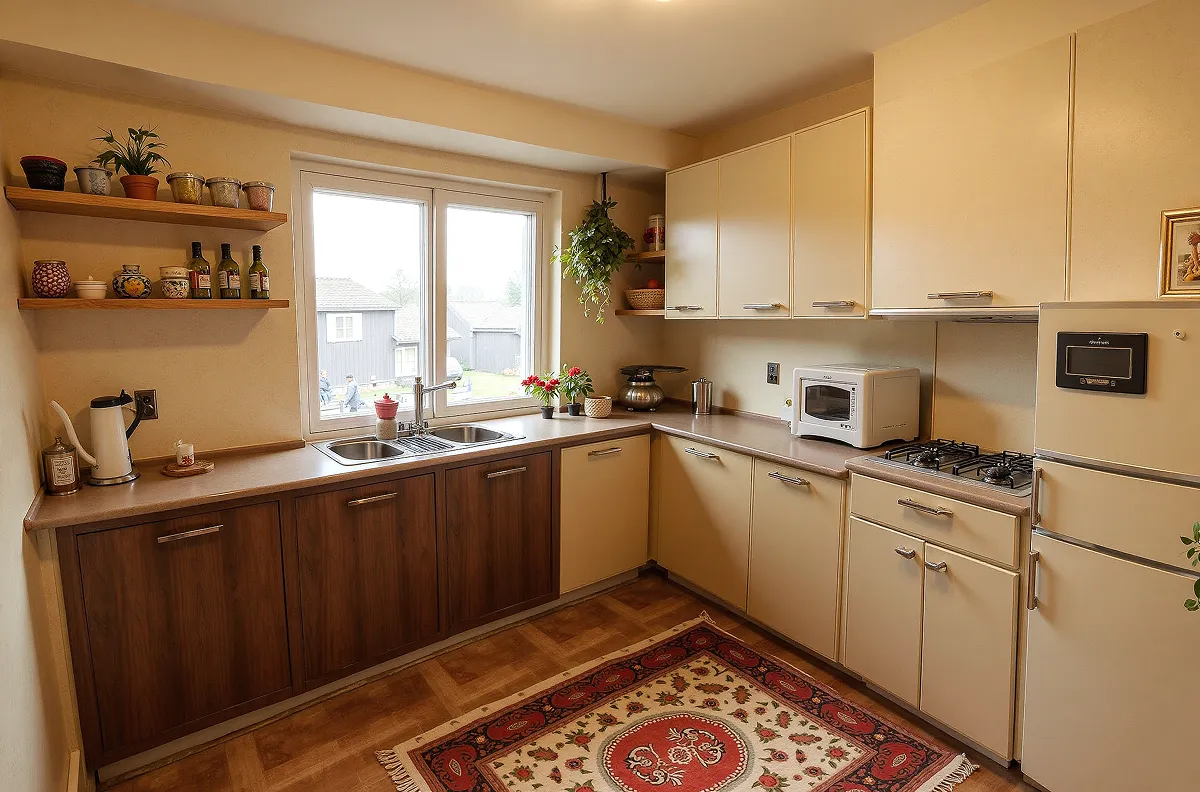
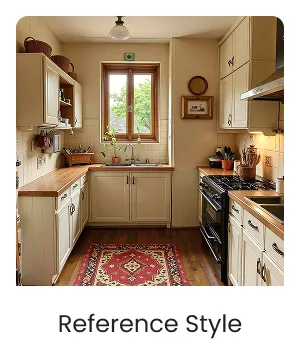
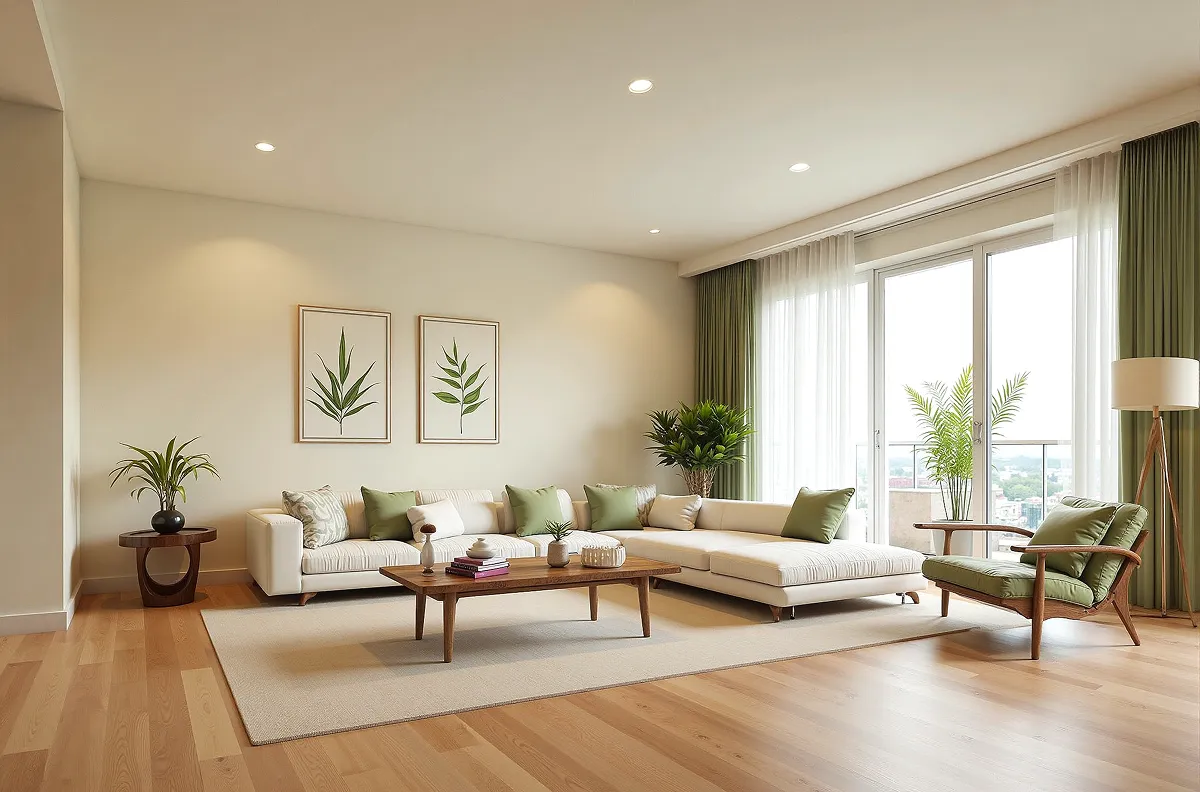
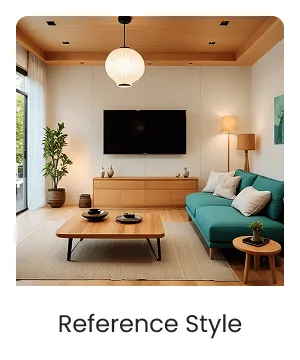
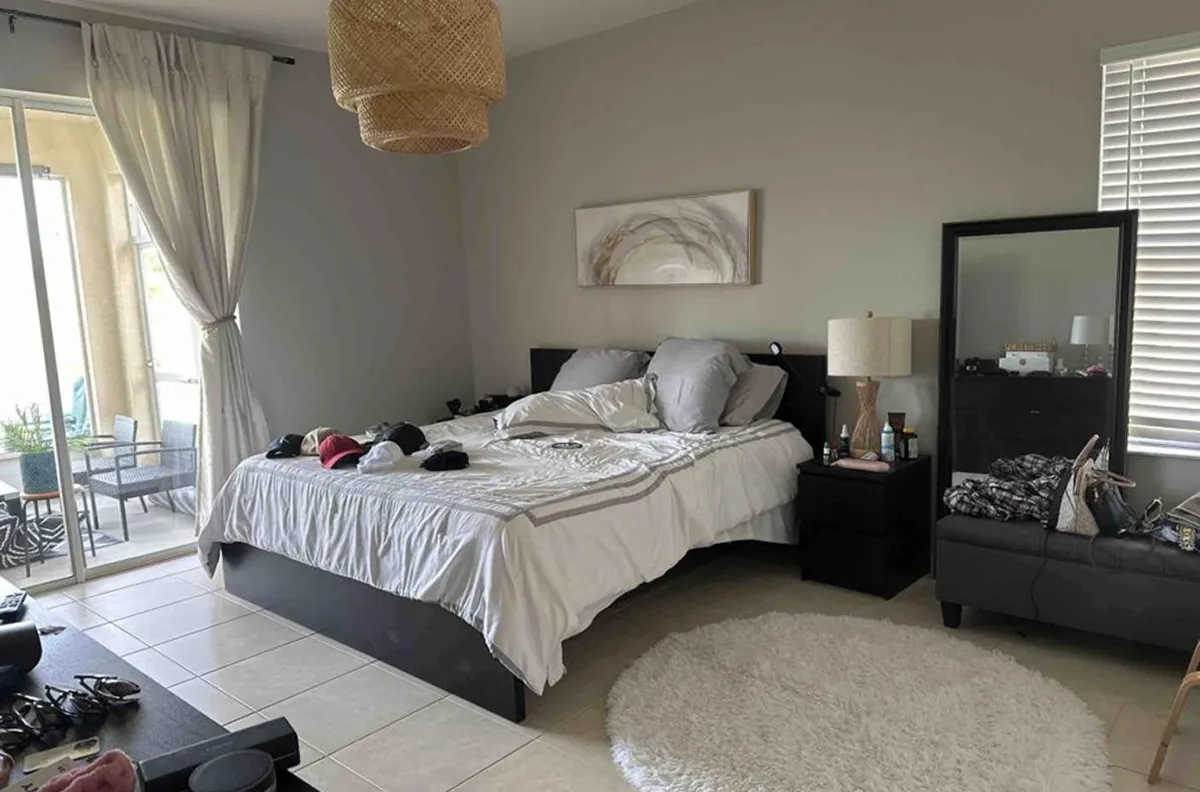
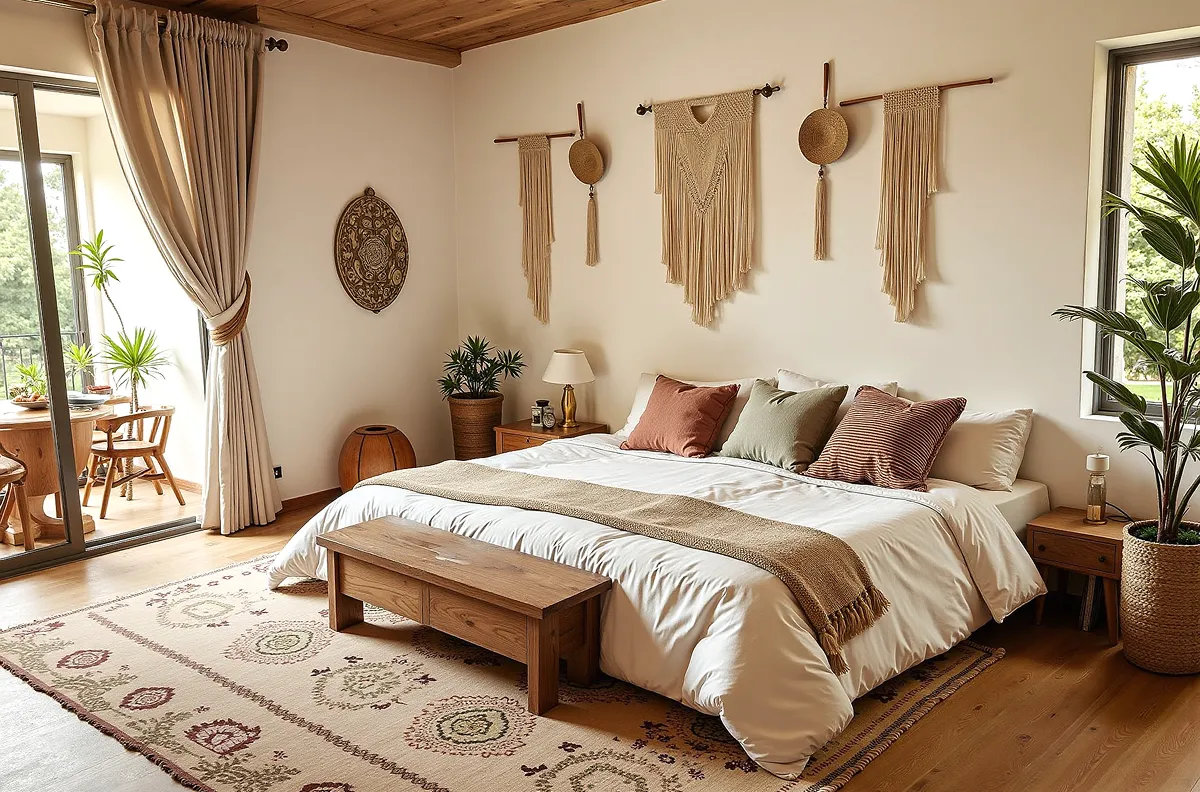










Style your space or design whenever you go
Choose your platform and start styling your space or design anytime, anywhere.


'%3e%3cmask%20id='mask0_6420_12770'%20style='mask-type:luminance'%20maskUnits='userSpaceOnUse'%20x='0'%20y='0'%20width='24'%20height='24'%3e%3cpath%20d='M23.4218%200.40625H0.381836V23.4463H23.4218V0.40625Z'%20fill='white'/%3e%3c/mask%3e%3cg%20mask='url(%23mask0_6420_12770)'%3e%3cpath%20d='M23.4156%202.70963C23.4156%201.43816%2022.3837%200.40625%2021.1123%200.40625H2.68522C1.41375%200.40625%200.381836%201.43816%200.381836%202.70963V7.31641H23.4218V2.70963H23.4156ZM10.744%205.03759C10.099%205.03759%209.58309%204.52163%209.58309%203.87669C9.58309%203.23174%2010.099%202.71578%2010.744%202.71578C11.389%202.71578%2011.9049%203.23174%2011.9049%203.87669C11.9049%204.52163%2011.389%205.03759%2010.744%205.03759ZM15.3631%205.03759C14.7181%205.03759%2014.2021%204.52163%2014.2021%203.87669C14.2021%203.23174%2014.7181%202.71578%2015.3631%202.71578C16.008%202.71578%2016.524%203.23174%2016.524%203.87669C16.524%204.52163%2016.008%205.03759%2015.3631%205.03759ZM19.9698%205.03759C19.3249%205.03759%2018.8089%204.52163%2018.8089%203.87669C18.8089%203.23174%2019.331%202.70963%2019.9698%202.70963C20.6147%202.70963%2021.1308%203.2256%2021.1308%203.87054C21.1308%204.51549%2020.6209%205.03759%2019.9698%205.03759Z'%20fill='%23A1A4B3'/%3e%3cpath%20d='M0.381836%209.625V21.1419C0.381836%2022.4134%201.41375%2023.4453%202.68522%2023.4453H21.1123C22.3837%2023.4453%2023.4156%2022.4134%2023.4156%2021.1419V9.625H0.381836Z'%20fill='%23A1A4B3'/%3e%3c/g%3e%3c/g%3e%3cdefs%3e%3cclipPath%20id='clip0_6420_12770'%3e%3crect%20width='24'%20height='24'%20fill='white'/%3e%3c/clipPath%3e%3c/defs%3e%3c/svg%3e)

iPhone
DecAI puts powerful capabilities right in your pocket and is compatible with iPhones running iOS 14 or later.
DecAI has all the tools you need for home design
As an all-in-one online home design hub, DecAI goes beyond intelligent style transfer—it helps you design your entire home or shop, inside and out.
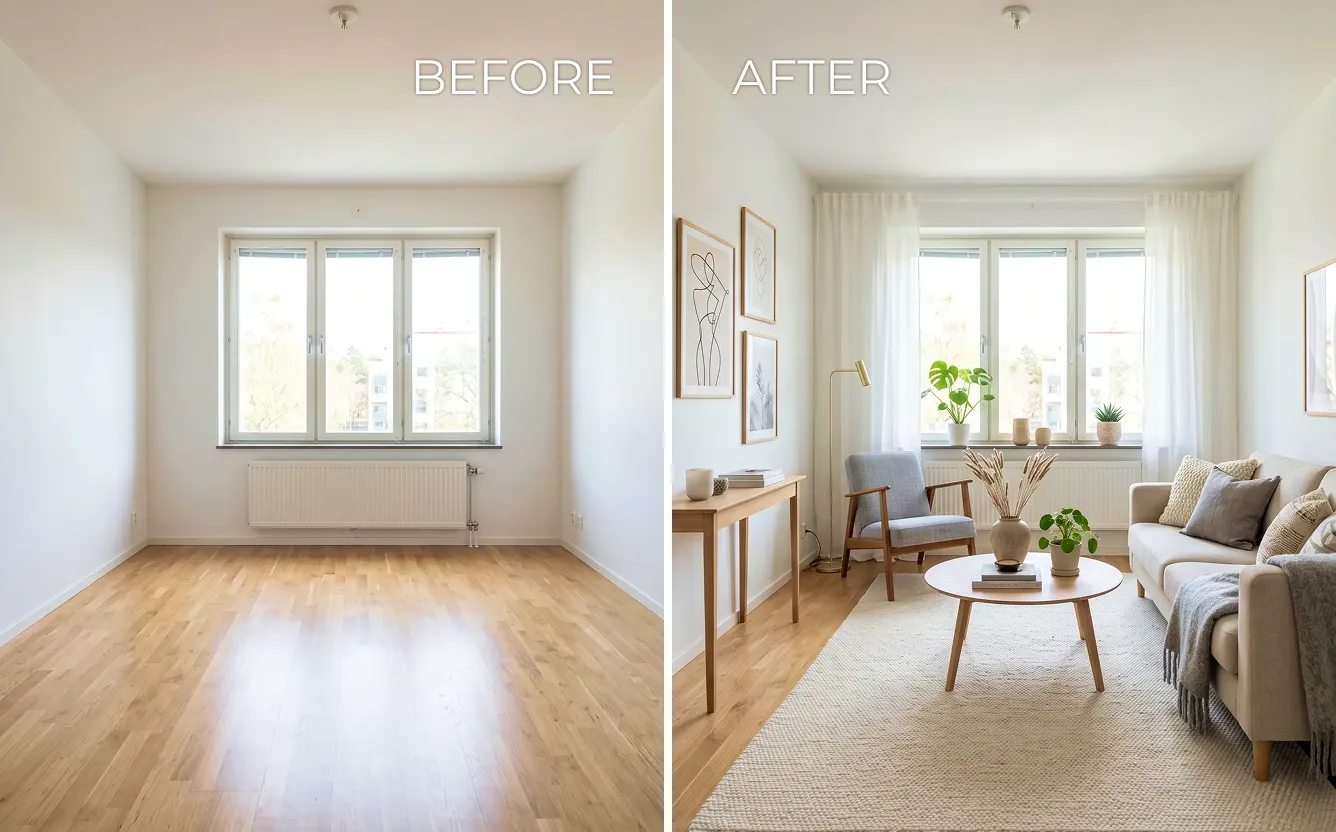
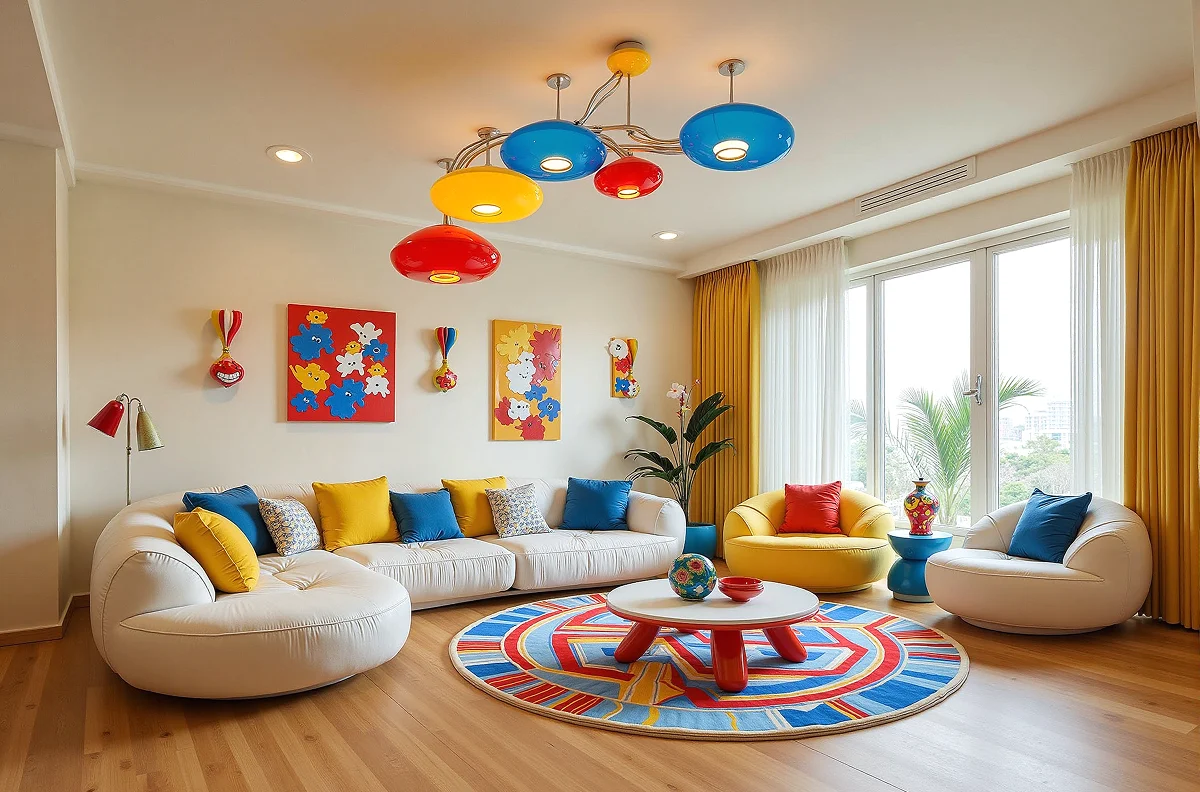
Redesign any room in seconds with 30+ styles, just a few clicks and your space transforms.
Frequently asked questions about AI style transfer
1. What is DecAI Style Transfer? How does it work?
2. Is this DecAI free to use?
3. Can I edit the results after the style transfer?
4. Can I transfer styles to specific elements only?
5. Can I choose which style element to transfer from the reference image?
6. Can I use multiple style references for one space?
7. What styles can I transfer?
8. Can I transfer style between different room types?
9. Is my uploaded image secure?
10. How long does style transfer take?
11. Can I use the output for commercial projects?
12. Is my work saved automatically?
13. Can I share my designs?
14. Can I use photos from Pinterest, Instagram or magazines as style references?
15. Will my furniture and layout stay the same?