DecAI furniture remover

Empty or Declutter Your Room Instantly with AI
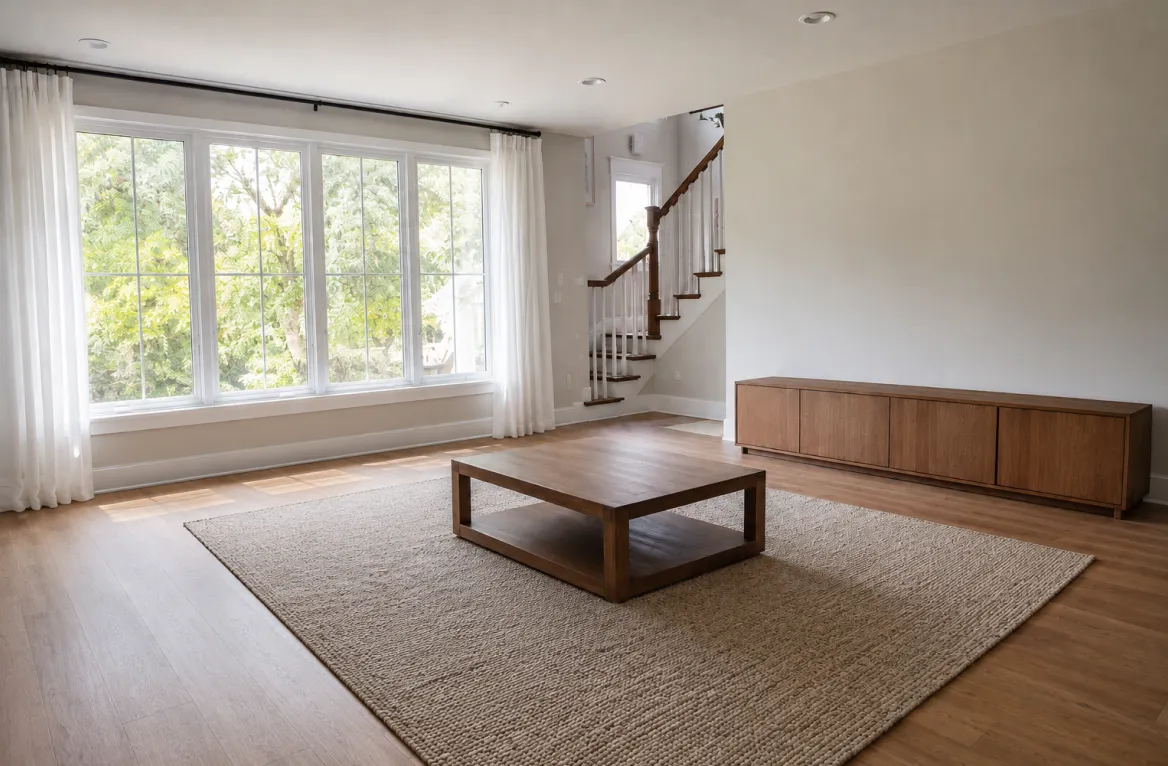
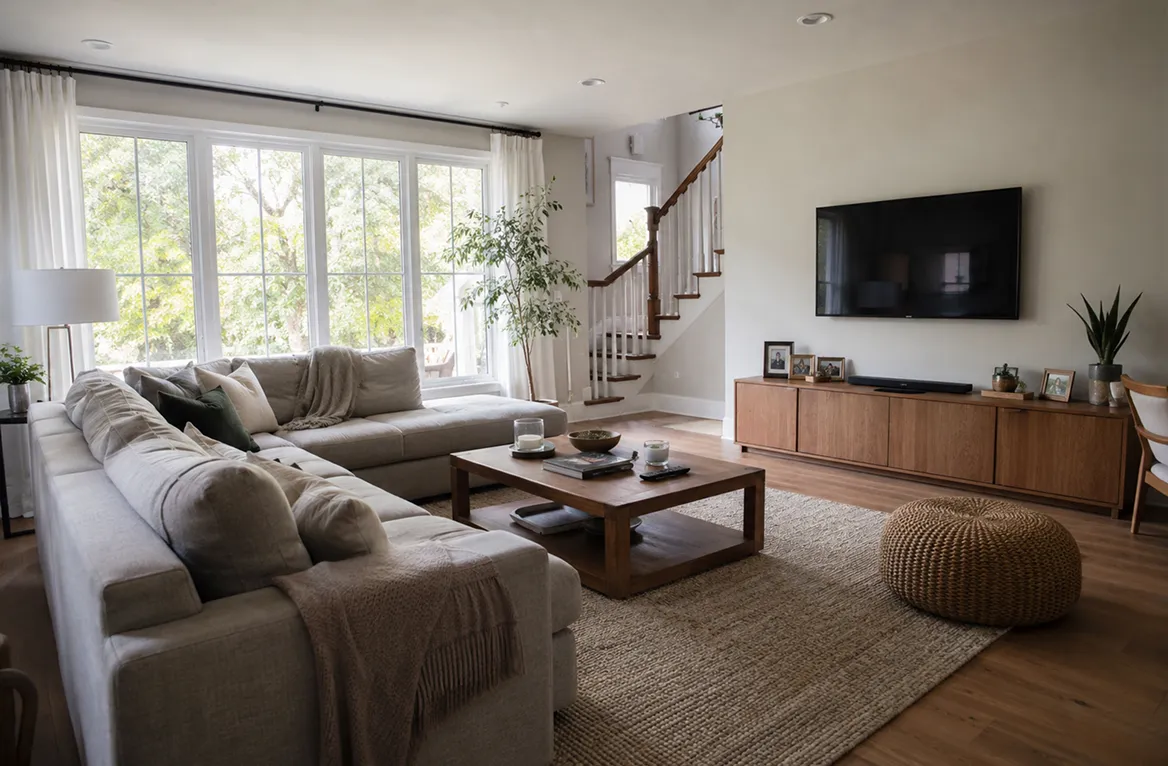
Instantly remove unwanted furniture, clutters, and objects from your room photos for effortless real estate improvement, virtual staging and home redesign—fast, easy, and accessible anywhere.
41M+
active users
170+
countries
4.6+
popularity rating
18.4M+
downloads
Turn furnished room into a blank canvas in seconds
Old furniture and decors hold you back from redesigning, restaging or decorating your room? Simply remove them to create a clean slate for exploring new possibilities, all in seconds.
Turn furnished room into a blank canvas in seconds
Erase unwanted furniture or clutter without hassles
Messy or cluttered rooms won’t attract potential clients or renters. Upload a photo and virtually remove unwanted furniture and objects with clicks to prepare a clean, convincing showcase.
Erase unwanted furniture or clutter without hassles
Optimize your room design instantly with AI
Does a single sofa, lamp, or wall decor ruin the overall look or design of your space? Virtually clean it up with DecAI and preview the result right away, no more guessing.
Optimize your room design instantly with AI
Virtual decluttering has never been easier
No moving, cleaning, or heavy lifting required. Simply upload a photo and use our AI to declutter busy rooms instantly, helping you visualize a cleaner space and make design decisions faster.
Virtual decluttering has never been easier

Why use our AI tool to clean up your space?

DecAI provides powerful features to remove unwanted furniture and clutter while keeping your room natural and realistic, all without any hassle.
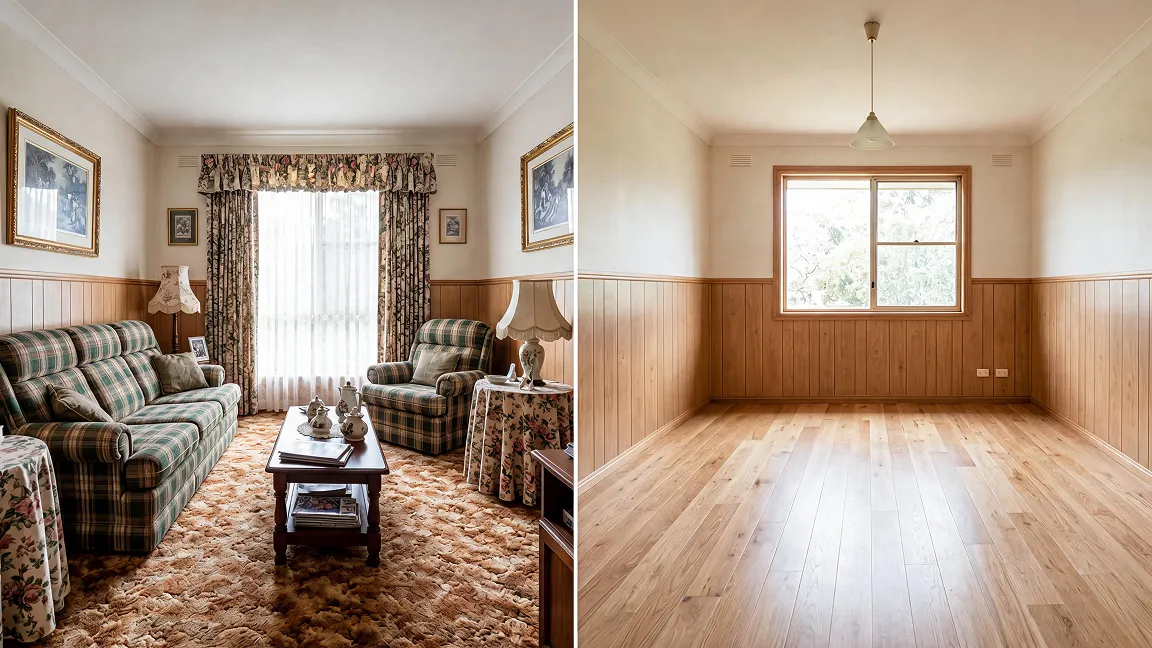
Why use our AI tool to clean up your space?

Smart AI furniture remover

Advanced AI algorithms remove furniture and defects from your home photos while preserving room details and lighting.

Prompt with complete freedom

Describe anything you want to remove, and AI will handle the rest, giving you full control over what stays and what goes.

AI room declutter tool

Clear away unwanted furniture and clutter in seconds to reveal a clean space ready for redesign, staging, or renovation.

Always accessible anywhere

Use the AI furniture cleaner on laptops, tablets, and mobile devices whenever inspiration strikes.

3-step workflow

How to remove furniture with our AI?

01
PHOTO INPUT

Upload your photo

Upload a photo of any furnished, decorated, or cluttered room. For the best results, use a clear, high-quality image.

Upload your photo
02
AI INSTRUCTION

Enter your prompt

Simply describe the furniture, decor, or objects you'd like to remove. The more specific your prompt is, the more accurate the results will be.

Enter your prompt
03
CLEAN OUTPUT

Get your results

Get your emptied or decluttered photo in 30 seconds, ready to use immediately.

Get your results

Keep refining your AI result until it's exactly right

Once you've removed unwanted furniture and clutter, continue editing furniture, decor, wall colors, flooring, and more until the room matches your vision.
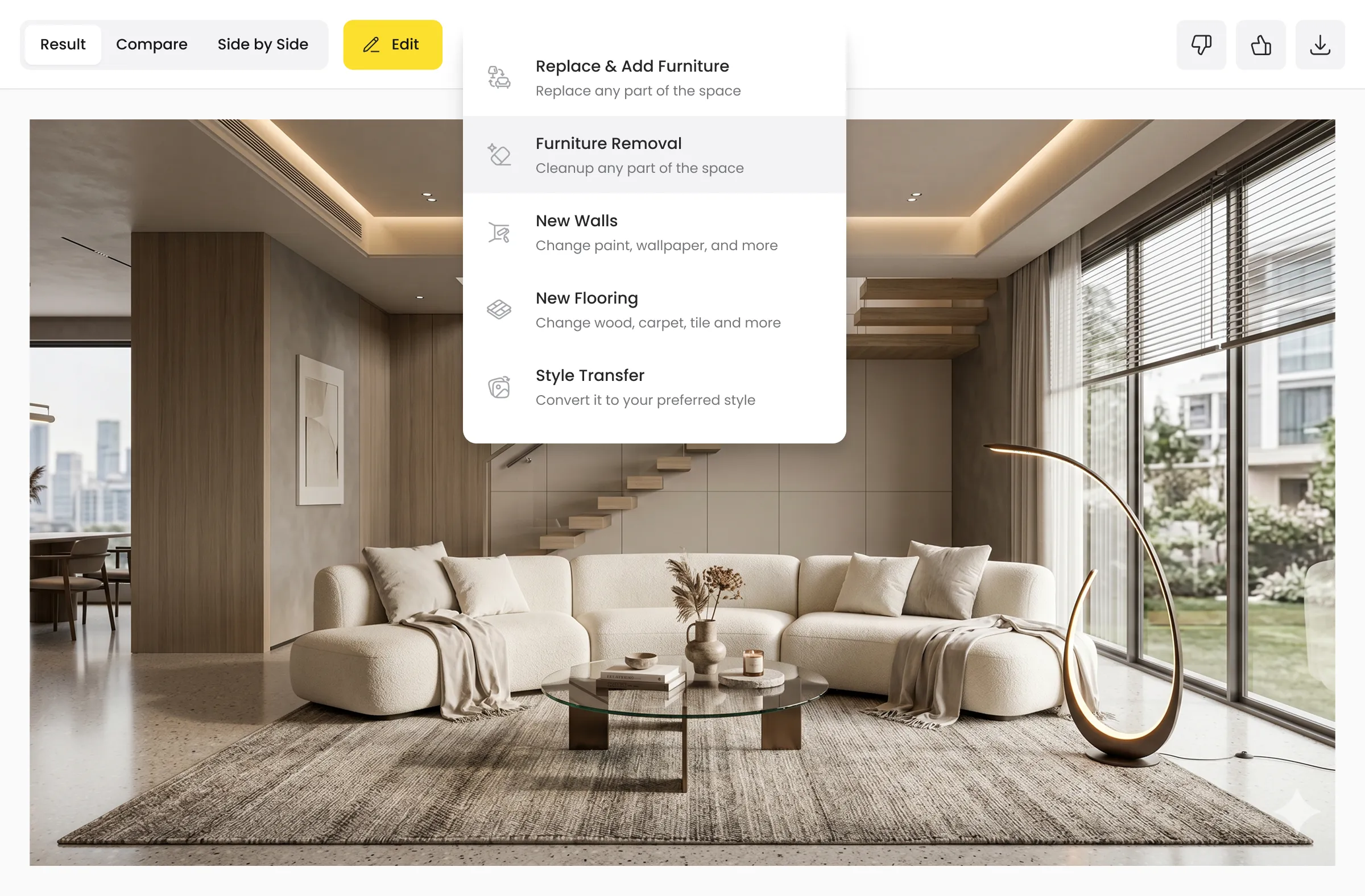
AI furniture removal result editor with refinement options

Want better results even on the first try?

Great results start with great prompts. Follow these expert prompt dos and don'ts to improve accuracy, reduce retries, and get the most out of DecAI in the quickest way:

Dos:

Guide the AI with clear removal intent

  • Be specific about what to remove
  • Remove similar objects together
  • Locate the object clearly if there are many
  • Directly use “Empty entire room” for full room removal
Don’ts:

Make prompts focused, no ambiguity

  • Don’t use unclear or vague words
  • Do not remove too many different things at once
  • Do not mix too many tasks in one prompt

Prompt examples that are specific enough to work

Remove the TV stand beneath the television
Remove all clutter from the floor
Empty the entire bedroom directly
Remove everything except the bed

When to use DecAI furniture removal tool?

As a powerful AI furniture remover, DecAI fits every scenario or stage of your home design lifecycle whenever you need to remove furniture or clutter.

Home renovation & redesign
Virtual home staging
Furniture replacement planning
Interior design idea testing
Rental property marketing
Room decluttering & organizing
Home remodeling & construction planning
Room design idea presentation

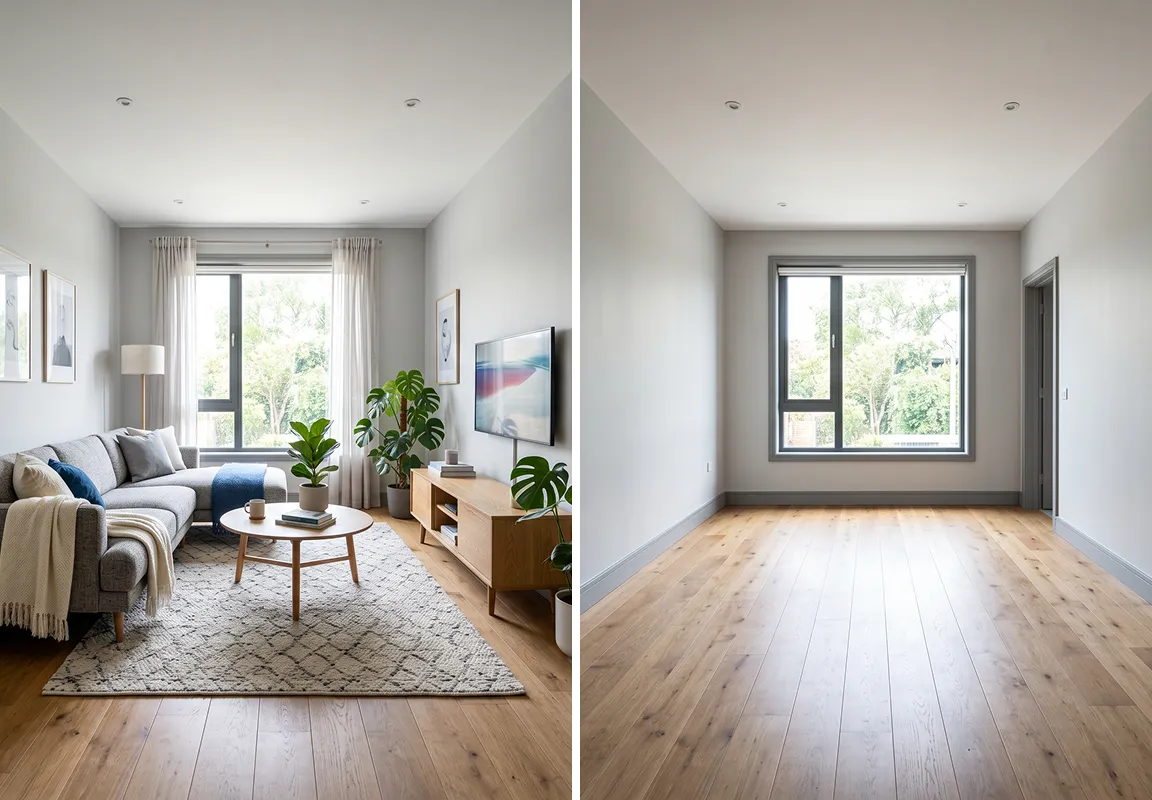
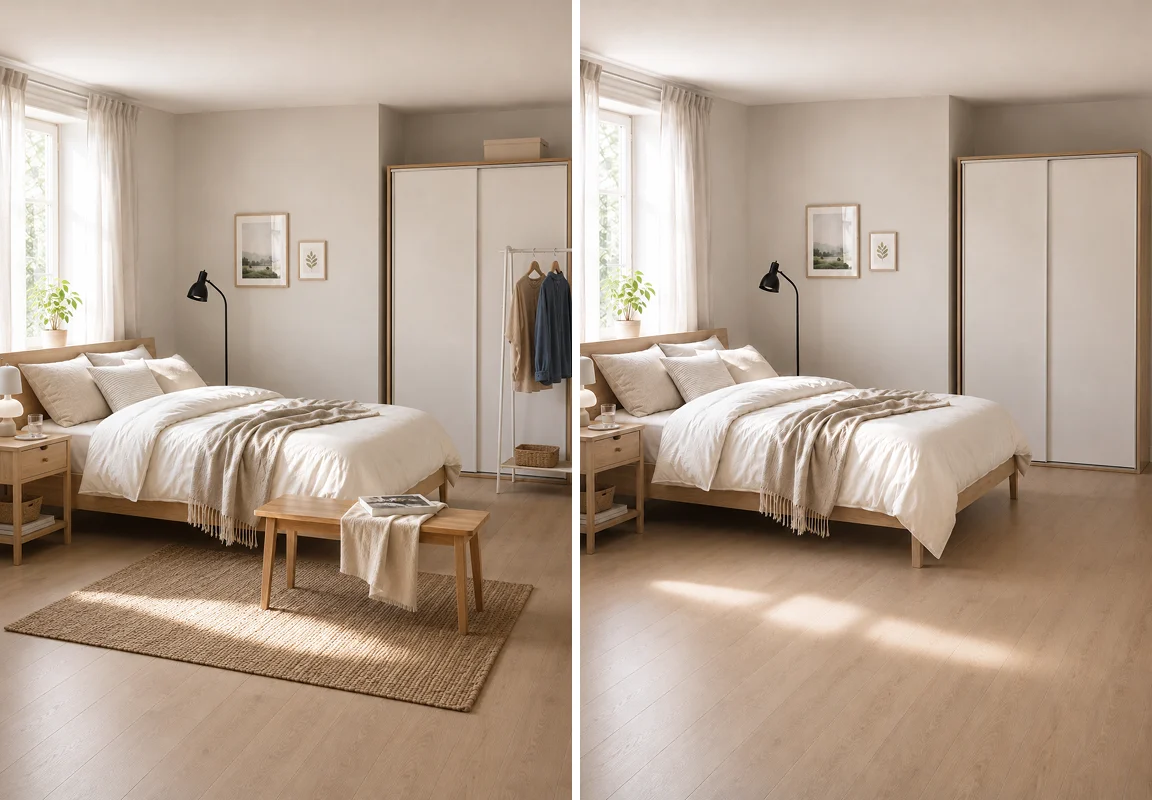
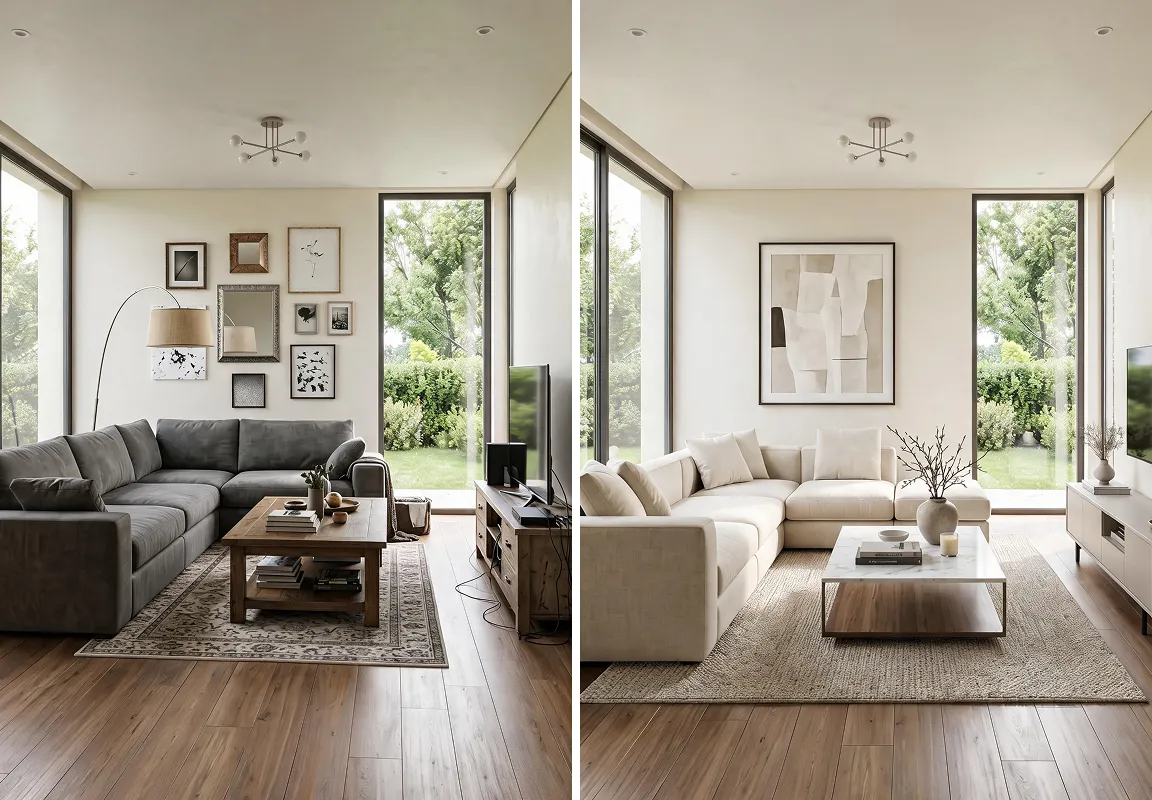
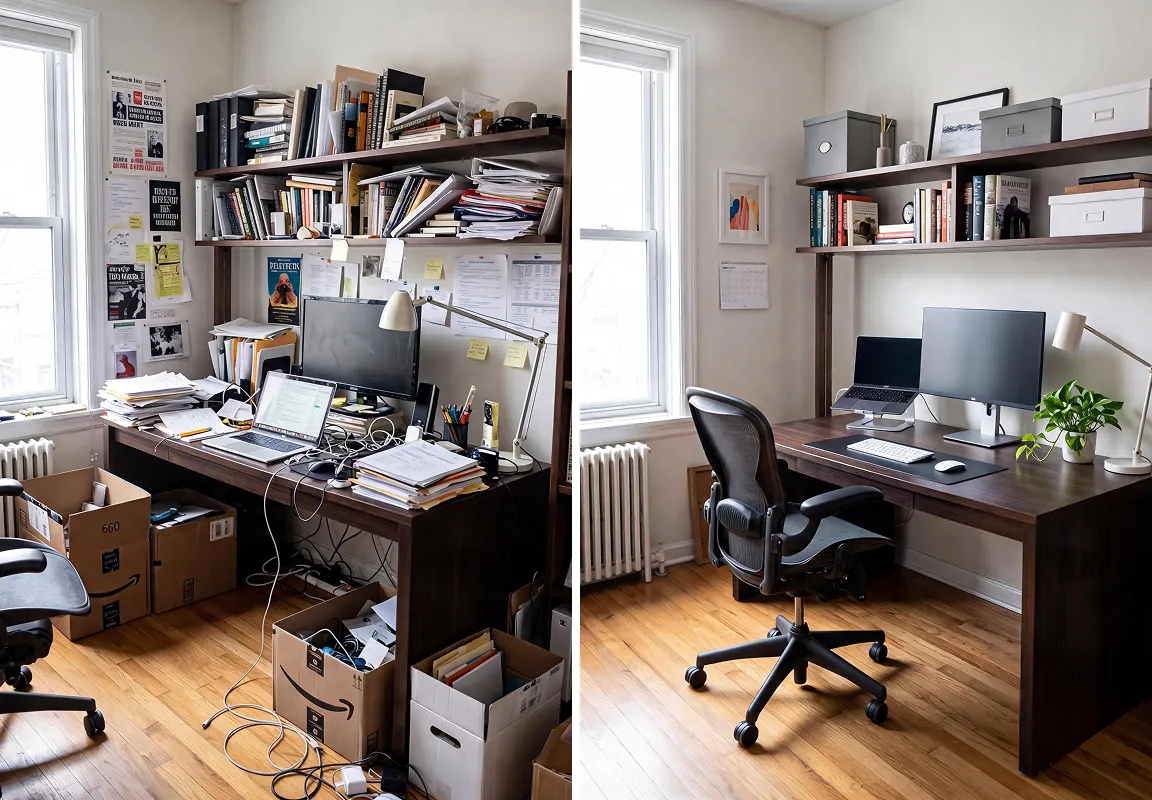
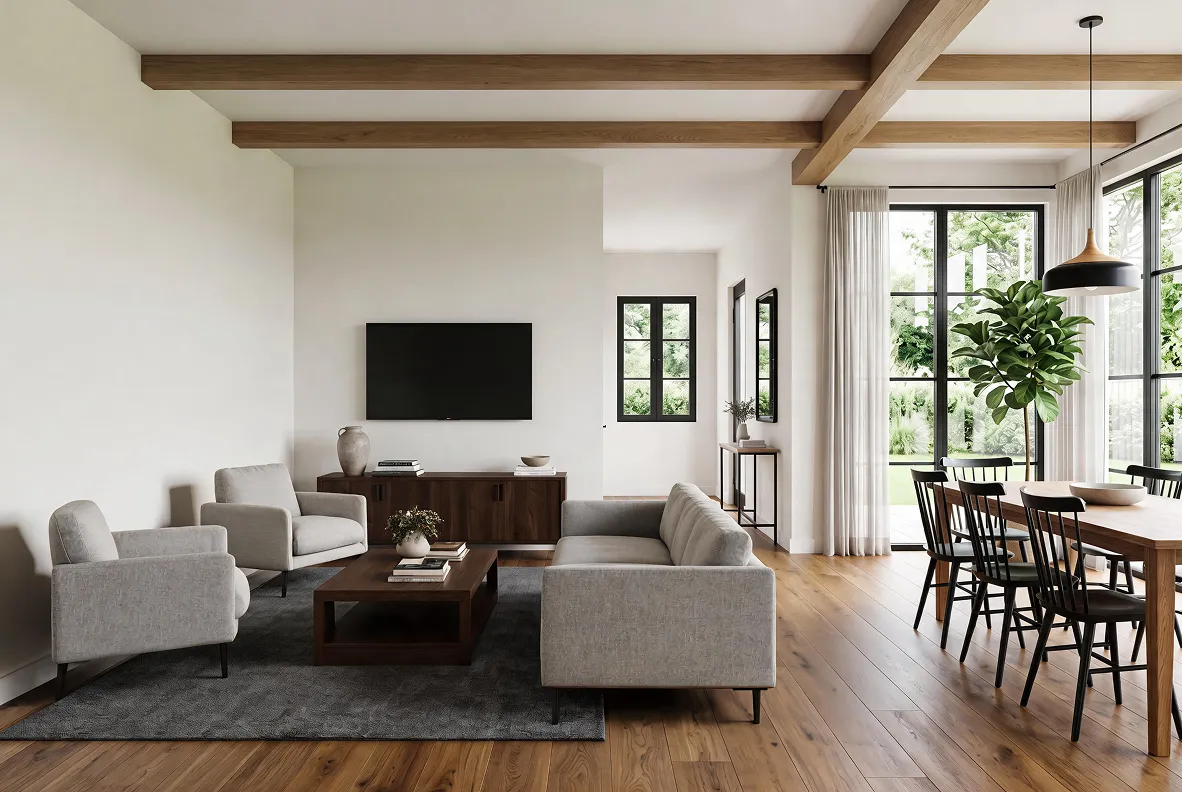
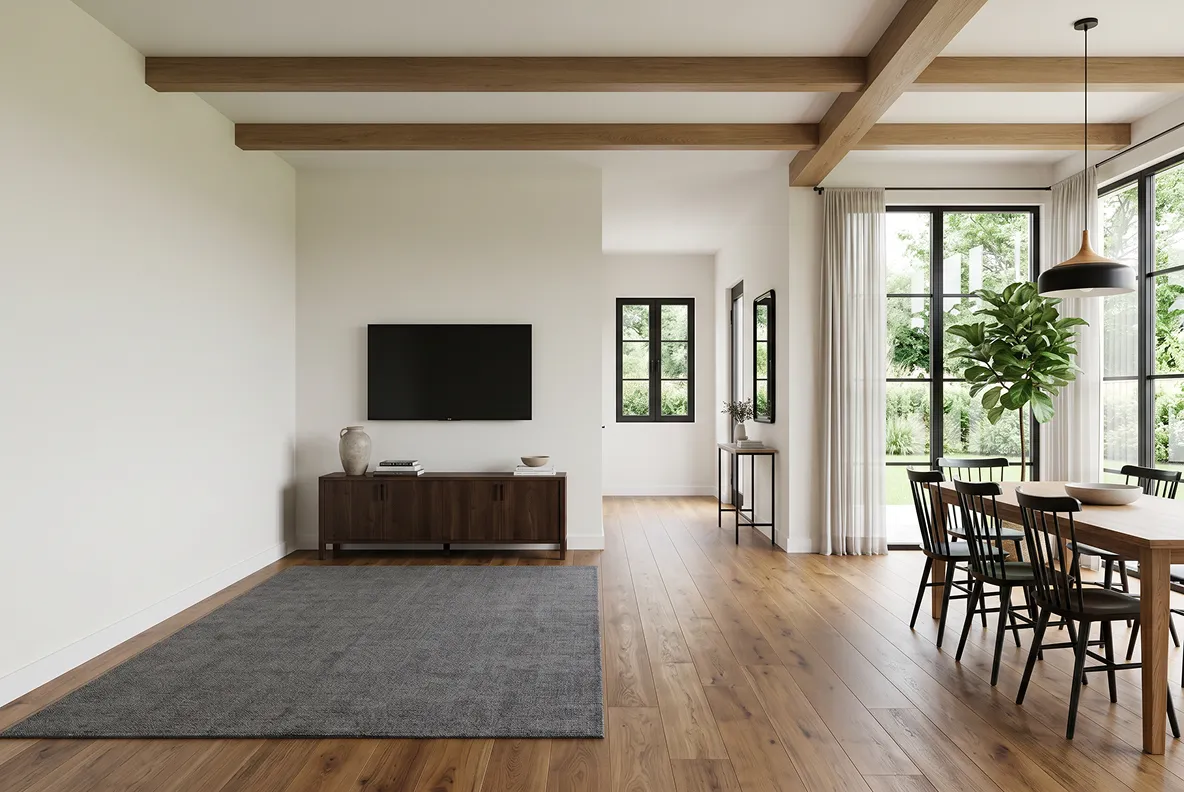
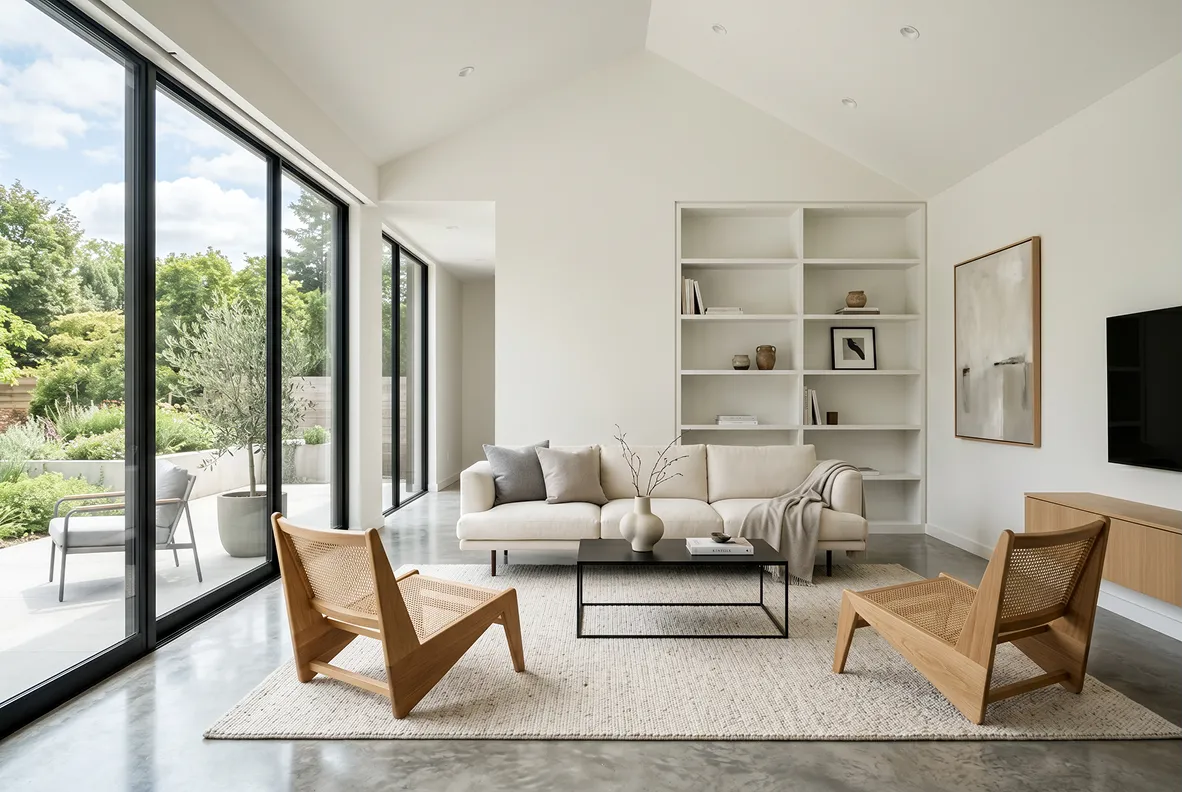
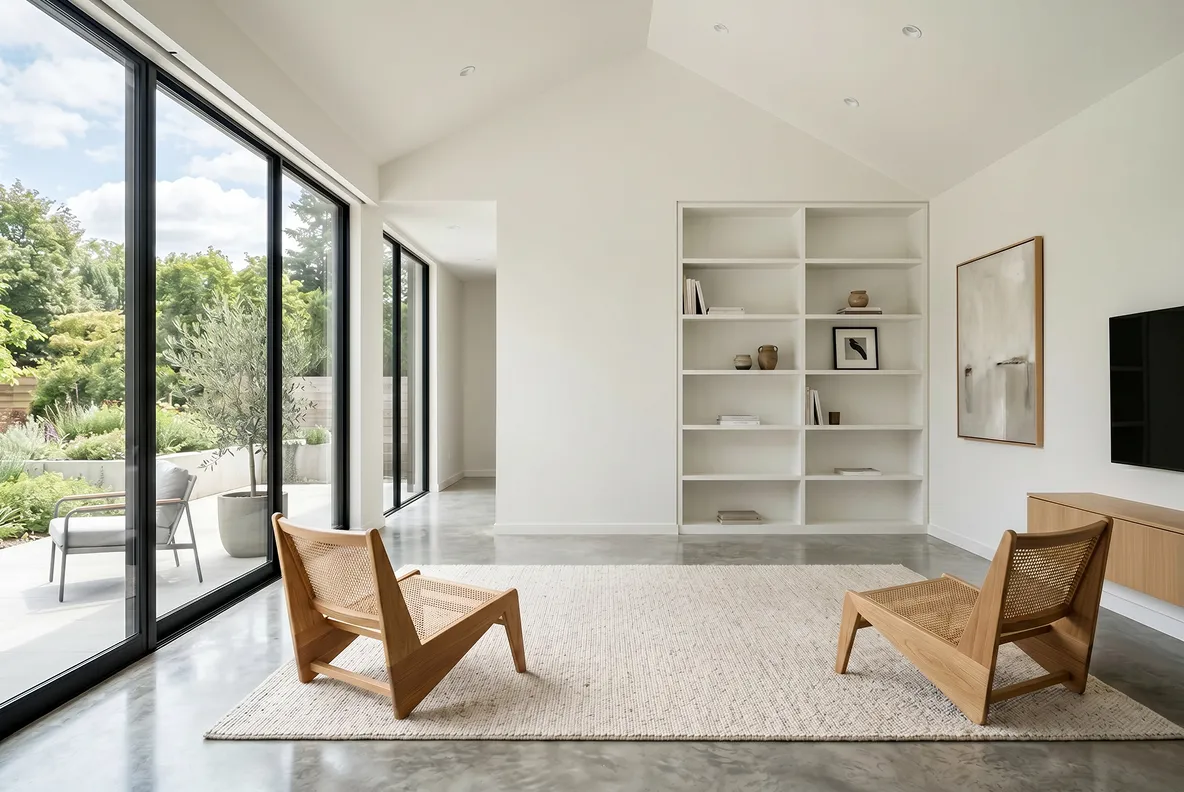
See real AI furniture removal examples

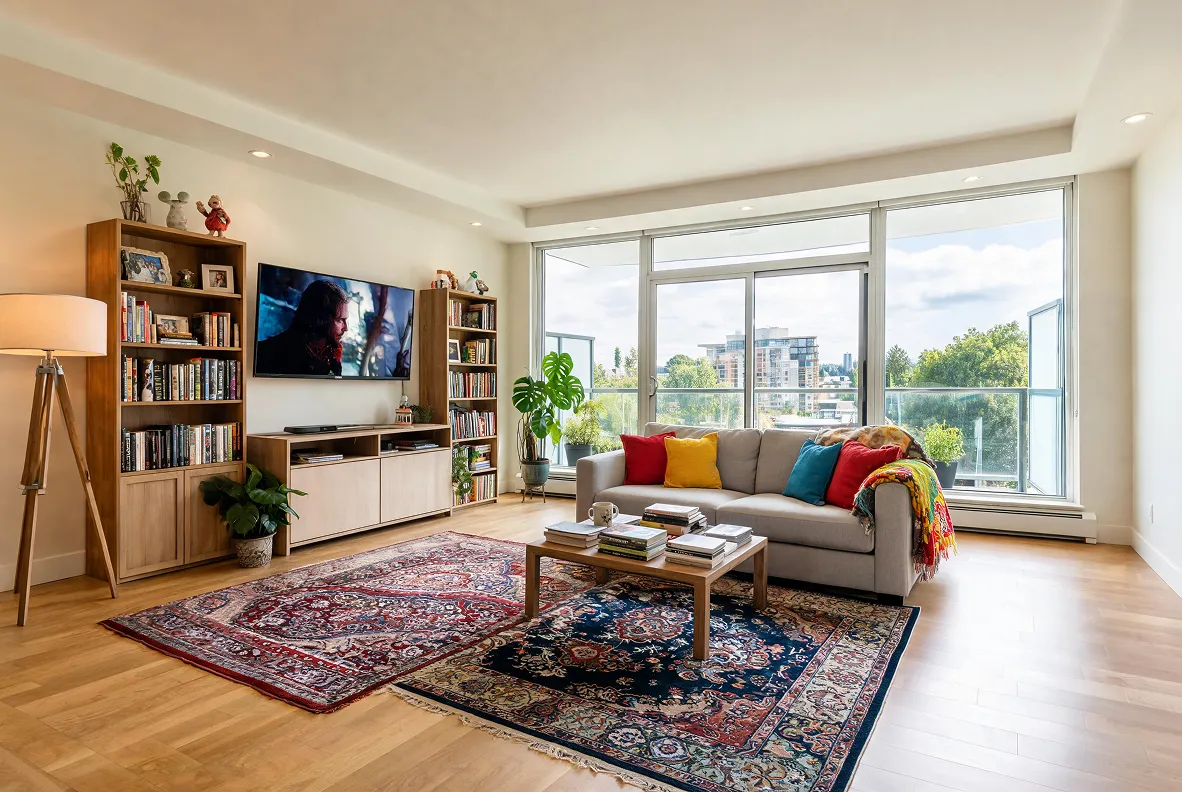
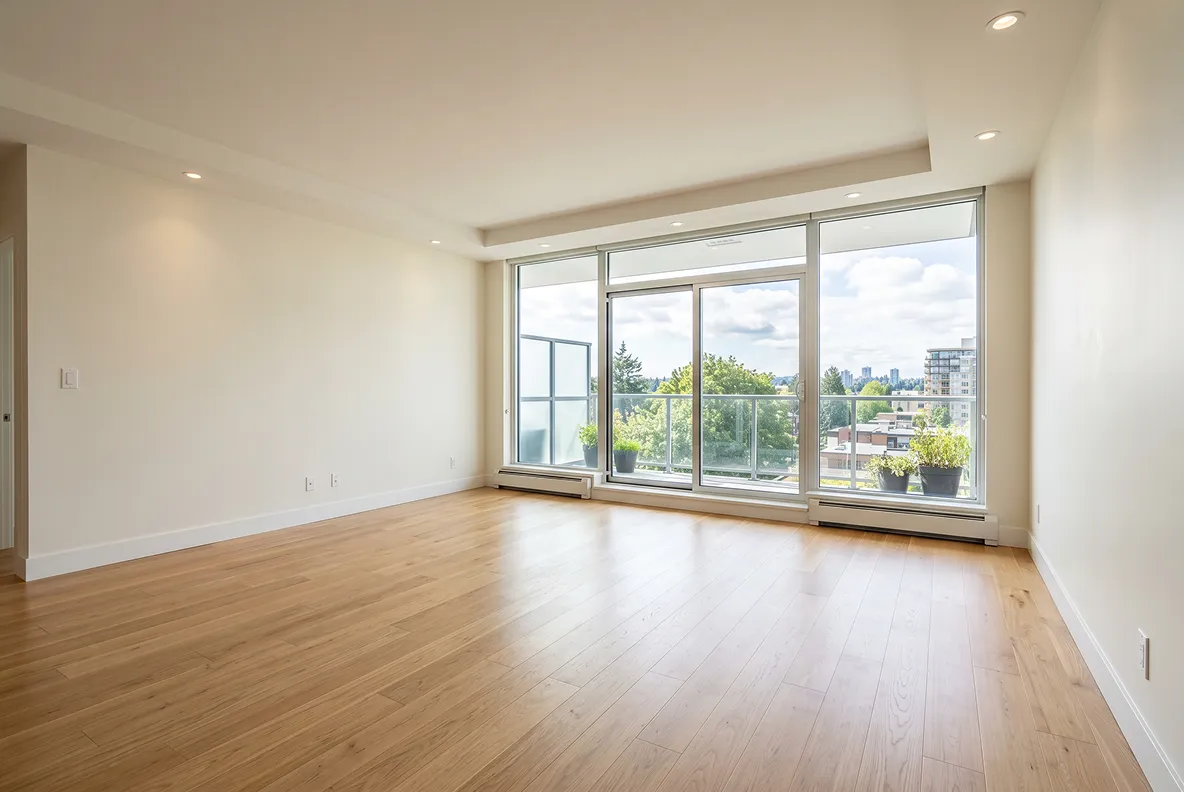
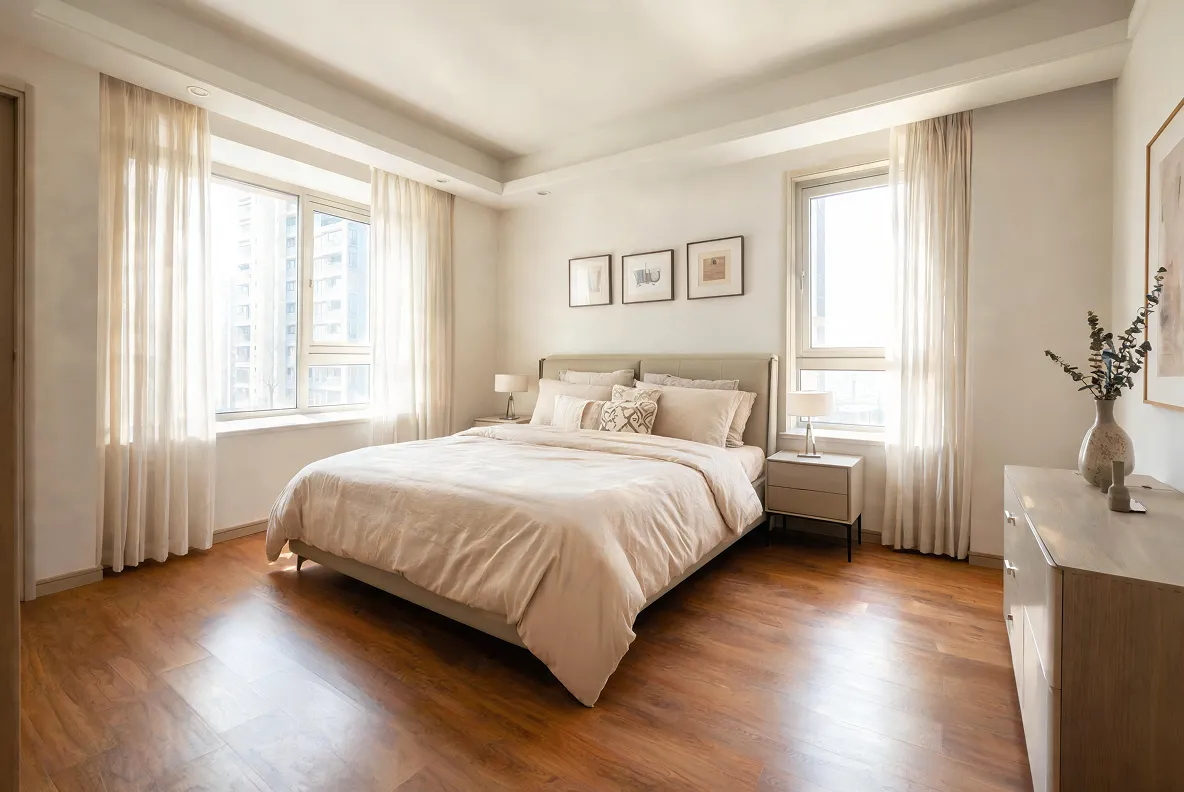
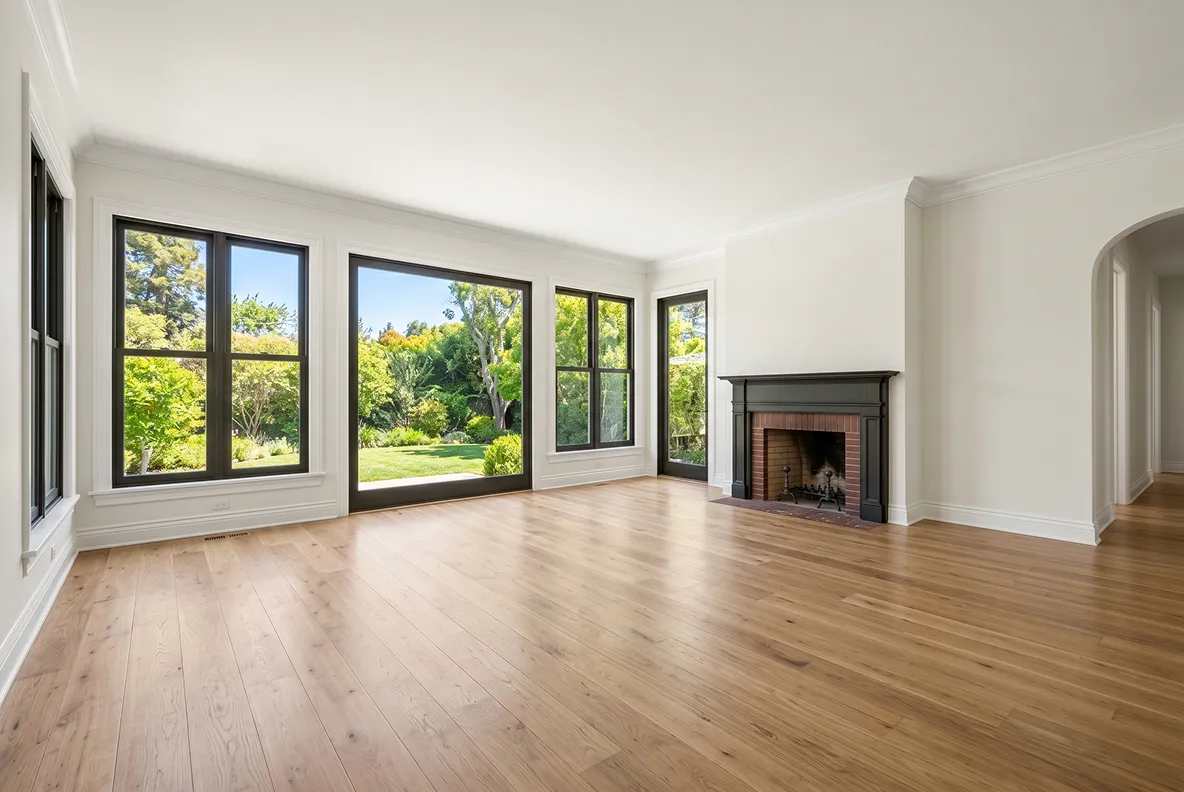
See real before-and-after examples of how DecAI empties bedrooms, living rooms, offices, and study rooms.
Before 1
Before
After 1
After
Before 2
Before
After 2
After
Before 3
Before
After 3
After
Before 4
Before
After 4
After
Before 5
Before
After 5
After
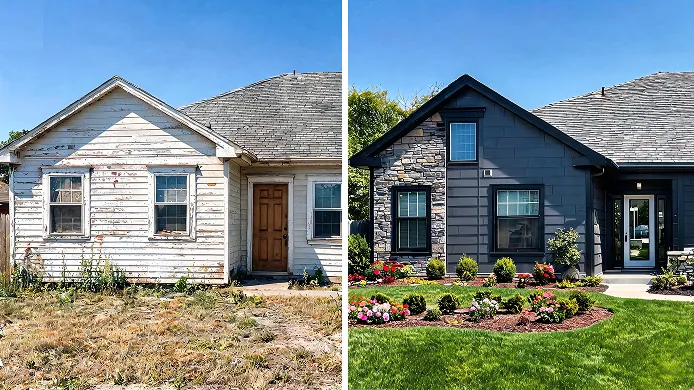
Bring new life to your home with other DecAI tools

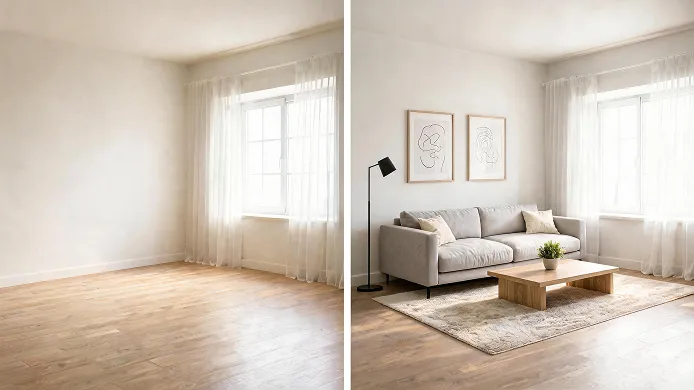
After cleaning or emptying your space, continue redesigning and remodelling with our other AI tools to transform your home.
Hear what our users say about us
Real stories from homeowners, designers, and professionals who use DecAI to redesign spaces faster and smarter.
Home design preview created with DecAI tools after furniture removal
Amanda Lewis, two-room apartment owner
“I was planning a living room makeover and needed to see the space without my old furniture first. DecAI removed everything surprisingly well, and it helped me visualize a completely different layout before spending money on new pieces.”
Home design preview created with DecAI tools after furniture removal
Rachel Kim, interior designer
“I used to spend 1–2 hours in Photoshop manually erasing old furniture for every client proposal. DecAI’s furniture remover completely cut that down to 10 seconds per room photo. Now I present blank-space layouts to clients instantly, they grasp redesign visions way faster, and my project approval rate jumped 30%.“
Home design preview created with DecAI tools after furniture removal
Megan Vance, homeowner 
“I was stuck redesigning my tiny open living room and couldn’t picture how it’d look without my huge old sectional blocking the entire wall. I stumbled on DecAI’s furniture remover and snapped a quick phone photo of my space, erased the couch and coffee table in seconds. I avoided a costly layout mistake I almost committed. Zero learning curve!”
Home design preview created with DecAI tools after furniture removal
Elise Marquez, real estate photographer
“What impressed me most was how natural the results looked. The lighting, walls, and floor details stayed intact after the furniture was removed, which isn't always the case with similar tools.“
Home design preview created with DecAI tools after furniture removal
Lucas Sterling, residential real estate broker
“Half my rental listings are occupied by tenants with messy, mismatched furniture that scares off buyers. Before DecAI, I paid photo editors $15–$20 per room to virtually empty spaces. Now I can upload listing photos and erase everything on my own, and also get 2x more tour requests.”

Free try DecAI furniture remover now

Join 41 million users who trust DecAI. Access from any browser, iOS, or Android device with no limits.
iPhone
Android
iPad
Web
iPhone

iPhone

DecAI puts powerful capabilities right in your pocket and is compatible with iPhones running iOS 14 or later.

Frequently asked questions about DecAI Furniture Remover

1. What is DecAI Furniture Remover?

DecAI Furniture Remover is a free AI-powered tool that instantly removes furniture, clutter, and objects from room photos. Perfect for virtual staging, home design, real estate listings, and reimagining your space.

2. Is DecAI Furniture Remover really free?

Yes! DecAI Furniture Remover allows you to remove furniture one time on the web and three times on the Android and iOS devices for free. If you need more, please get a paid plan firstly on its pricing page.

3. What types of objects can I remove?

You can simply remove the following from your photo: • Furniture (like sofas, beds, tables, chairs, etc.) • Clutter and personal items • Appliances • Decorations • Any unwanted objects in indoor or outdoor spaces

4. When can I use DecAI Furniture Remover?

You can use DecAI Furniture Remover anytime you need to visualize empty spaces, such as: • Selling or renting - Remove clutter from listing photos • Planning renovations - See your space empty before redesigning • Virtual staging - Create clean canvases for design work • Moving preparation - Visualize rooms before or after moving • Design presentations - Show clients blank room layouts • Property photography - Remove tenant furniture for professional shots

5. Who will benefit from DecAI Furniture Remover the most?

DecAI is ideal for homeowners, renters, realtors, interior designers, furniture sellers, and anyone who needs clean, empty, or decluttered room visuals for redesign, staging, or presentation.

6. Can I remove multiple objects at once?

Yes. You can remove as many objects as you'd like from a single photo—just clearly specify which objects you want removed in your text prompt. For the best results, we also recommend following the prompt guides above.

7. What photo formats can I upload for cleanup?

DecAI allows you to upload photos in all common formats, including JPG, PNG, JPEG and WEBP. Of course, for best results, upload high-quality photos.

8. How long does it take to process a photo?

Most photos are processed in 30 seconds. Processing time may vary slightly depending on image size and complexity.

9. Can I use DecAI for commercial purposes?

Yes. DecAI is perfect for: • Real estate agents preparing listings • Interior designers presenting concepts • Home stagers creating virtual tours • Architects visualizing spaces • Anyone needing clean room photos

10. What if the AI doesn't remove furniture perfectly?

Our AI achieves high accuracy in most cases. For best results: • Use clear, well-lit photos • Remove one object at a time • Brush precisely over the object boundaries

11. Can I use DecAI on rental property photos?

Yes, DecAI is perfect for renters, landlords, and property managers looking to visualize spaces or prepare listings.

12. Does DecAI work for outdoor spaces?

Yes. You can also remove outdoor furniture, garden clutter, and unwanted objects from patios, yards, balconies, and other outdoor areas.

13. Are original space elements staying the same after the removal?

Yes. DecAI Furniture Remover is designed to preserve your original space. It only removes the furniture or objects you select, while keeping the room’s structure, layout, lighting, walls, floors, and architectural details unchanged. This ensures the result looks natural, realistic, and true to your original photo—just cleaner and ready for your next step.

14. Can I undo changes or edit after removal?

Yes! You can review results before downloading. If you're not satisfied, simply re-upload and adjust your selection for better results.

15. How can I get help if I have more questions?

You can reach out through our in-app support or directly contact us at decaiwebteam@outlook.com. We’re always here to help you.