
Preview Different Wall Textures, Colors or Styles in Seconds
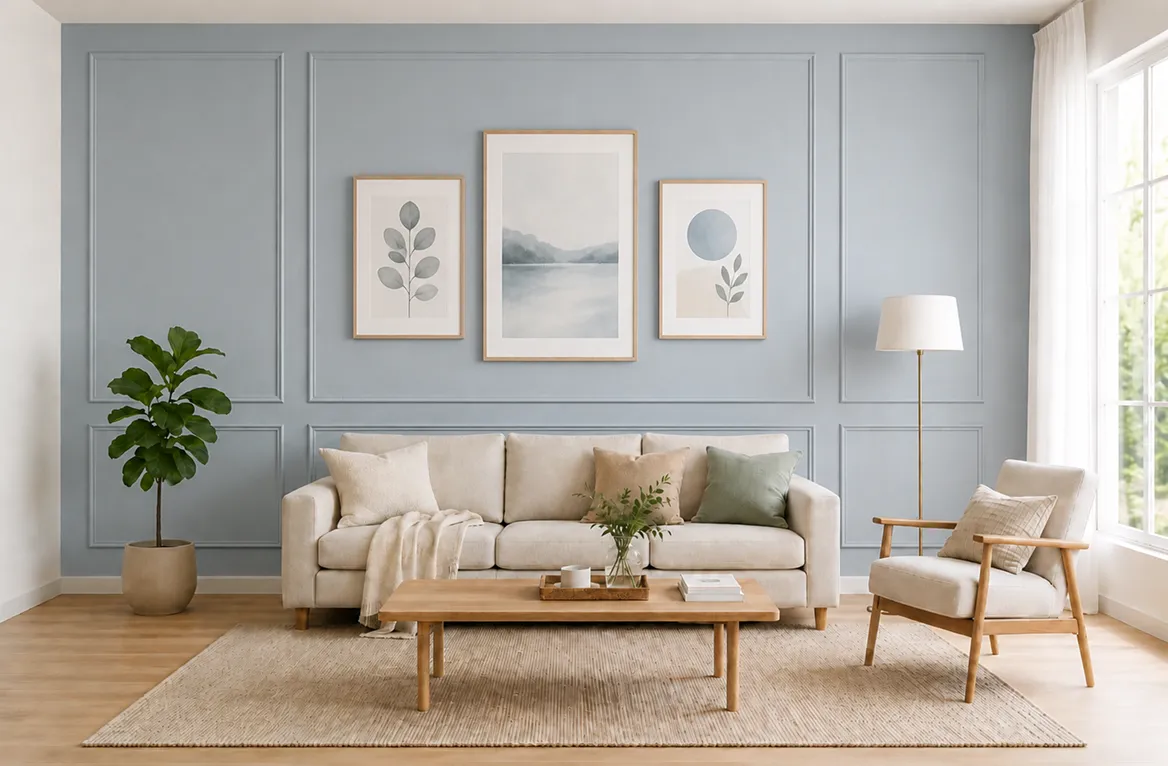
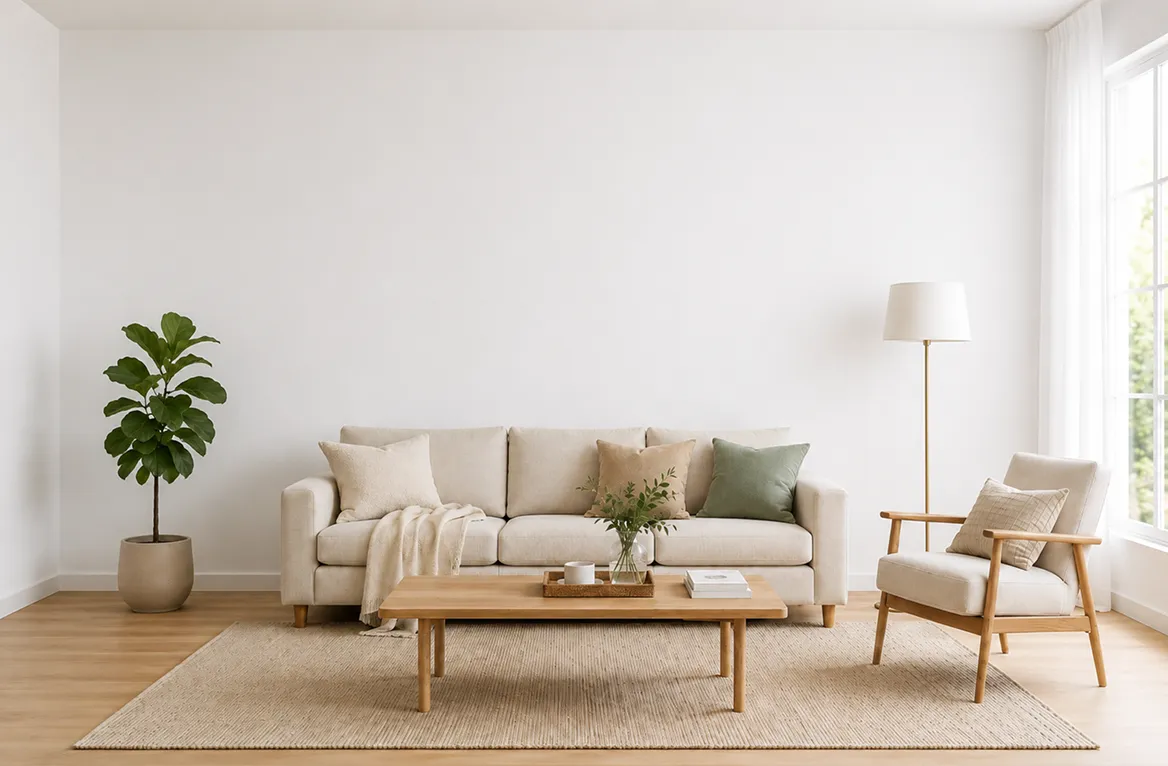


Dozens of paint colors tested in seconds
Quickly preview dozens of trendy paint colors, accent colors or color combinations on your real home photo in just clicks. No more guessing.
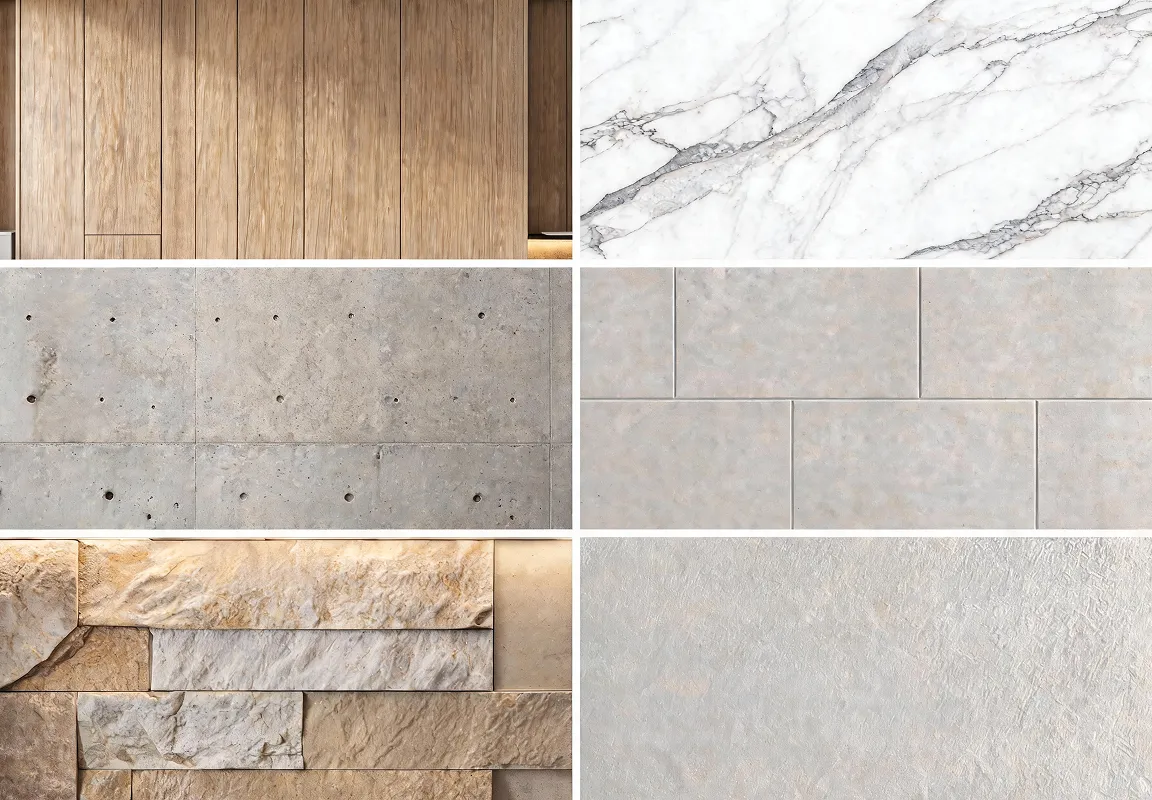
130+ realistic wall textures for your options
Instantly test over 130 wall textures and materials, from wood, marble, and stone to concrete and tile, to find the perfect finish for any design style, space, or renovation project.
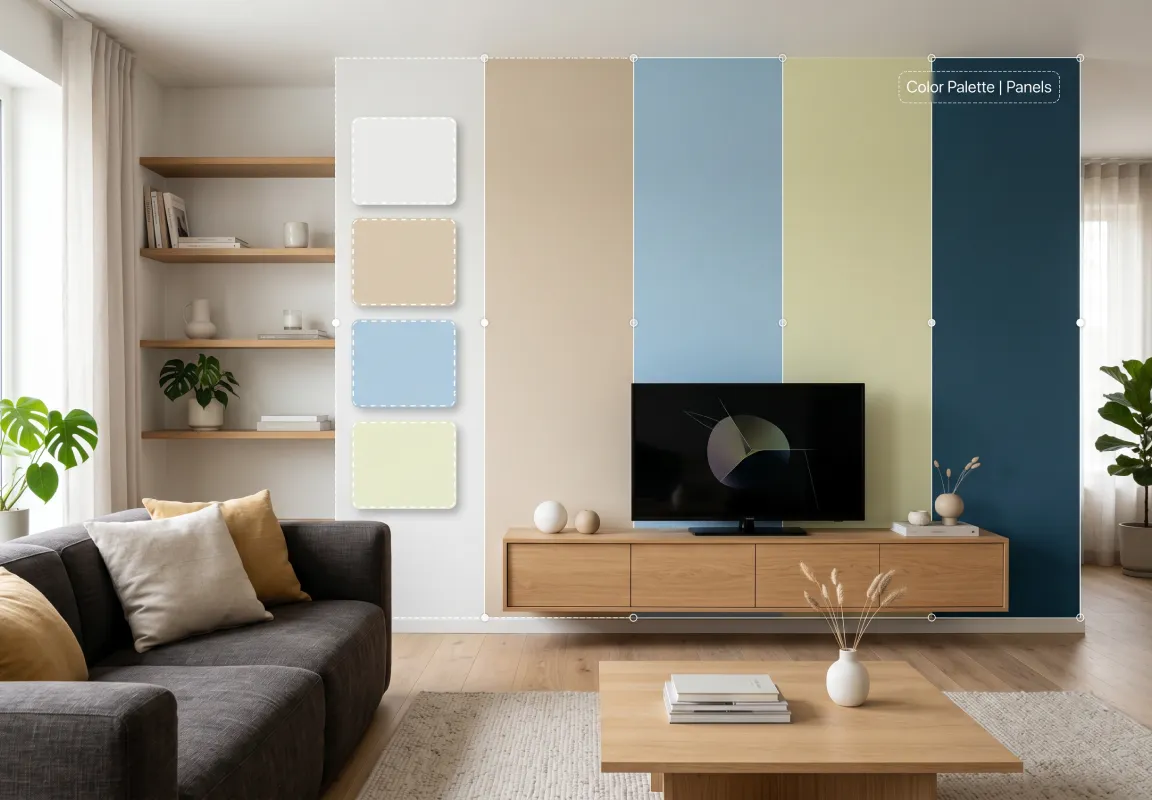
Personalize with endless possibilities
Simply describe your vision with a text prompt and customize every wall detail, from colors and materials to wallpaper, wall art, finishes, and decor, exactly the way you imagine it.
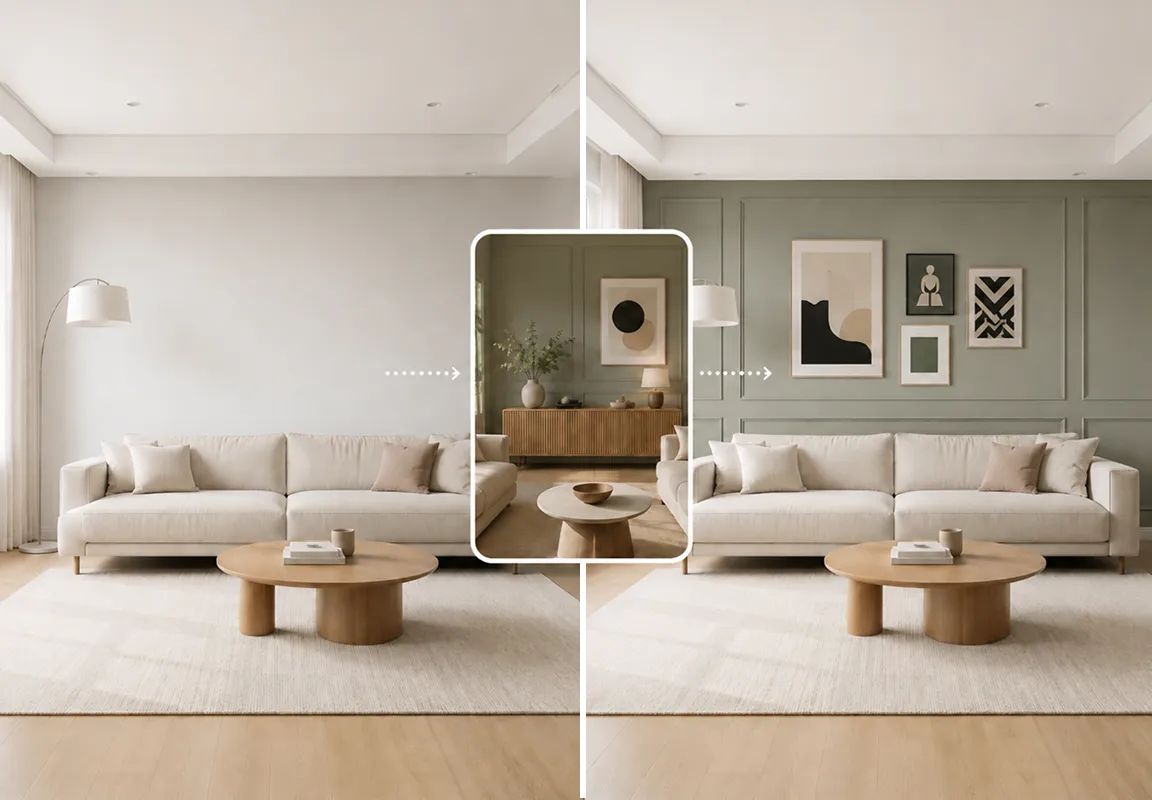
Upload Instagram or Pinterest photos as references
Found a wall design you love on Instagram or Pinterest? Simply upload it as a reference image, and DecAI will generate results that closely match your inspiration.
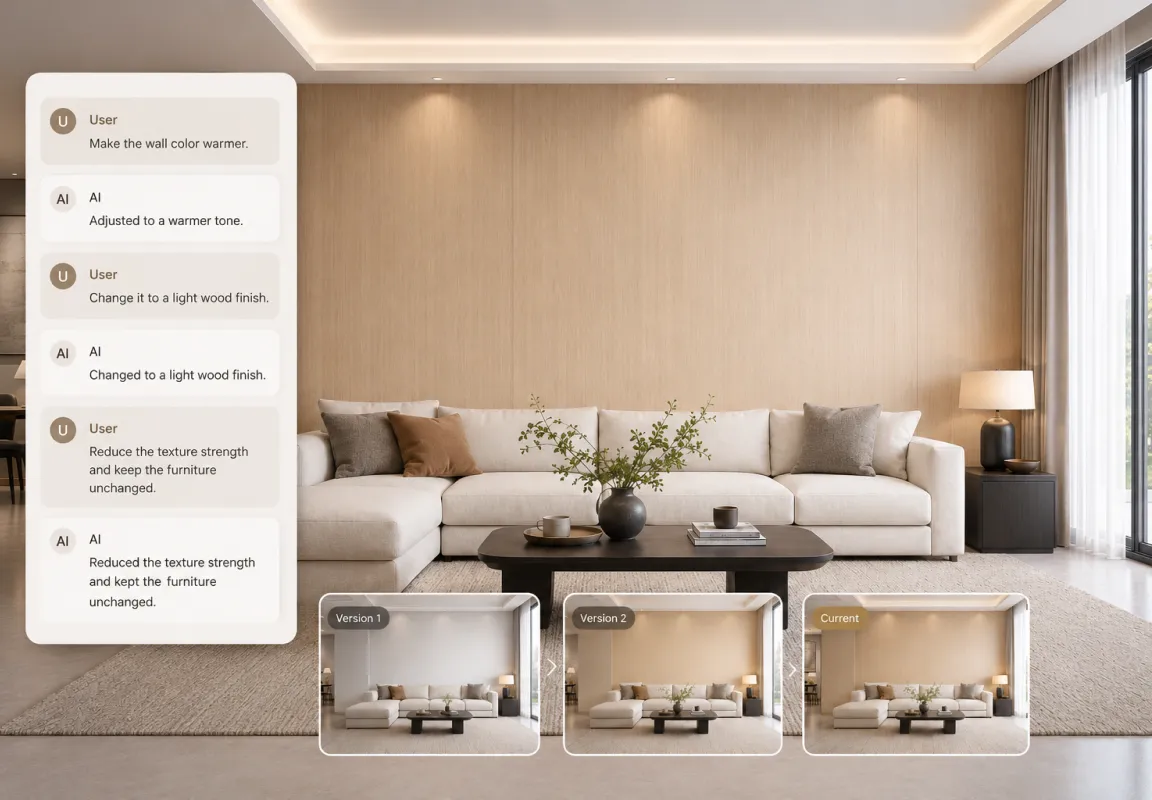
Smart AI agent, not a one-time generator
Unlike other one-time generators, our smart AI agent lets you keep chatting with AI until every wall design looks exactly how you imagine, making it also much easier to revisit, track and compare.
What sets us apart from others?
DecAI delivers powerful AI wall redesign features that help you visualize and transform your space effortlessly.
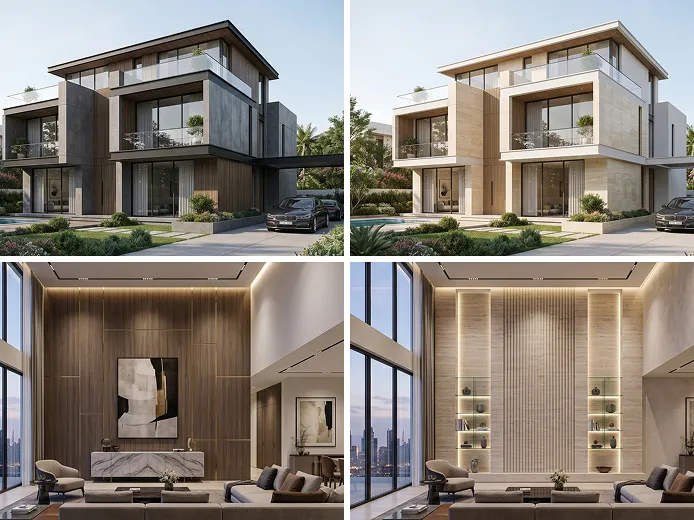
Interior & exterior wall design
Design or transform any interior and exterior walls of your home, from wallpaper and accent walls to brick facades, stucco, stone cladding, wood siding, and more in a flash.
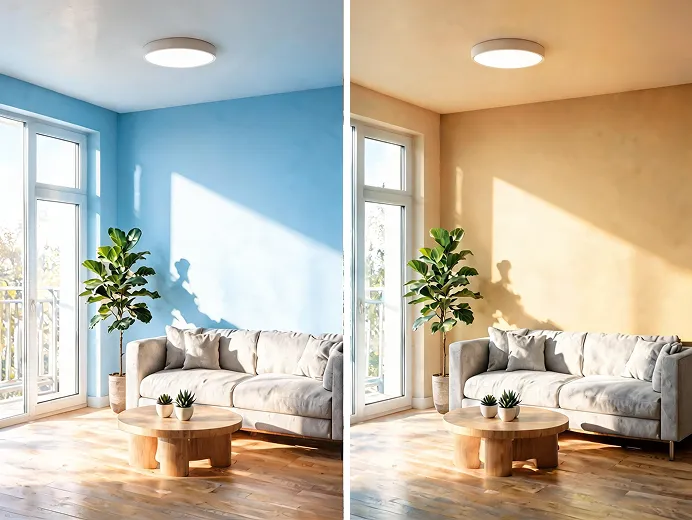
Fast virtual wall painter
Preview new paint colors, textures and finishes on your walls in seconds, all without brushes, mess, or guesswork.
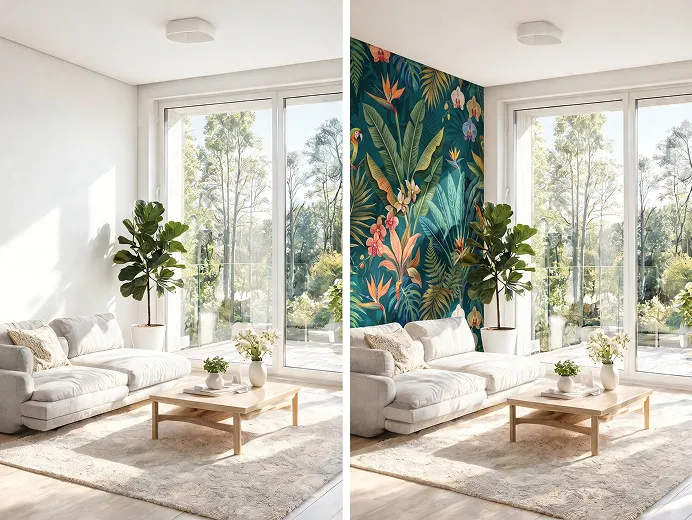
Wallpaper/wall art visualizer
Visualize any wallpaper pattern, texture, or wall art in your actual space before purchasing.
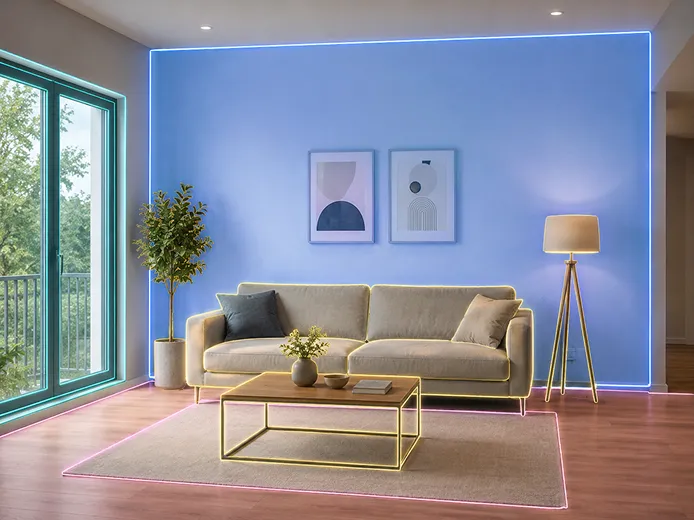
Auto-detects walls perfectly
Our advanced AI auto identifies walls from your photo, furniture, flooring, lighting and decors remain untouched. No manual selection, no fumbling with selection tools.
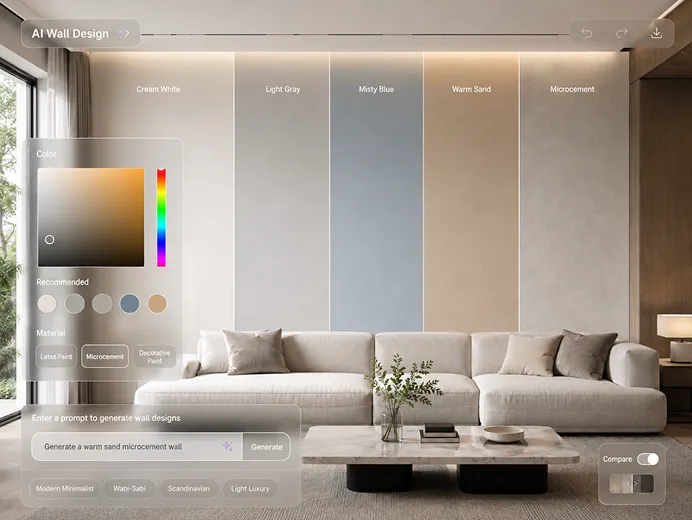
Fully customizable
DecAI allows you to choose custom paint colors and also type text prompts to specify your unique wall ideas, simple, fast, and completely flexible.
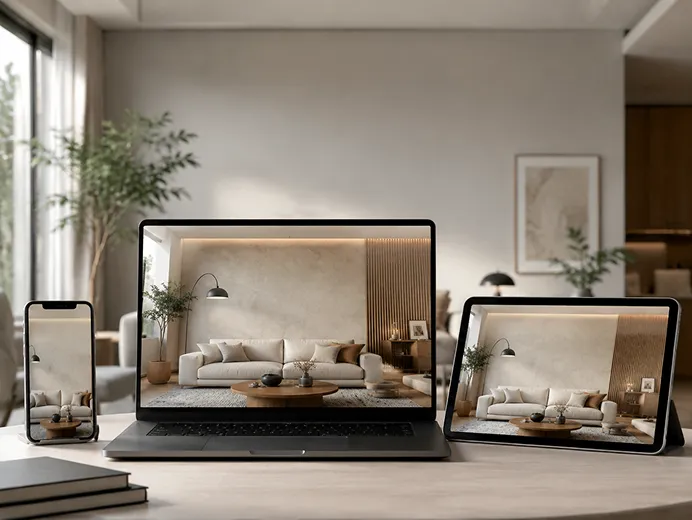
Works everywhere
Web, iOS, Android versions are available. So, you can design at your desk or test ideas standing in front of your actual wall, all without device limited.
Two ways to keep refining your AI design
Need to make further changes after AI generation? Easily fine tune your AI design details in one of two ways:

Further edit directly
Click “Edit” to smoothly switch to other DecAI design tools to quickly adjust the furniture, floor or even entire design style with just a few clicks, all in one place.

Enter AI agent mode
Continue refining your wall design detail through natural conversations. Just ask the AI Designer to enter our AI agent mode to make changes, explore new ideas, and iterate until your design looks exactly the way you want.
The perfect wall design AI for everyone
DecAI is built for anyone who wants to explore fresh wall design possibilities for bedrooms, living rooms, offices and more interior spaces fast with AI.
 01
01Homeowners & renters
Quickly test your wall color or style ideas of planning room makeovers or home renovations.
 02
02Interior designers
Rapidly develop early wall concepts and turn ideas into clear visuals for smoother collaboration with clients and stakeholders.
 03
03Real estate agents
Virtually refresh walls to make spaces feel brighter and more inviting, helping buyers better visualize the property’s potential.
 04
04Contractors & painters
Quickly show clients how their living rooms or bedrooms would look like with different wall color or style options.
 05
05Paint retailers
Help customers preview paint colors in their own spaces before purchasing, reducing uncertainty and returns.
 06
06DIY enthusiasts
Experiment freely with creative wall ideas and styles before committing—no limits, no pressure.
Visualize your dream walls in 3 simple steps
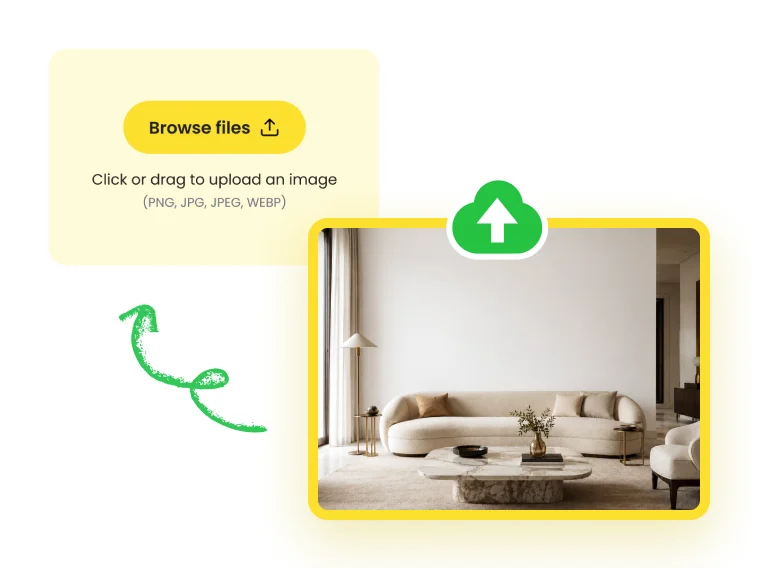
Upload wall photo
Upload a clear, high-quality photo of your space with the wall fully visible.
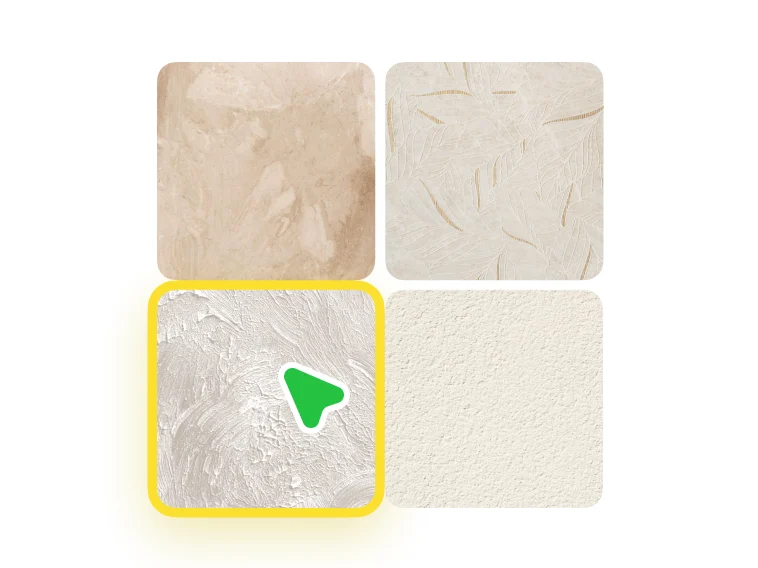
Customize your needs
Choose a wall texture you like or simply describe your vision with just a text prompt. Also upload a reference photo if needed.
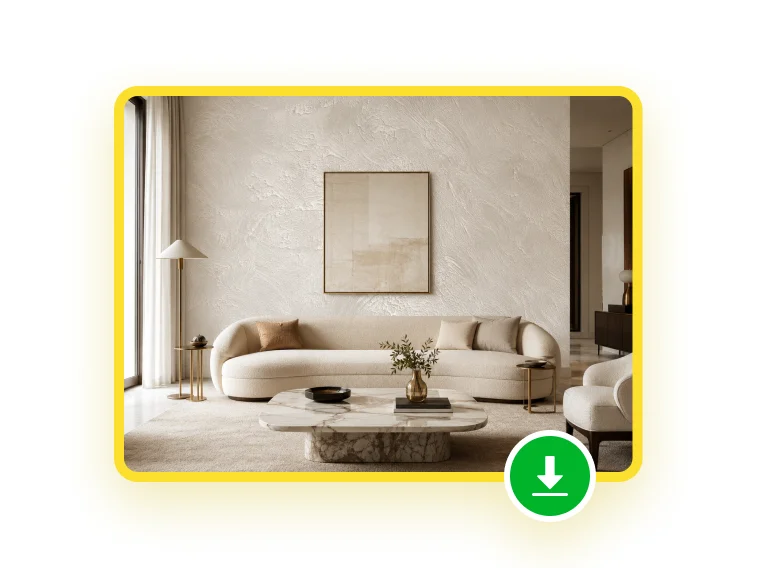
Generate & download
See your new wall design in about 30 secs, then download it to share, compare, or fine-tune.
Tips for better wall design results
Get the most out of AI-powered wall design with these practical guidelines.
Choose right photos
Use a clear, high-quality photo of your space. Make sure the wall you want to redesign is fully visible, well-lit, and not blocked by furniture or objects.
Be specific with your prompt
Clearly specify the materials, colors, styles, patterns, or even desired art concepts. Avoid vague terms to help the AI generate more accurate results.
Try multiple variations
Don't stop at the first result. Test different colors, textures, or styles to compare options and discover new ideas you might not have considered.
Use reference photos
Along with your text prompt, upload a reference photo to clearly communicate your design vision and help the AI generate more accurate, personalized results.
Explore real wall design examples for inspiration
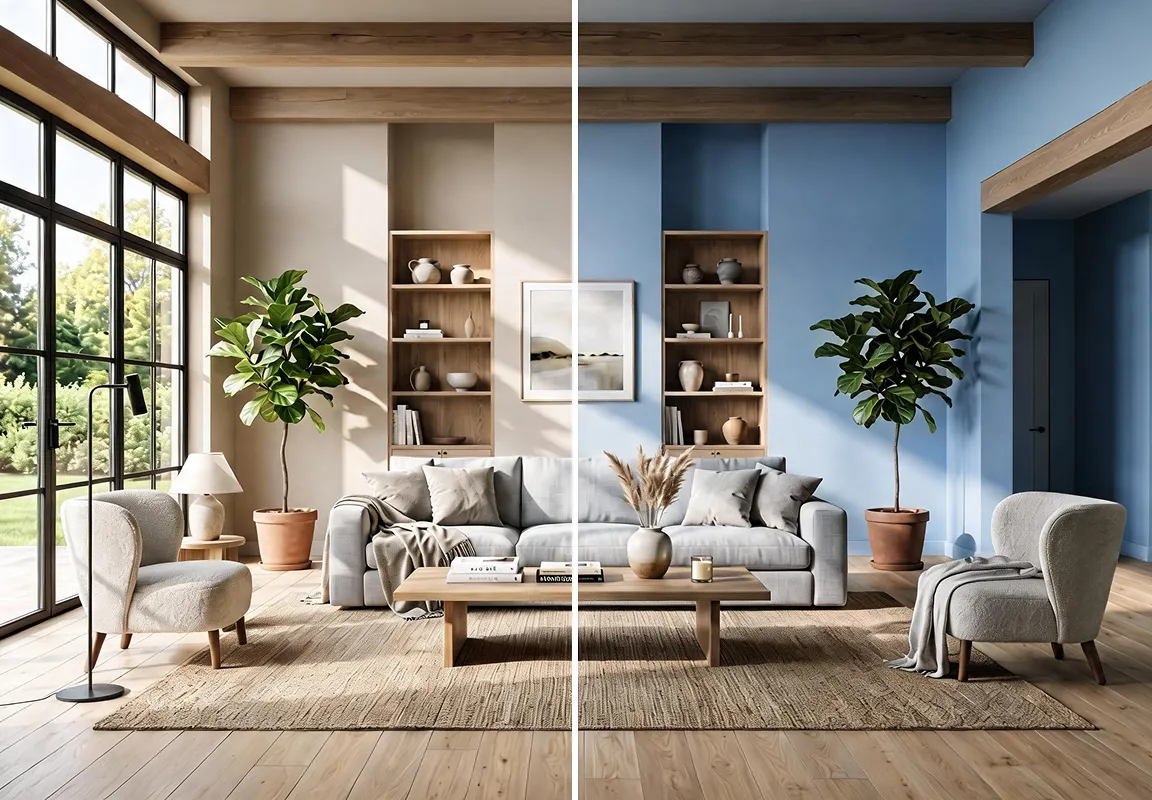
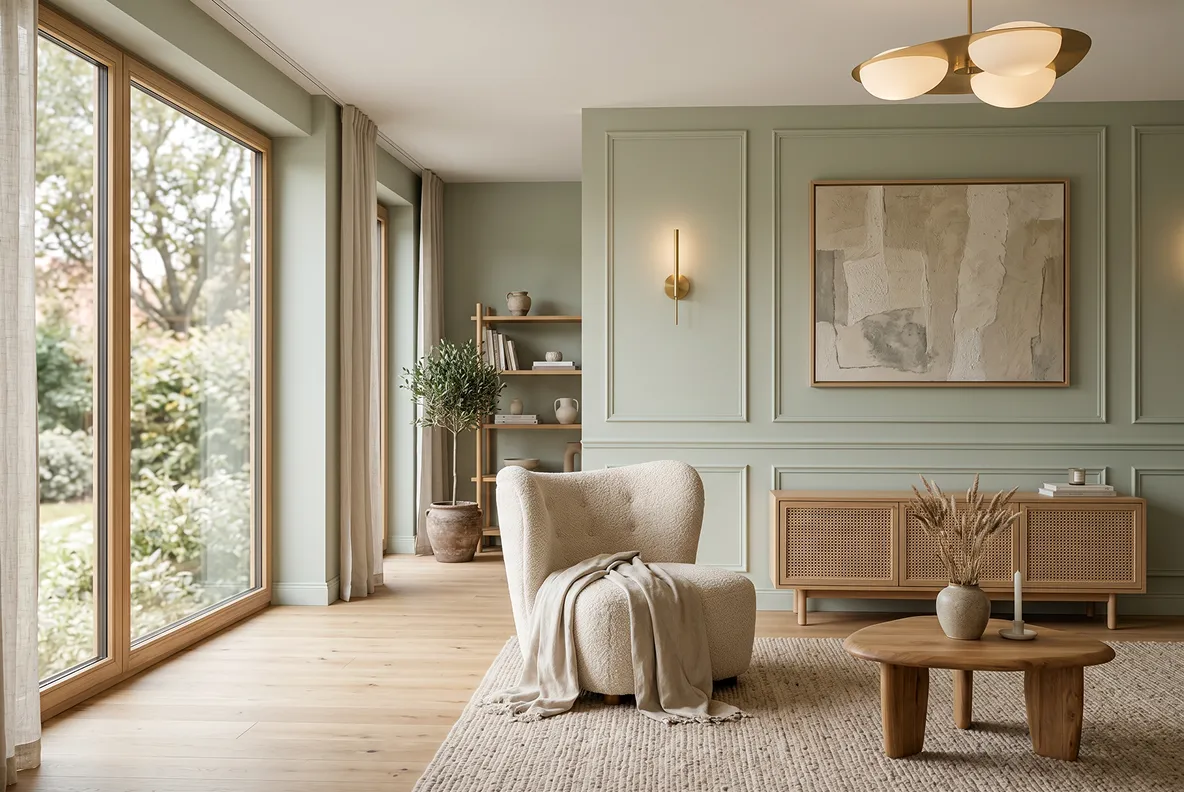
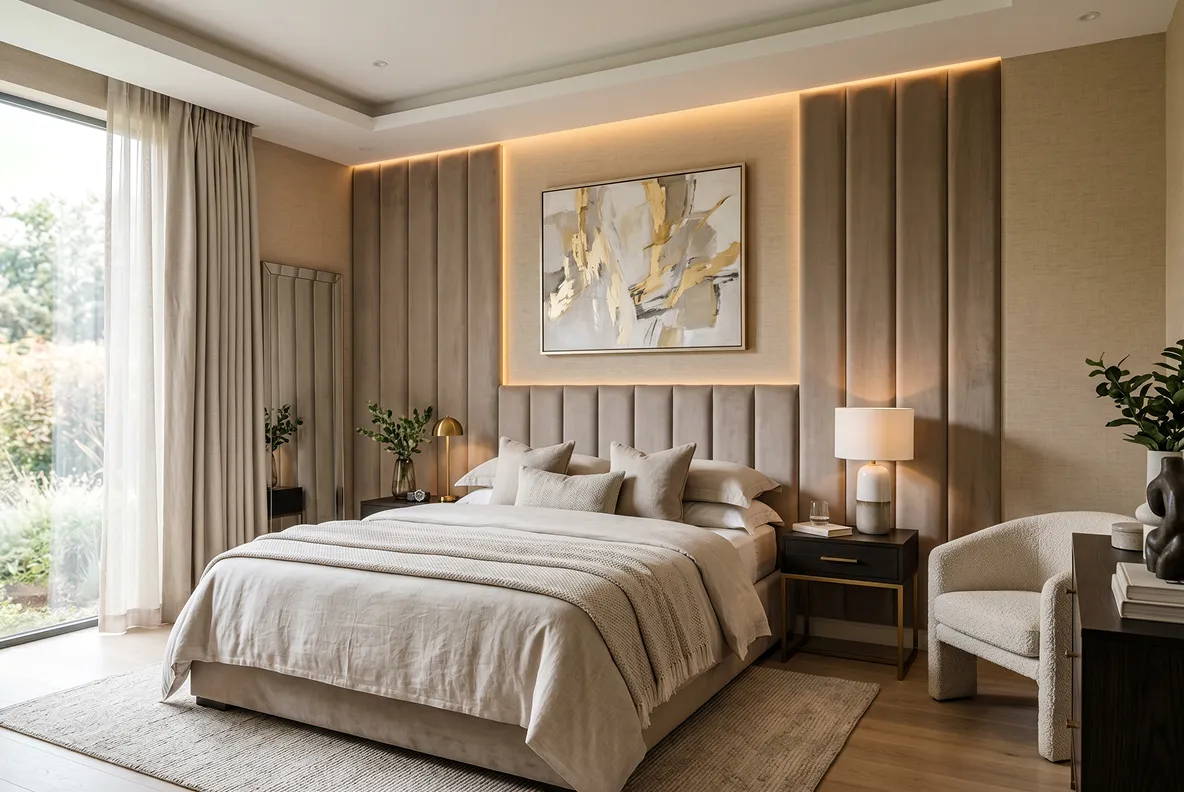
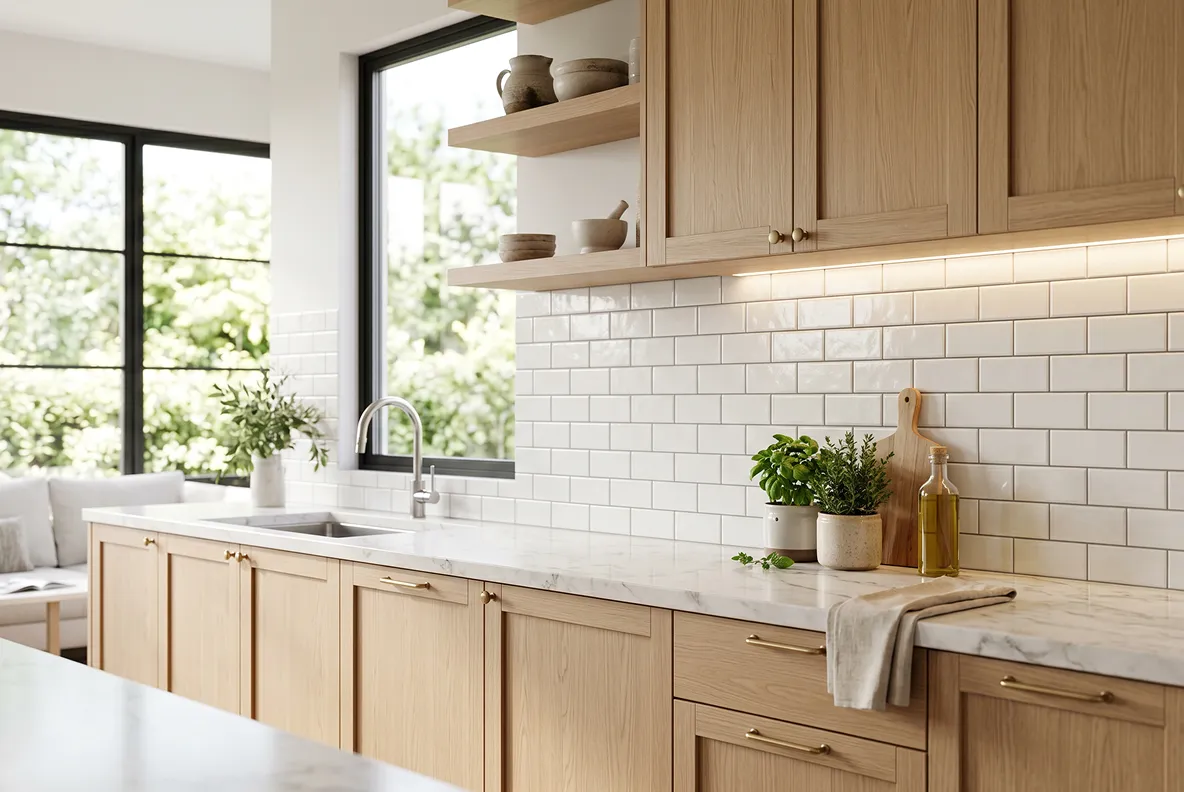
See real examples of TV wall, fireplace wall, office wall, bedroom wall, kitchen wallpaper, 3d accent wall, gaming room wall, wooden wall and other interior wall ideas.
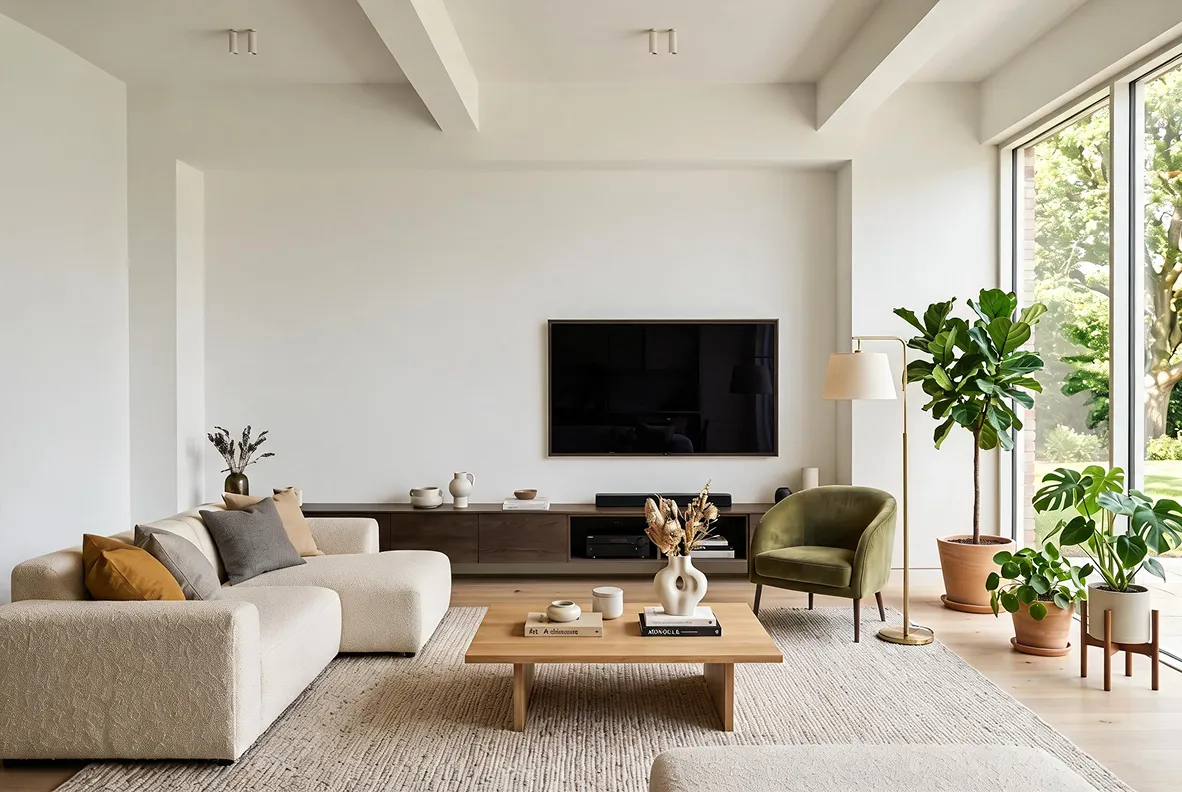 Before
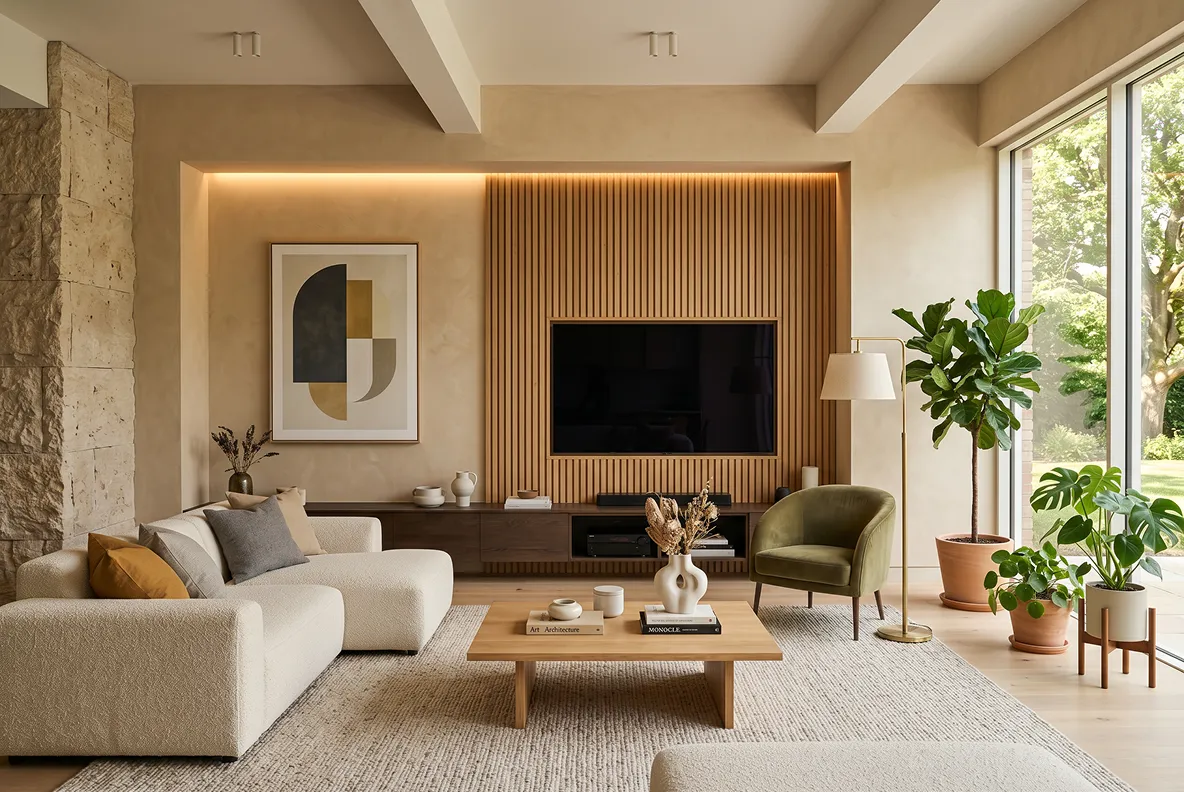 After
After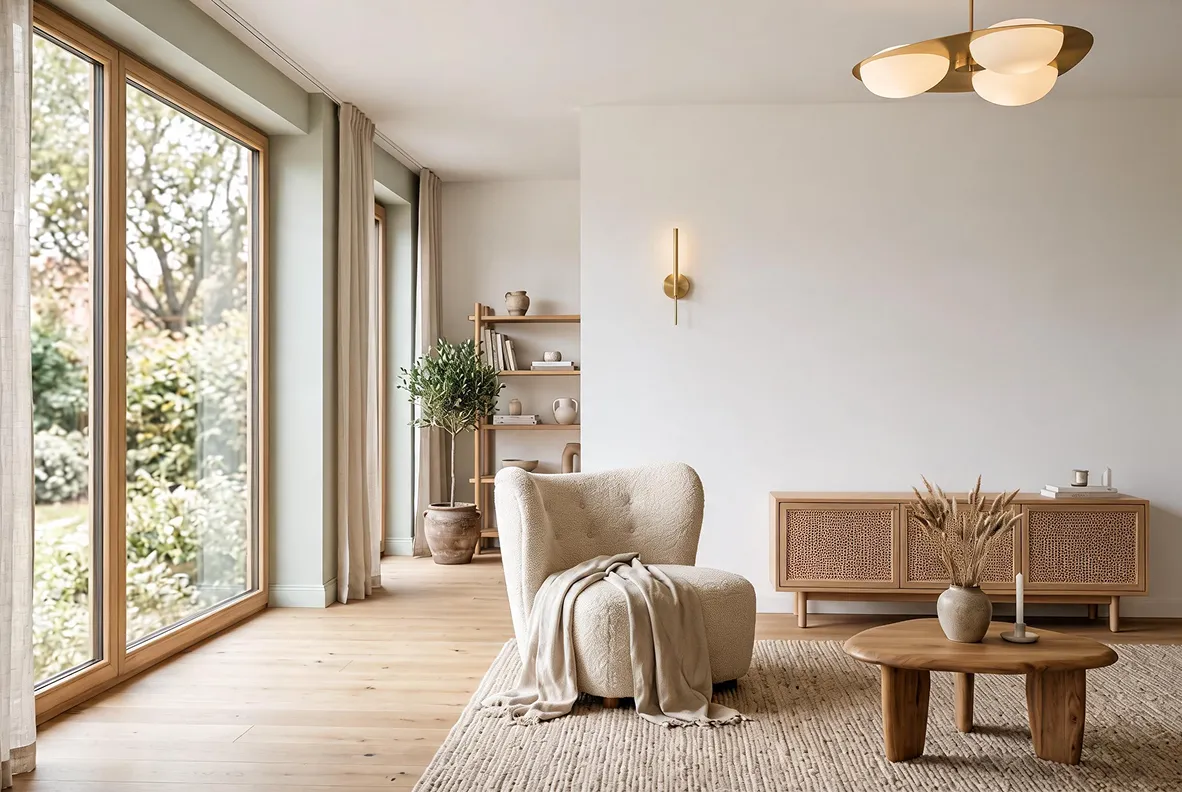 Before
 After
After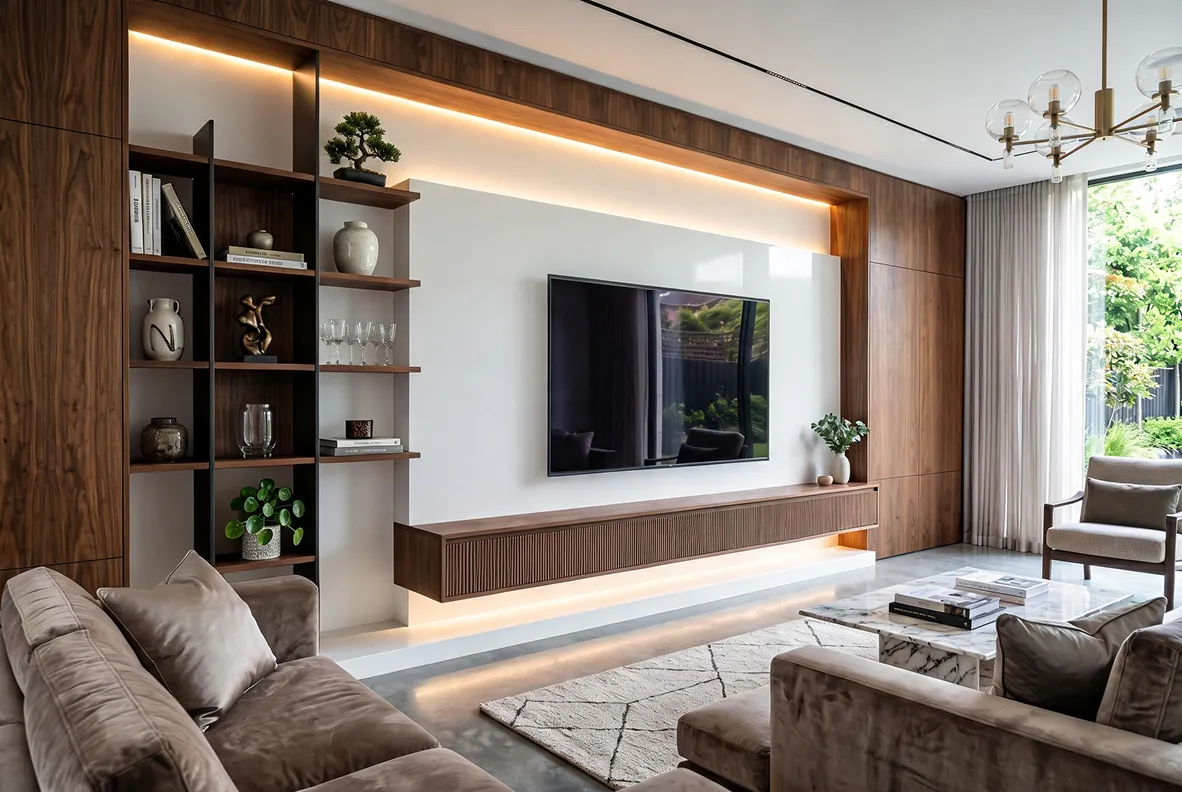 Before
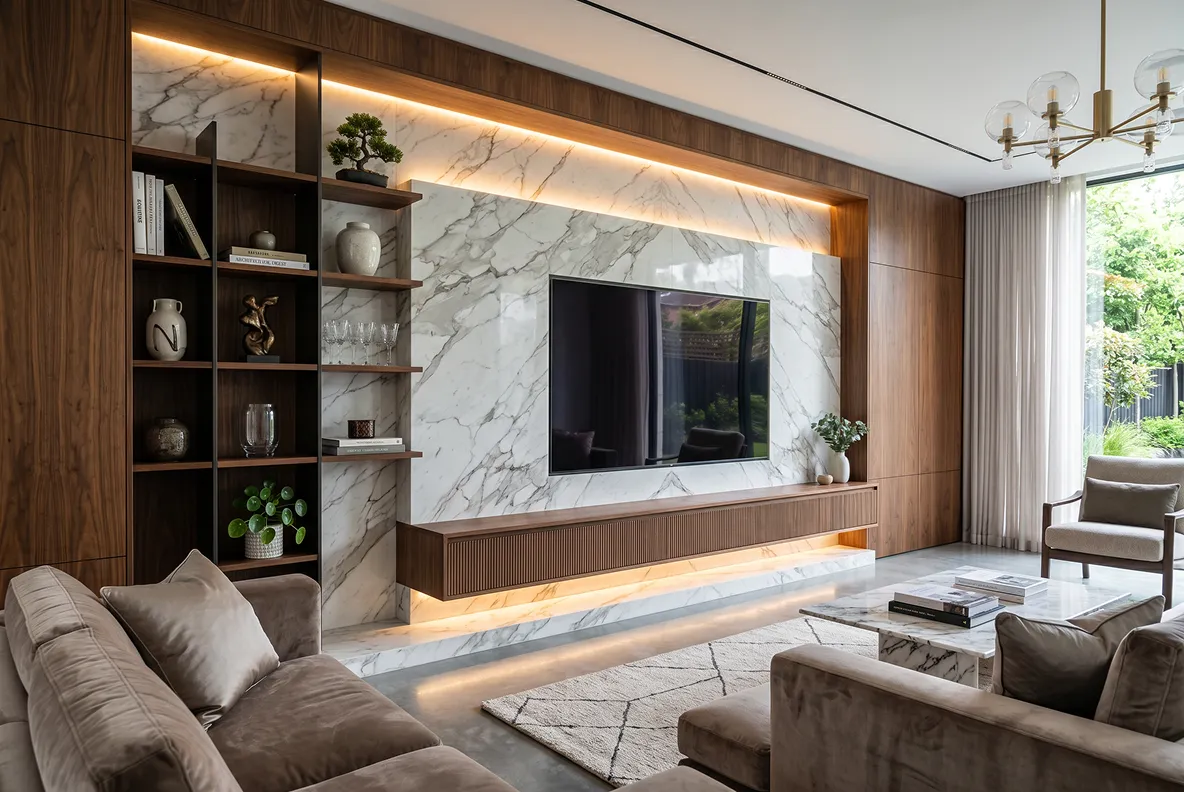 After
After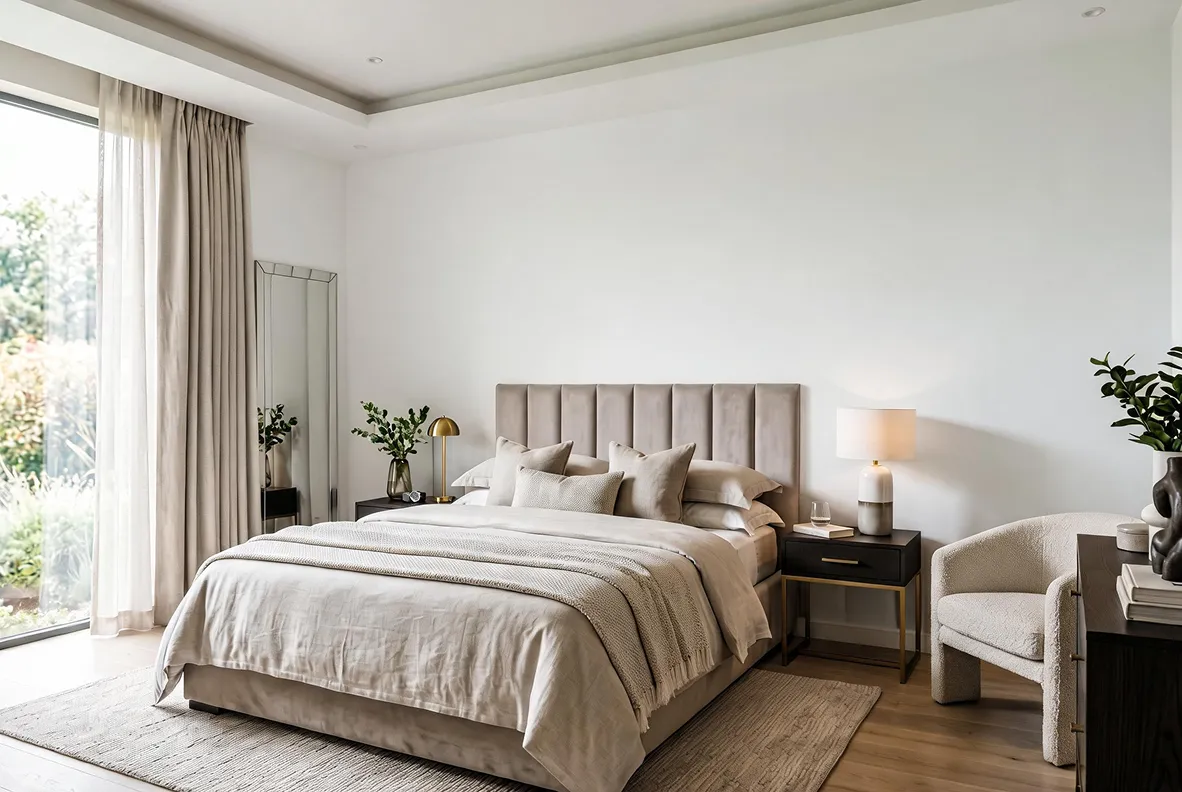 Before
 After
After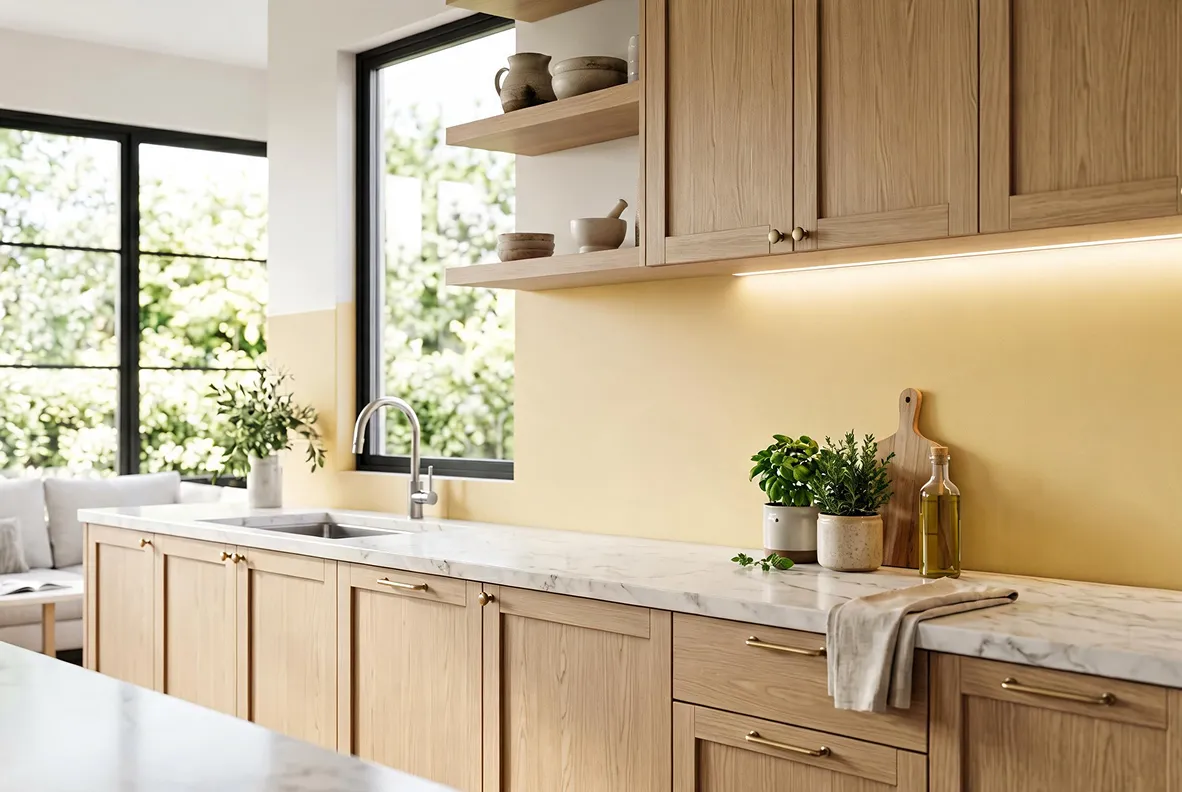 Before
 After
AfterNeed more to complete your home redesign?
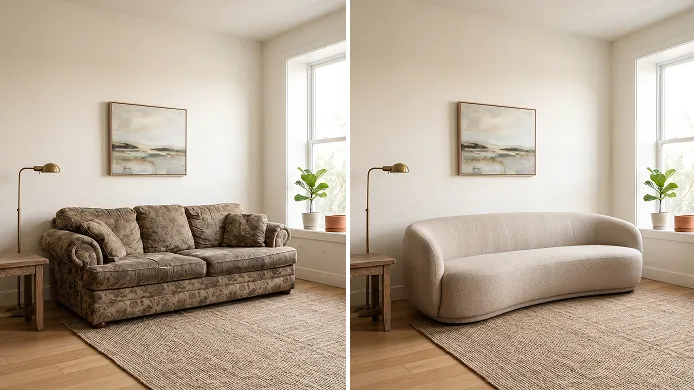
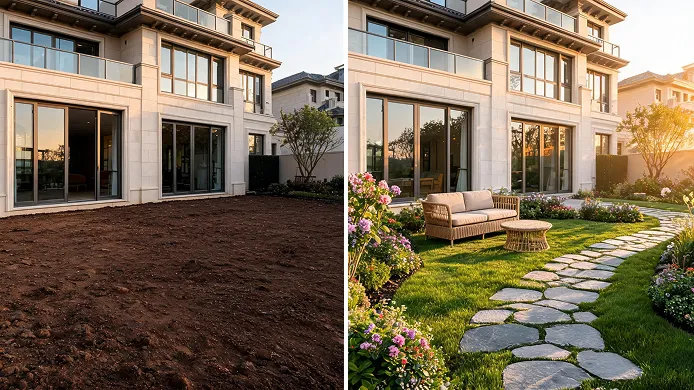





Free try DecAI wall design tool now
Download the free mobile app or try the web version to explore new wall ideas for your space right now.


iPhone
DecAI puts powerful capabilities right in your pocket and is compatible with iPhones running iOS 14 or later.
Frequently asked questions about DecAI wall design
1. What is DecAI Wall Design? How does it work?
2. Is it really free?
3. What image formats does DecAI accept?
4. Do I need any design experience to use DecAI Wall Design?
5. Does DecAI automatically detect walls in my photo?
6. Does DecAI work on accent walls or full rooms?
7. Can I also change the wall materials with DecAI?
8. Can I visualize wall art and gallery walls?
9. Can I use DecAI for commercial spaces?
10. Is my photo data safe and private?
11. Do I need to download any software?
12. What should I do to share my designs with others?
13. What details should I include in my instructions?
14. Is this tool suitable for professional wall or interior designers?