DecAI exterior design

Visualize Home Exterior Design Ideas in 30 Seconds Free
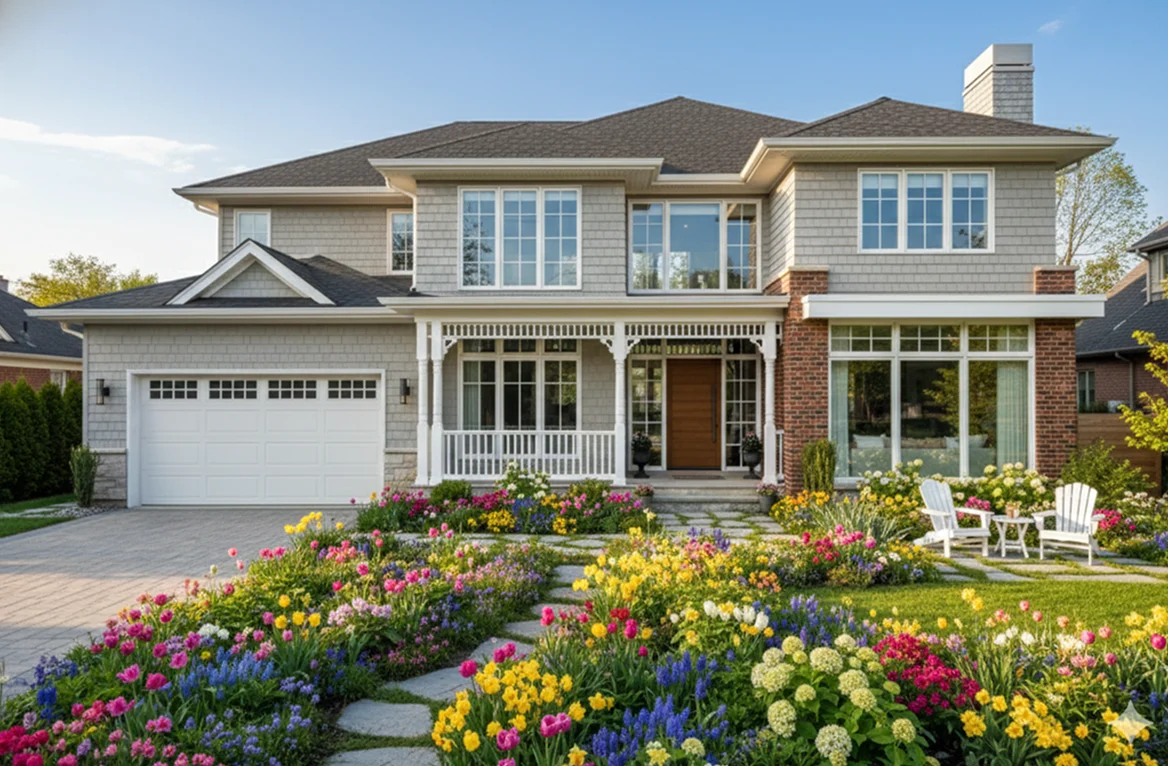
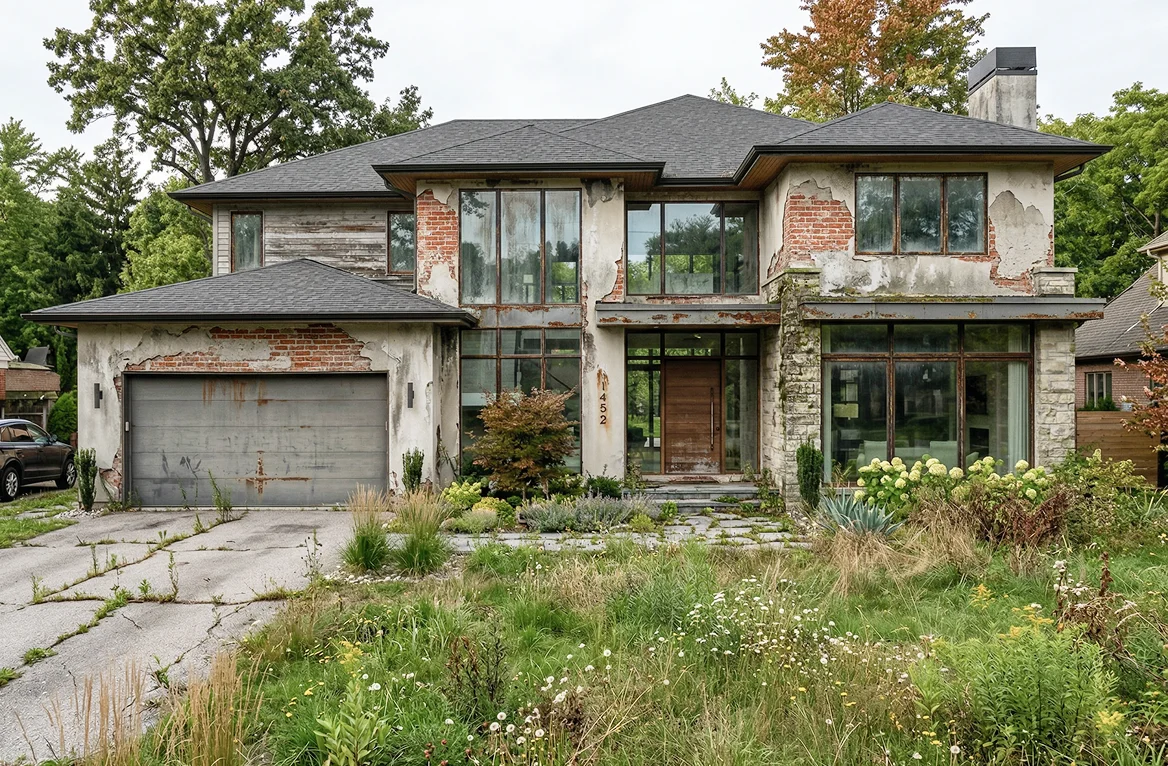
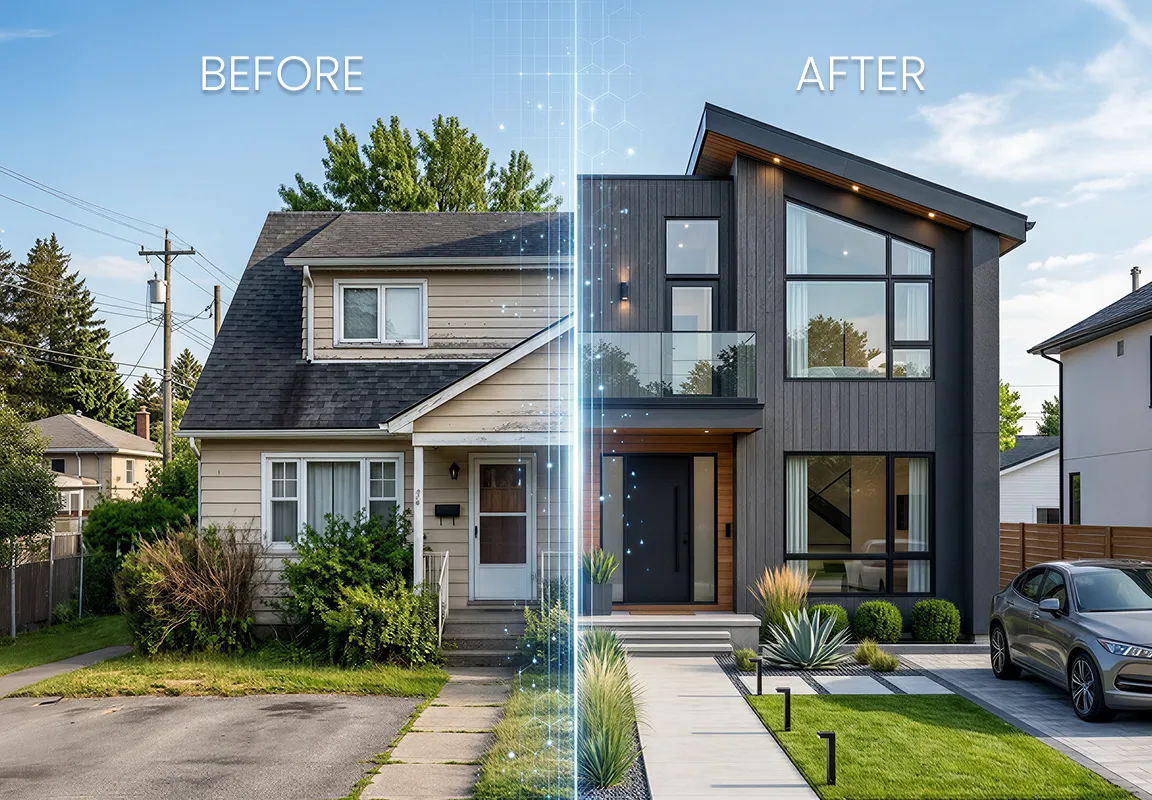
Instantly design exterior facades, landscaping, and seasonal decors for your houses, gardens, stores, and buildings with AI in 30 seconds. Simply upload a photo, no design skills required.
41M+
active users
170+
countries
4.6+
popularity rating
18.4M+
downloads
Smart AI makes exterior design super fast
Powered by advanced AI, DecAI generates photorealistic exterior designs in just 30 seconds, No manual drafting. No back-and-forth revisions. Perfect for last-minute festive makeovers or urgent real estate listings and more.
Smart AI makes exterior design super fast
Instant 3D designs, no sketching & rendering
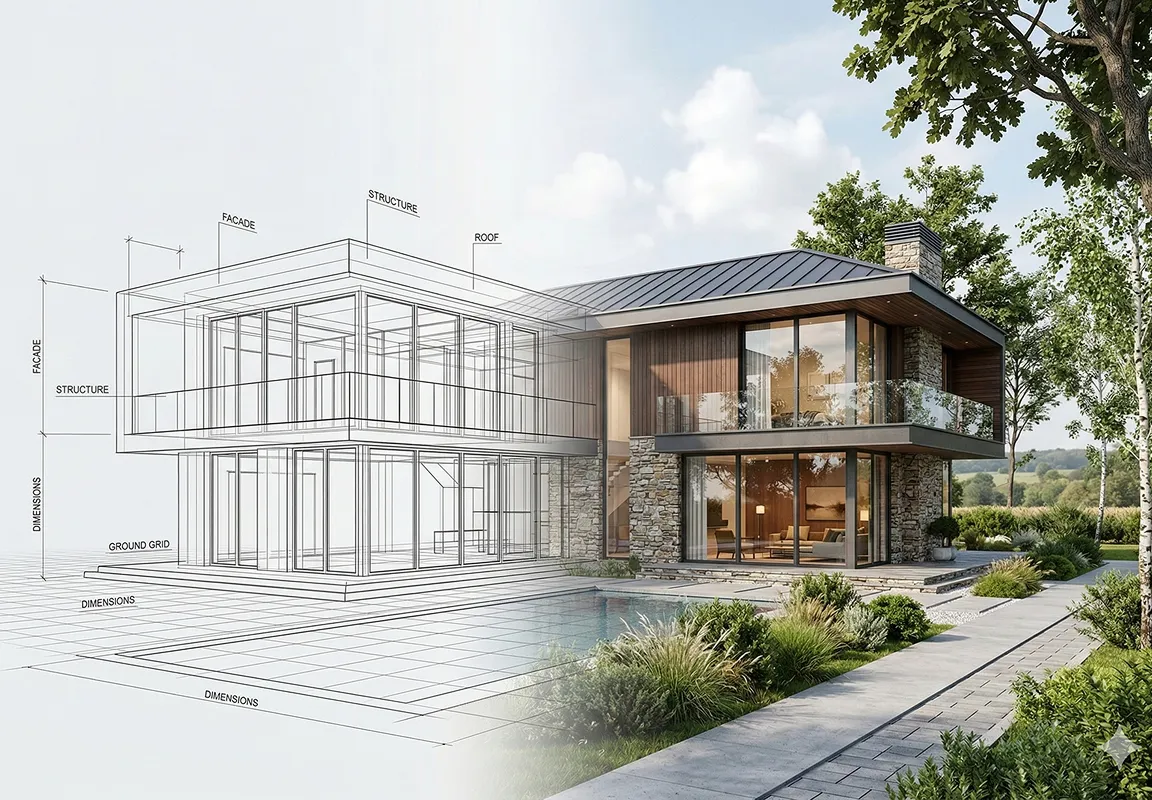
Instead of wasting days on endless sketching and rendering, DecAI, your free 3D exterior design visualizer, instantly transforms your photos into stunning 3D designs for your home, garden, patio, or commercial storefront, quickly previewing the final effects.
Instant 3D designs, no sketching & rendering
Seamlessly share & integrate into your workflow
Download your AI-generated home facade or storefront design, and seamlessly share them with your clients, colleagues or collaborators. Also directly insert them into your presentation, docs, proposals or similar to accelerate your whole design process.
Seamlessly share & integrate into your workflow

Even Pro exterior designers love DecAI

DecAI is quite popular within homeowners and DIY enthusiasts, even professional designers rely on it to scale their work, wow clients, and cut hours of tedious labor. Here’s why:
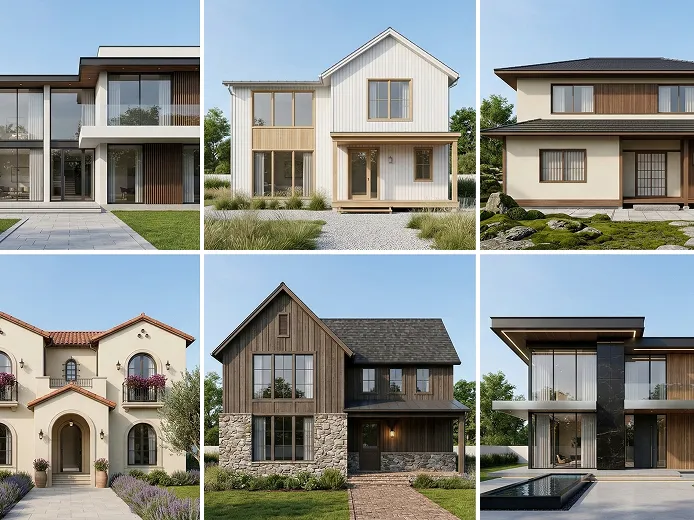
Rich design styles

Rich design styles

Choose from a library of on-trend exterior styles with just one click—Modern, Christmas, Farmhouse, Mid-century, Minimalist, Rustic, and more. Instantly find the perfect fit for any project, client and scenario.
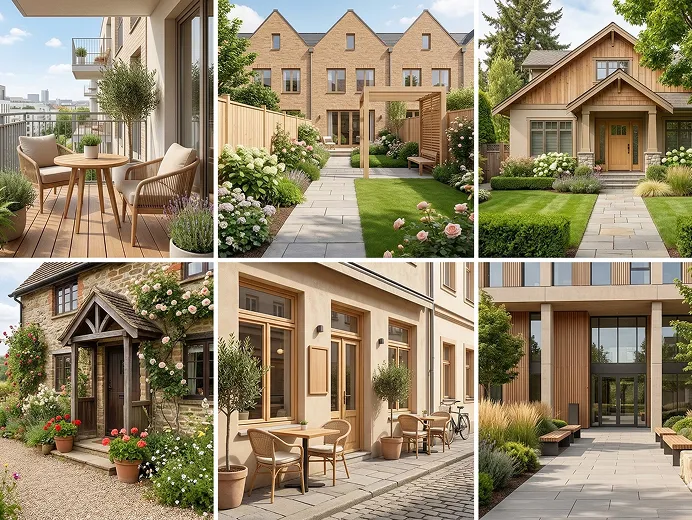
Various building types

Various building types

Access a wide range of building types to design almost any property, which auto aligns with architectural features, principles, and constraints, from urban apartments to rural cottages, storefronts, offices, and more spaces.

Preset design ideas

Preset design ideas

DecAI comes with a curated library of amazing outdoor design examples to spark your creativity and speed your ideation process, no more endless searching required.

Easy & user-friendly

Easy & user-friendly

Interfaces are built for speed and simplicity, so even non-designers or beginners, like your clients or stakeholders, can directly use it to visualize design ideas for better communication and execution.
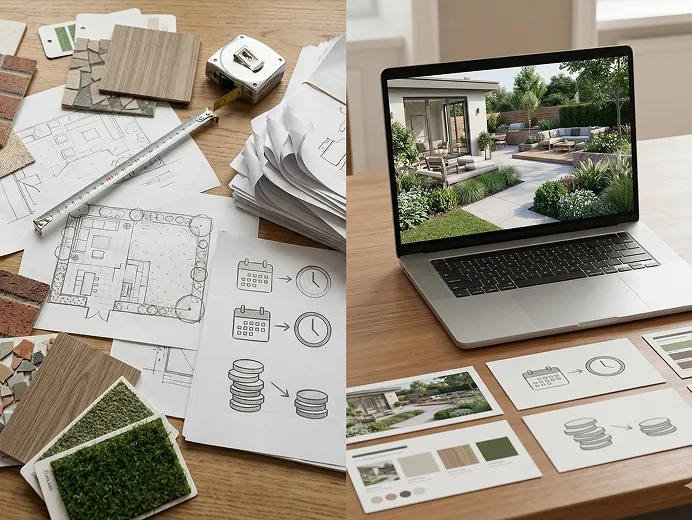
Save time & money

Save time & money

Design your exteriors in seconds instead of hours or days. The pricing is also highly cost-effective compared to similar interior and exterior design tools, with plans as low as $0.16 per day.
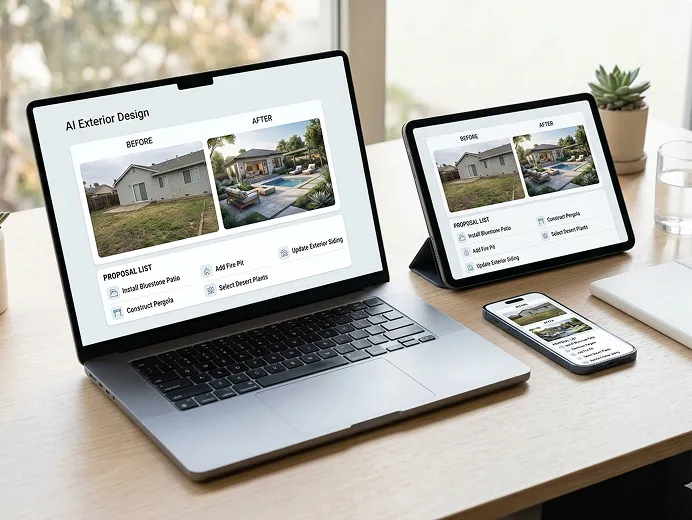
No device limit

No device limit

Work seamlessly across web, iOS, and Android devices—whether you’re working on your office laptop, presenting results to a client on your tablet, or making quick checks on your phone while waiting in a queue.

See what you actually can create with DecAI

Explore the amazing exterior design examples you can generate with DecAI exterior design:

No more content, please try again.
Not just for professionals, but for everyone
DecAI is made for anyone who wants brilliant exterior designs.
who-benefits-7
Homeowners
Preview and redesign your garden, patio, or house exterior before starting any renovation.
who-benefits-8
Small business owners
Redesign your café, boutique, or office exterior to stand out in the neighborhood.
who-benefits-9
Real estate agents
Stage properties virtually to showcase their full potential and impress buyers.
who-benefits-10
Landscapers & Gardeners
Quickly plan and visualize outdoor spaces, gardens, and landscaping designs.
who-benefits-11
Contractors & Architectures
Present realistic 3D designs to clients upfront, cut revision cycles, and get passed faster.
who-benefits-12
DIY enthusiasts
Test siding colors, garden layouts, or festive decor on your home in 30 seconds, no skills.

How to design your exterior space with our AI tool?

Simply follow 3 steps to transform your home or building’s exteriors.
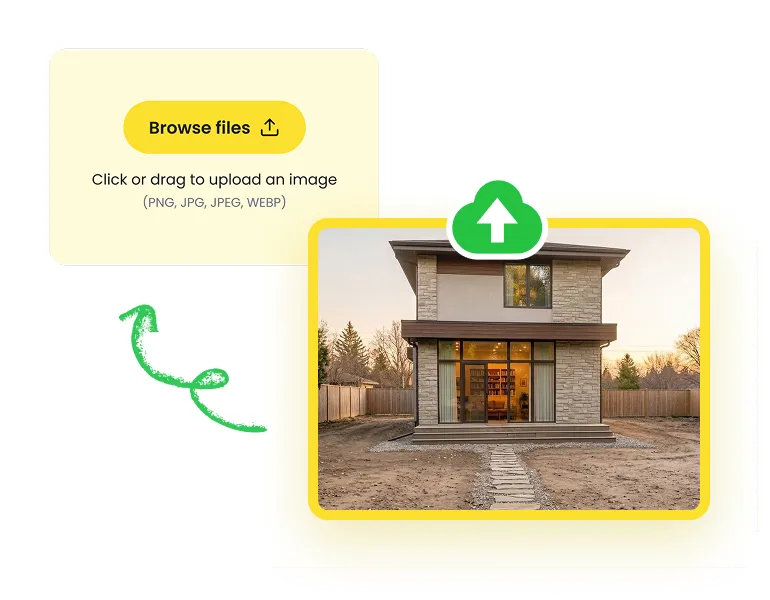
Upload your exterior space image
Step 1

Upload your exterior space image

Upload a clear, wide-angle photo of your exterior space (50KB or larger)
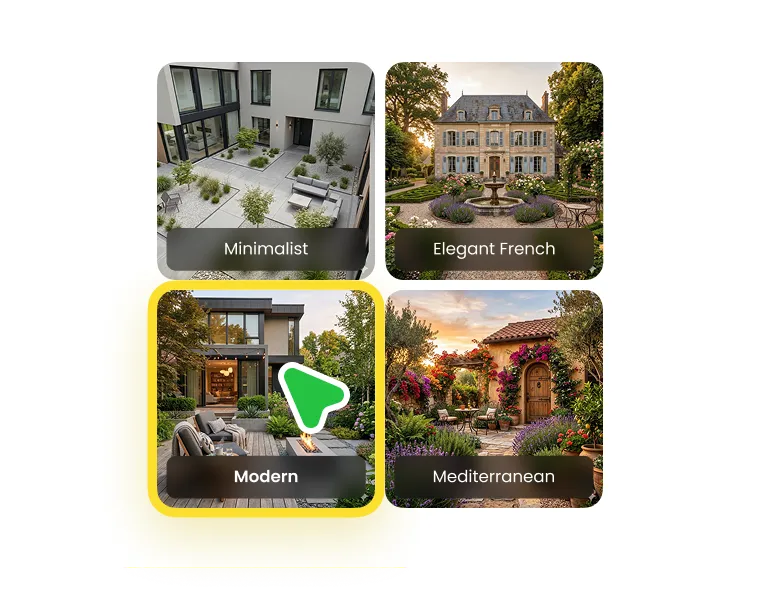
Personalize your design needs
Step 2

Personalize your design needs

Select the building type, design style, and color palette based on your needs.
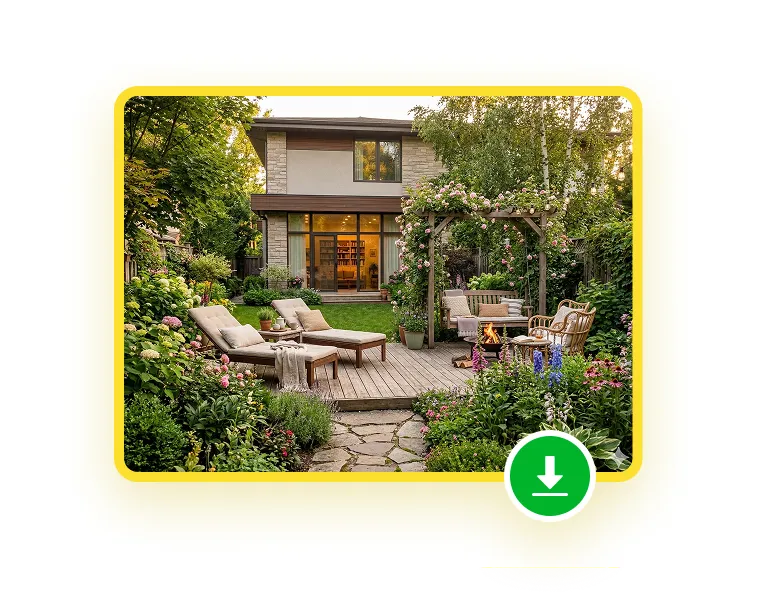
Let AI generate the design
Step 3

Let AI generate the design

Get high-resolution, photorealistic designs in about 30 seconds—download or tweak.

DecAI offers more than AI exterior design

Far more features are also available for you to cover your entire home or building design process, from interior to exterior, from start to finish, all in one platform.
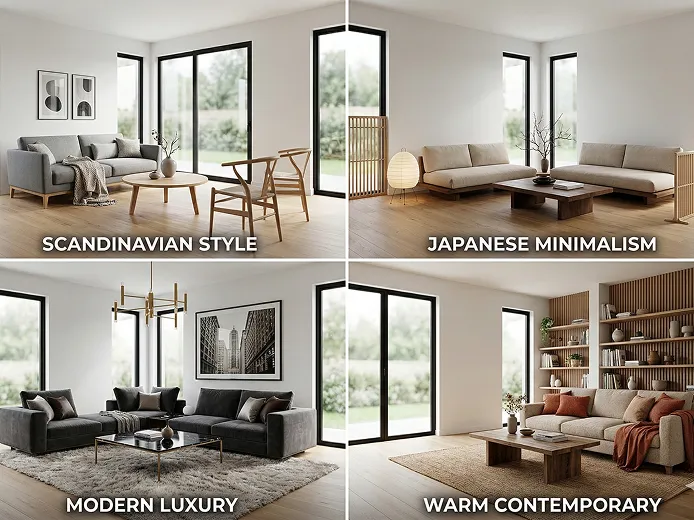
AI interior design

AI interior design

Generate space interior designs in 30 secs. Explore 30+ styles and instantly test ideas for any interior space.
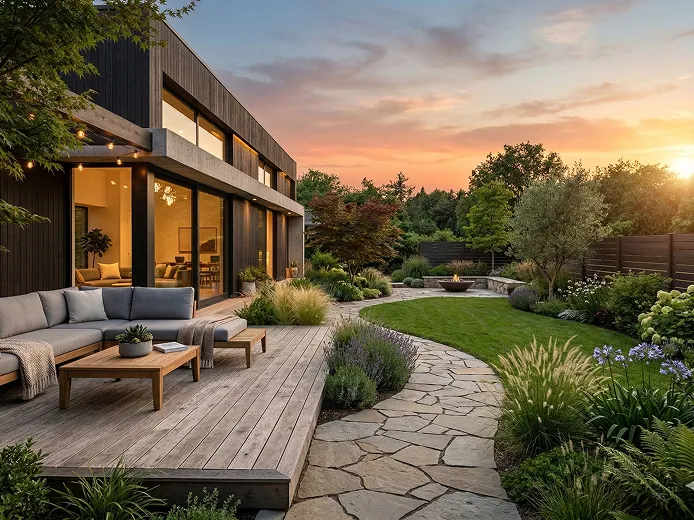
AI garden design

AI garden design

Redesign your backyard or garden landscape into a personalized retreat, perfectly tailored to your space and lifestyle.
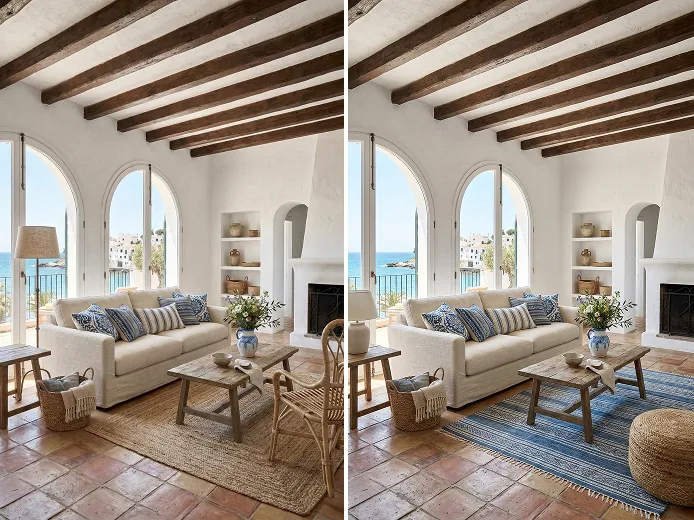
AI furniture replace

AI furniture replace

Replace furniture in your home or room photo to instantly see if it fits your space in color, style, and layout.
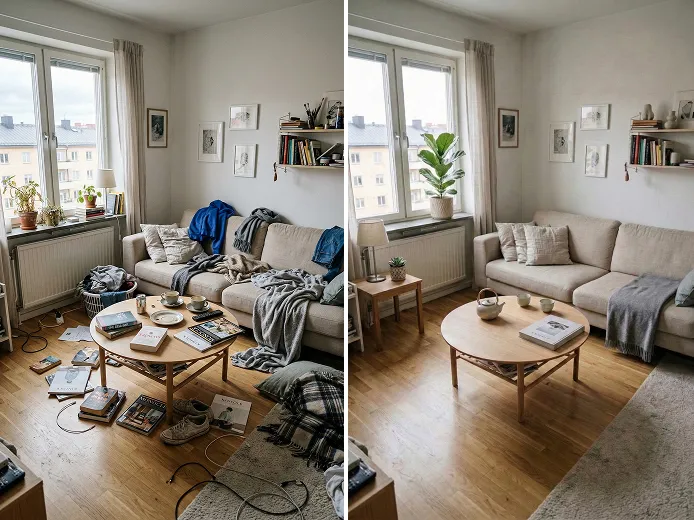
AI furniture cleanup

AI furniture cleanup

Remove outdated or unwanted furniture from your photos instantly, ideal for staging rentals, remodeling a space and more.
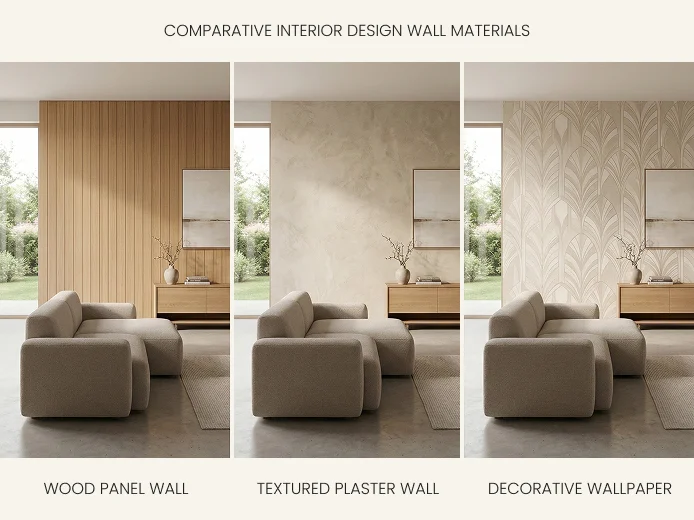
AI wall design

AI wall design

Change wall paints or materials to match any style or mood. Simply type your vision and preview the results instantly.
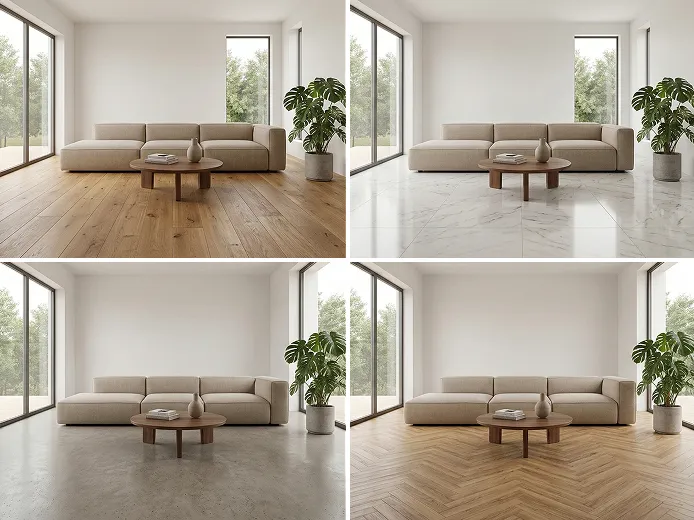
AI floor design

AI floor design

Try with different flooring materials and finishes to find the perfect match for your space—fast, easy, and fully customizable.

DecAI vs traditional exterior design tools

Items
Design speed
Example and style libraries
Easy to start
Instant AI-generated 3D designs
Works on web, iOS, and Android
One-click download and easy sharing
DecAI
30 seconds or less
Traditional tools
Hours, days, or weeks

Ready to design your exteriors with DecAI?

Free try it in your browser or download its app to use it on your iOS or Android mobile devices today:
iPhone
Android
iPad
Web
iPhone

iPhone

DecAI puts powerful capabilities right in your pocket and is compatible with iPhones running iOS 14 or later.


Still not sure? See what our users are saying
Over 41 million users across 170+ countries are using DecAI to evolve their home and design careers.
comment-1
Sarah Collins, an exterior design studio designer
“I used to spend 2-3 days just drafting 2-3 exterior concepts for clients, and revisions would add another day of work. Since switching to DecAI, I can generate 5 polished 3D designs in 5 minutes, and clients can tweak colors/materials themselves without bugging me. My client satisfaction rate went up 40%, and I’ve taken on 3x more projects this year without burning out.”
comment-2
Michael Turner, a senior real estate agent at Washington
“As a real estate agent, staging listings used to cost me hundreds per property. DecAI’s exterior cleanup and design tool lets me turn drab facades into eye-catching previews in 30 seconds. I listed a 1980s home last month with a DecAI-generated modern facade redesign, and it got 3x more showings and sold $20k over asking. Total game-changer for my listings.”
comment-3
Emily Wong, a homeowner
“I wanted to renovate my backyard but had no clue where to start. DecAI’s garden design tool lets me upload a photo of my messy yard, pick a ‘cozy cottage’ style, and generate a layout with plants that actually grow in my climate. I tweaked the fire pit location a few times, then showed the design to my landscaper—he said it was more detailed than most professional plans he sees. Saved me thousands on a designer.”
comment-4
Jason Miller, the owner of a Café
“Running a small café, I needed to refresh my storefront and interior on a tight budget. DecAI let me design both the exterior signage/color scheme and interior seating layout in one place—no need to hire separate exterior and interior designers. The material cost estimator even helped me stay under budget.”
comment-5
Olivia Bennett, a general contractor
“I’m a general contractor, not a designer. Before DecAI, explaining design ideas to clients was a nightmare—they’d misinterpret my sketches and get frustrated. Now I upload their home photo, generate 2-3 styles with DecAI on the spot, and they can see exactly what the finished exterior will look like. Revisions are fast, and I’ve cut down on change orders by 60% because expectations are clear from day one.”
comment-6
Daniel Rodriguez, a home designer
“I initially tried DecAI just for quick inspiration, but it ended up becoming part of my early design workflow. For exterior concepts, it helps me explore directions fast and align with clients before moving into detailed drawings.”

Frequently asked questions about DecAI exterior design

1. What is DecAI Exterior Design? How does it work?

DecAI Exterior Design is an AI-powered tool that helps you visualize exterior design ideas for homes, gardens, commercial shops, and other buildings in 30 seconds or less. Simply upload a photo, choose a building type and style, and let AI generate realistic design results instantly. Best for DIY homeowners, renters, real estate agents, store owners, and even professional designers.

2. Can I use DecAI Exterior Design for free?

Yes! Every new user can sign up and generate one exterior design on the Web and 3 exterior designs per day on the Mobile versions for free. To unlock more generations, you can upgrade to a premium plan. DecAI offers monthly, yearly, and lifetime plans—see full details on the pricing page.

3. Is there a free AI app for exterior home design?​

Yes! DecAI offers AI exterior home design apps for both iOS and Android, giving you the freedom to design on any device—smartphones, tablets, iPads or laptops. The free exterior home makeover app includes all core features of the web free plan, so you can start designing anytime, anywhere, with no account or device limits.

4. Why should I choose DecAI over other design tools?

DecAI stands out because it’s fast, easy, and truly AI-powered. Unlike traditional design tools that take hours or days and require skills or manual rendering, DecAI instantly generates photorealistic exterior designs with just a photo and a few clicks. It combines powerful AI with intuitive usability, so both beginners and professionals can explore ideas, test styles, and visualize results without complex software. Most importantly, it does have a much affordable and accessible pricing for everyone.

5. Do I need design experience to use DecAI?

No. DecAI is designed for everyone, including complete beginners. You don’t need any design background or technical skills—just upload a photo, choose a style, and our AI will do the rest.

6. What types of buildings or space can you design with DecAI?

DecAI works for nearly every residential and small commercial property type.You can design homes such as houses, villas, apartments, and cottages, as well as commercial spaces like storefronts, offices, cafés, restaurants, and hospitality buildings. Simply select a building type, and DecAI will automatically match the architectural features, principles, and constraints to deliver more accurate results.

7. Can I access DecAI exterior design tools on mobile devices?

Yes. DecAI is designed to be across-platform, which means that you can start designing your exterior seamlessly whenever you are using a computer, laptop, smart phone, iPad or tablet.

8. Is my data and photos secure? Who sees my house photos?

Yes. DecAI team always takes data security as the top priority. Your data and photos are securely processed and protected, and will not be shared with anyone else without your permission. Only you can access your designs, and DecAI does not publicly display or sell your photos. For more details, please refer to our Privacy Policy.

9. Is DecAI suitable for professional designers or architects?

Yes. DecAI is widely used by professional designers and architects for early-stage ideation, concept visualization, and client presentations. It helps speed up workflows without replacing professional expertise.

10. What happens if I run out of free generations?

If you’ve used all your free generations, you can upgrade to a premium plan to unlock more designs, faster generation speed, and advanced features. Multiple flexible plans are available to fit different needs

11. Can I use my generated exterior designs commercially?

Yes. All designs you generate with DecAI belong to you and can be used for both personal and commercial purposes, including client presentations, marketing materials, and real projects.

12. What should I do if I need help or have more questions?

You can feel free to contact us at decaidesignteam@gmail.com anytime, if you have any questions or need any help. We’re always happy to help you get the most out of DecAI.